Project 1
Colorizing the Russian Empire
You should watch the colorized World War 1 film They Shall Not Grow Old. It opens in black and white but bursts dramatically into color as the soldiers enter the trenches. Color is supremely powerful. It breathes life into our pictures.
Yet, as much as I love They Shall Not Grow Old, the colorization is not real; there is no true color dimension in the original pictures, so the filmmakers are doing little more than coloring in a coloring book. I admit this is a perhaps unfair comparison: one can make some reasonable inference from the one dimensional black and white image with prior knowledge of what the world looks like. Hence, their interpretation is without-a-doubt much prettier and more believable than one thought up by a toddler with a couple of crayons.
For more than 100 years, black and white was the best we had; color photography did not become accessible or reliable until the invention of Kodachrome in the 1930s. I’d bet that people were itching to record the world as they truly see it. James Clerk Maxwell is credited with being the first to scratch that itch. Here’s his idea:
Let a plate of red glass be placed before the camera, and an impression taken. The positive of this will be transparent wherever the red light has been abundant in the landscape, and opaque where it has been wanting. Let it now be put in a magic lantern, along with the red glass, and a red picture will be thrown on the screen.
Let this operation be repeated with a green and a violet glass, and, by means of three magic lanterns, let the three images be superimposed on the screen. The colour of any point on the screen will then depend on that of the corresponding point of the landscape; and, by properly adjusting the intensities of the lights, &c., a complete copy of the landscape, as far as visible colour is concerned, will be thrown on the screen. The only apparent difference will be, that the copy will be more subdued, or less pure in tint, than the original. Here, however, we have the process performed twice—first on the screen, and then on the retina.
In summary, he wanted to record three images instead of one, in a sense emulating the three photoreceptive “cones” in our eyes sensitive to short, medium, and long wavelengths of light. In 1861 Maxwell recruited Thomas Sutton, a pioneering photographer and inventor, to demonstrate the technique. On the 17th of May, Sutton took three black and white transparencies of a tartan ribbon through red, green, and blue filters:
-
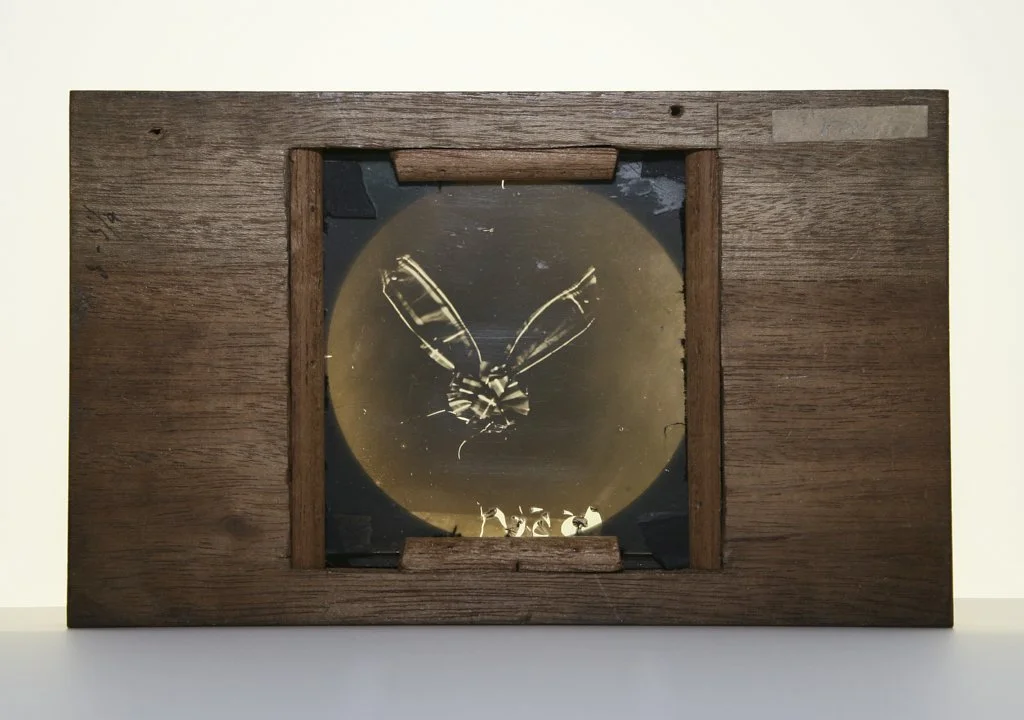
Red filter
-
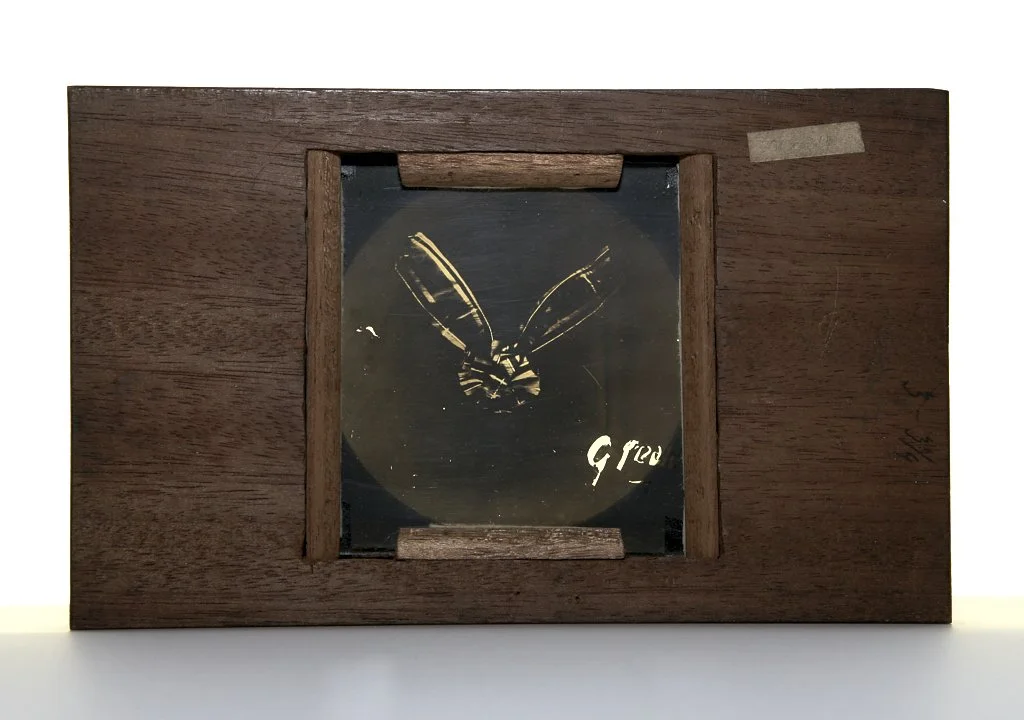
Green filter
-
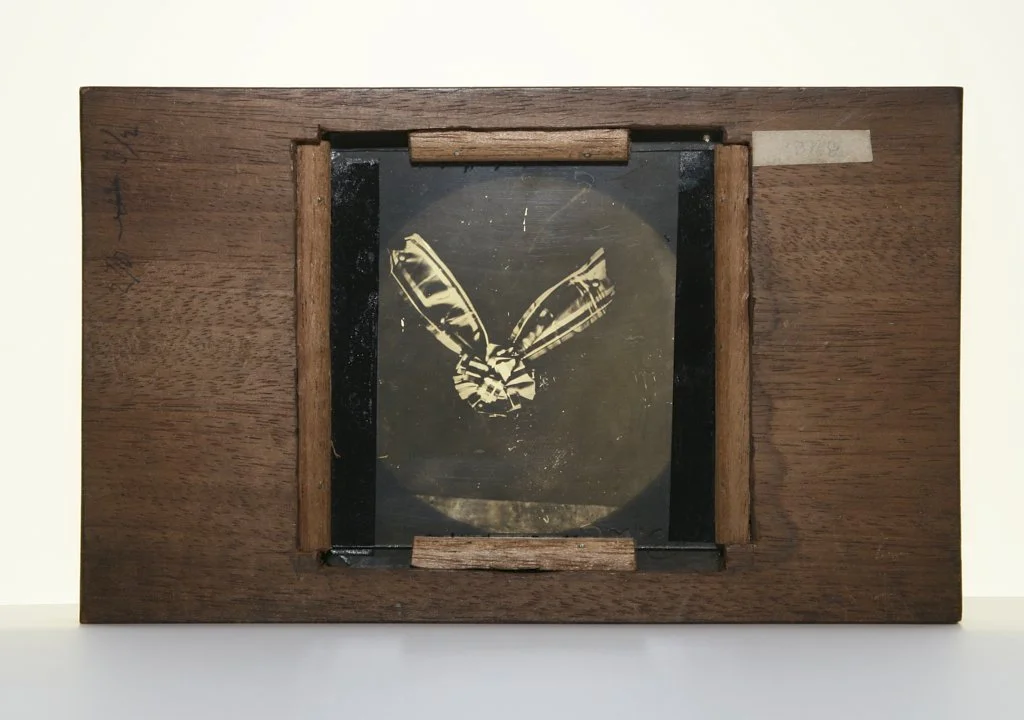
Blue-violet filter
Sutton’s images provide us a full three dimensions of information to colorize the picture. The result is in some respects more “true” than the artistic interpretation of black and white pictures in They Shall Not Grow Old. Here is what happens when we crop, stack up, and tint the three images appropriately:
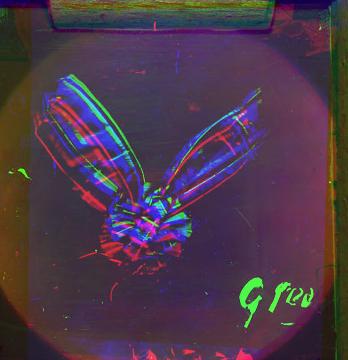
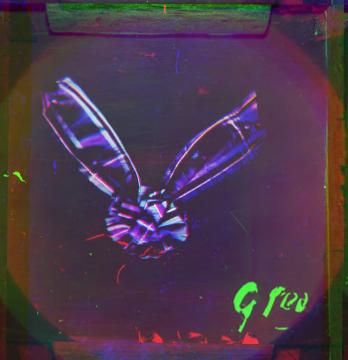
We should also line up the transparencies appropriately; the alignment above was done by python scripts I wrote. The results are of course limited, by the fact that I am reconstructing with unideal pictures of transparent plates created $150+$ years ago. Anyway, we might get a better result by lining up the three images and illuminating them by, in the words of Maxwell, a “magic lantern.”
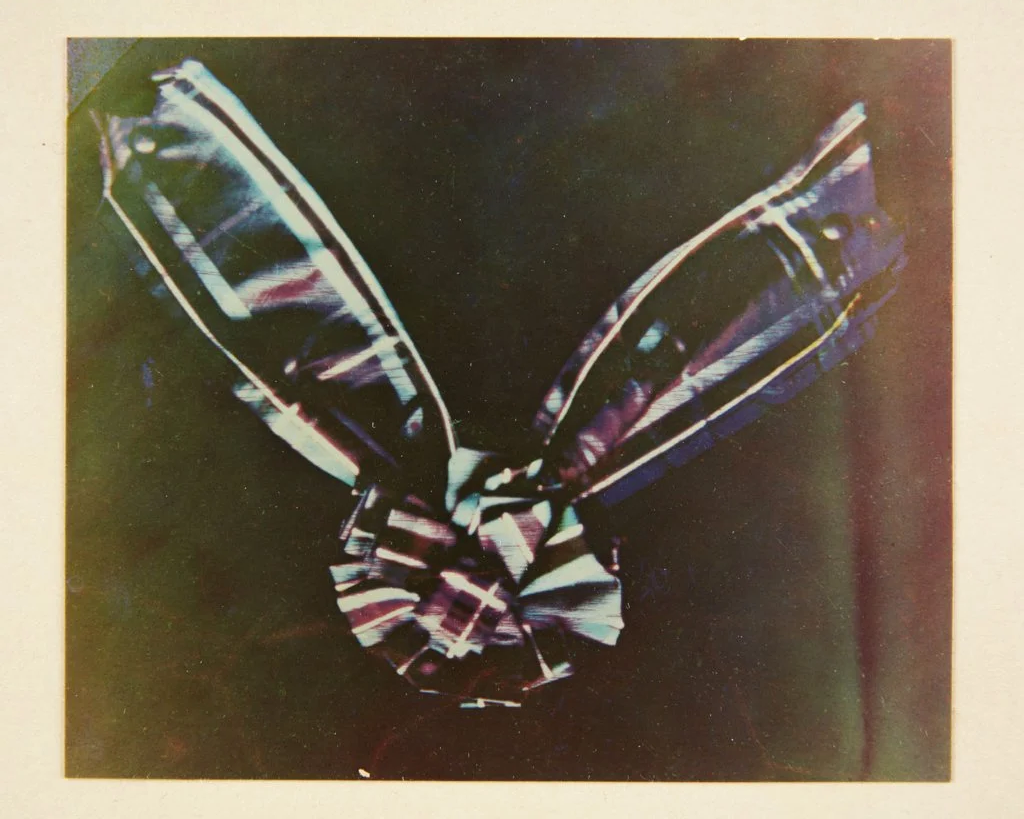
This looks quite similar to the one created by my scripts! It still looks pretty bad though, so for the rest of the project I’ll align some higher quality black and white images taken by Sergey Prokudin-Gorsky. He captured thousands of triplets of red, green, and blue filtered negatives in the early 20th century. You can find them online (LOC).
So, how does it work?
We start with the three black and white negatives corresponding to the red, green, and blue components:
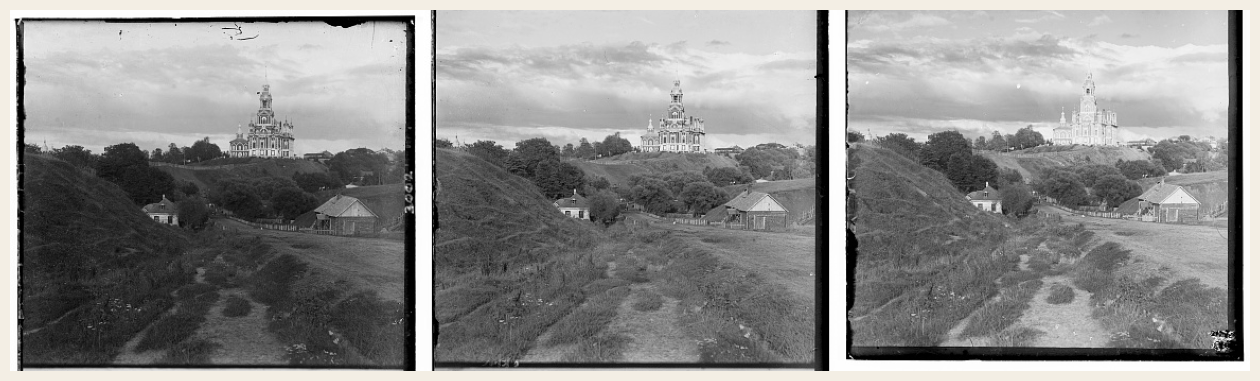
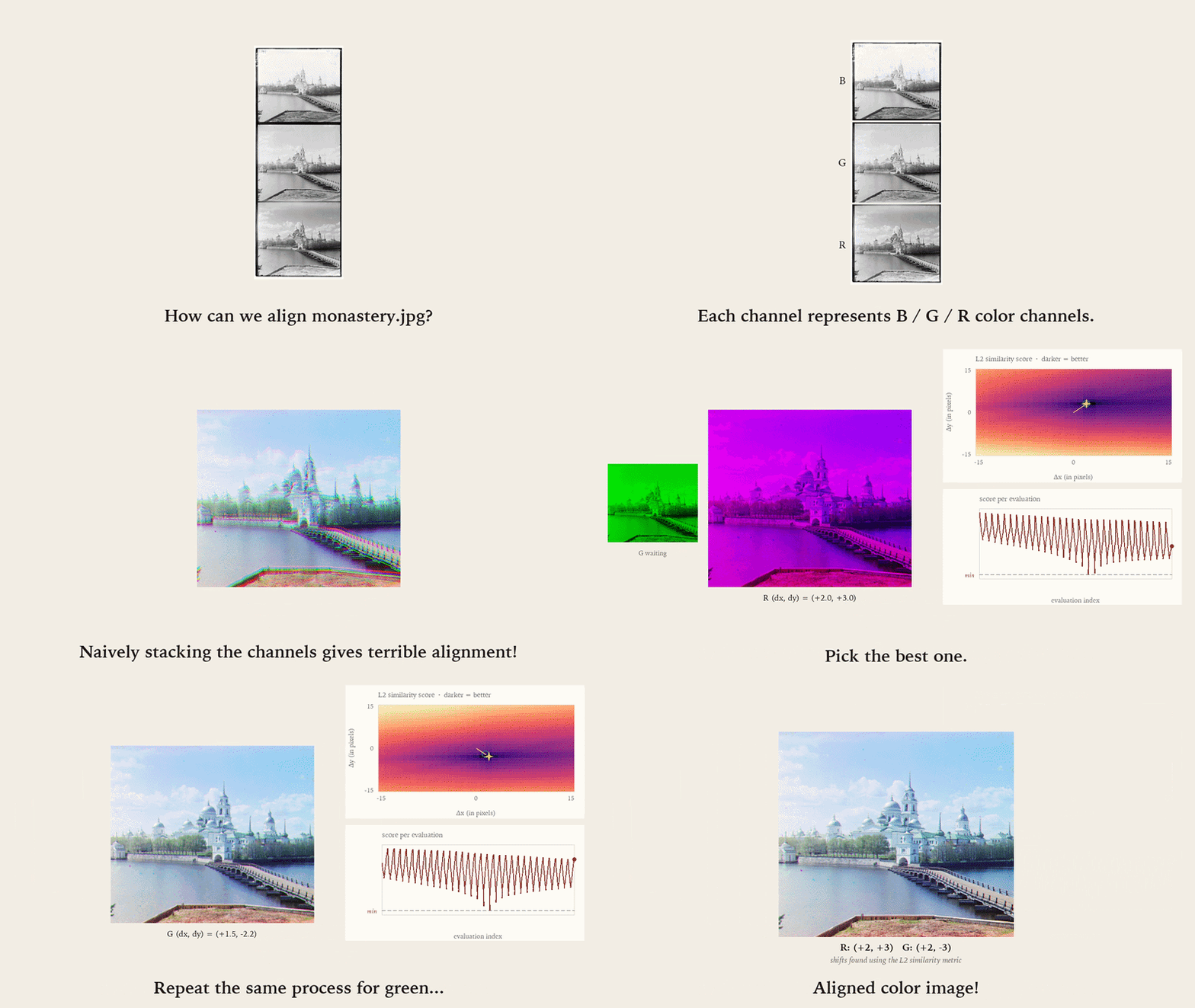
If we naively stack these, the resulting image looks terrible. This is because Prokudin-Gorsky didn’t take all three pictures in exactly the same location or at exactly the same time. Intuitively, we should to translate, say, the green and red channels so as to line them up with the blue channel:
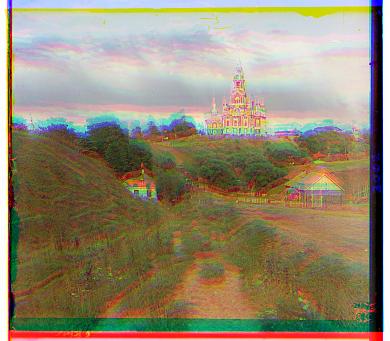
Our goal is to determine the shifts $\Delta x, \Delta y$ that result in the “best image.”
But how do we algorithmically compare the “similarity” of two color channels? The most straightforward approach is the $\ell^2$ norm. To compare the B and R channels you’d compute $\lVert \mathbf{y}_B - \mathbf{y}_R \rVert_2$. This in essence answers the question “how big, on a pixel by pixel basis, is the difference between blue and red?” To align B and R, we’ll jitter around the red image (testing, say, all $400$ displacements within $\pm 10$ pixels of the unaligned default); record the difference according to the $\ell^2$ norm at each; and then pick the best one.
The animation below demonstrates this process.
Here are the results of running this exact process on three small images:
Simple L2
-
cathedral
R (3, 12) · G (2, 5)
-
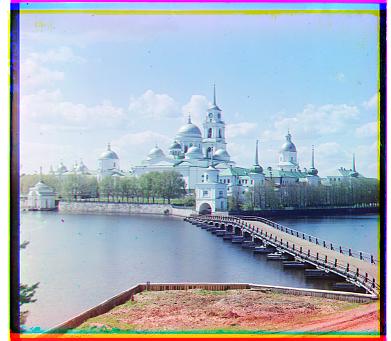
monastery
R (2, 3) · G (2, -3)
-
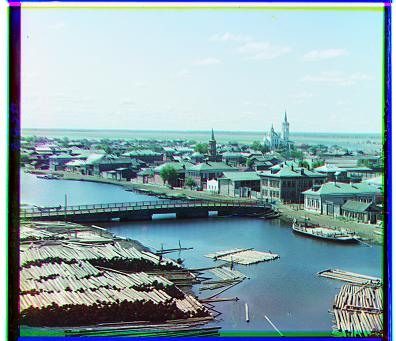
tobolsk
R (3, 6) · G (3, 3)
This approach clearly works quite well! The problem is that it does not scale well with bigger shifts or larger pictures. Trying to align some of the higher quality images in the dataset would take way too long!
Consider the case where we have to test shifts by up to $100$ pixels; we would have to test $200 \times 200 = 40000$ shifts instead of $400$. Further, the computation of $\ell^2$ norm scales quadratically with the image size; what takes, say, 100 seconds on a $10 \times 10$ image instead takes $10000$ seconds on a $100 \times 100$ image.
The solution is to solve a simpler problem. In particular, we are going to downsample so as to reduce the size of the image we have to align. After aligning the smaller image, we can upsample, and then refine our previous “best guess.” This exact process can be repeated recursively to make the initial downsampled image arbitrarily small.
The nice thing is that the refinements we make as the recursion unwinds are super easy. Why? Consider a tiny $2 \times 2$ pixel patch. After downsampling, these collapse to a single pixel. This means that in theory the furthest “off” our estimate can be is a single pixel!
Of course we cannot downsample by naively throwing away every other pixel due to aliasing. Since the anti-aliasing filter we apply spreads the a pixel’s brightness beyond a narrow $\pm 1$ pixel window, we should really try a slightly more broad search window (perhaps $\pm 3$) than that.
This approach is explained by the animation below. Notice that the estimated shift computed on a downsampled image looks quite good, even before we apply any refinements.
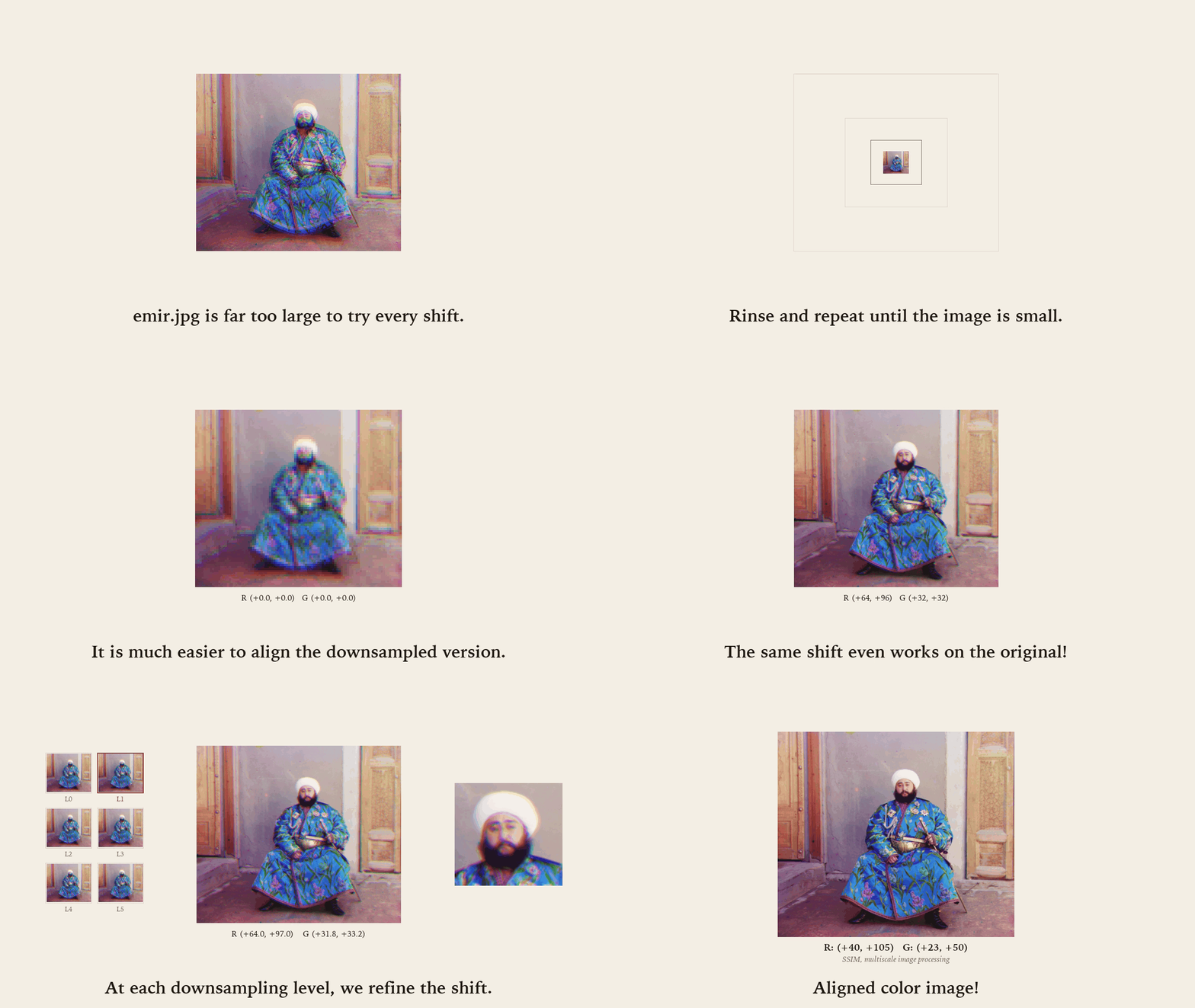
This strategy is called a “multiscale” or “image pyramid” processing technique. Below are the results computed with this approach on some example images.
Multiscale L2
-
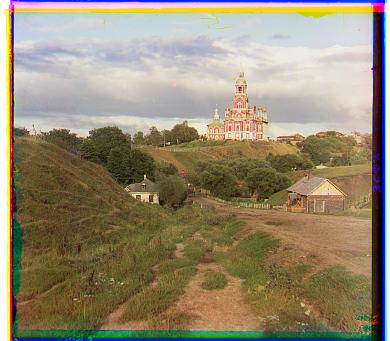
cathedral
R (3, 12) · G (2, 5)
-
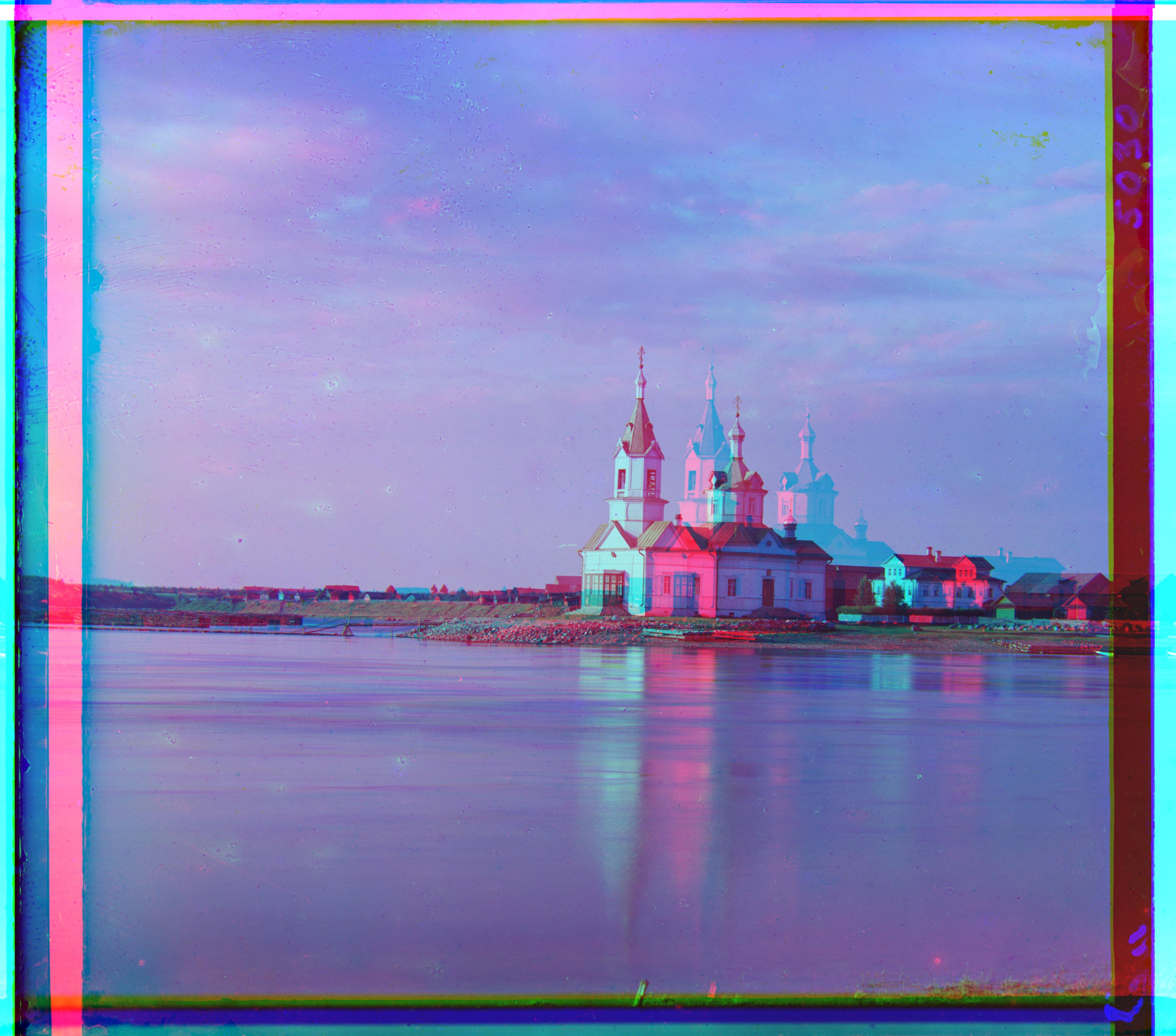
church
R (214, 63) · G (4, 25)
-
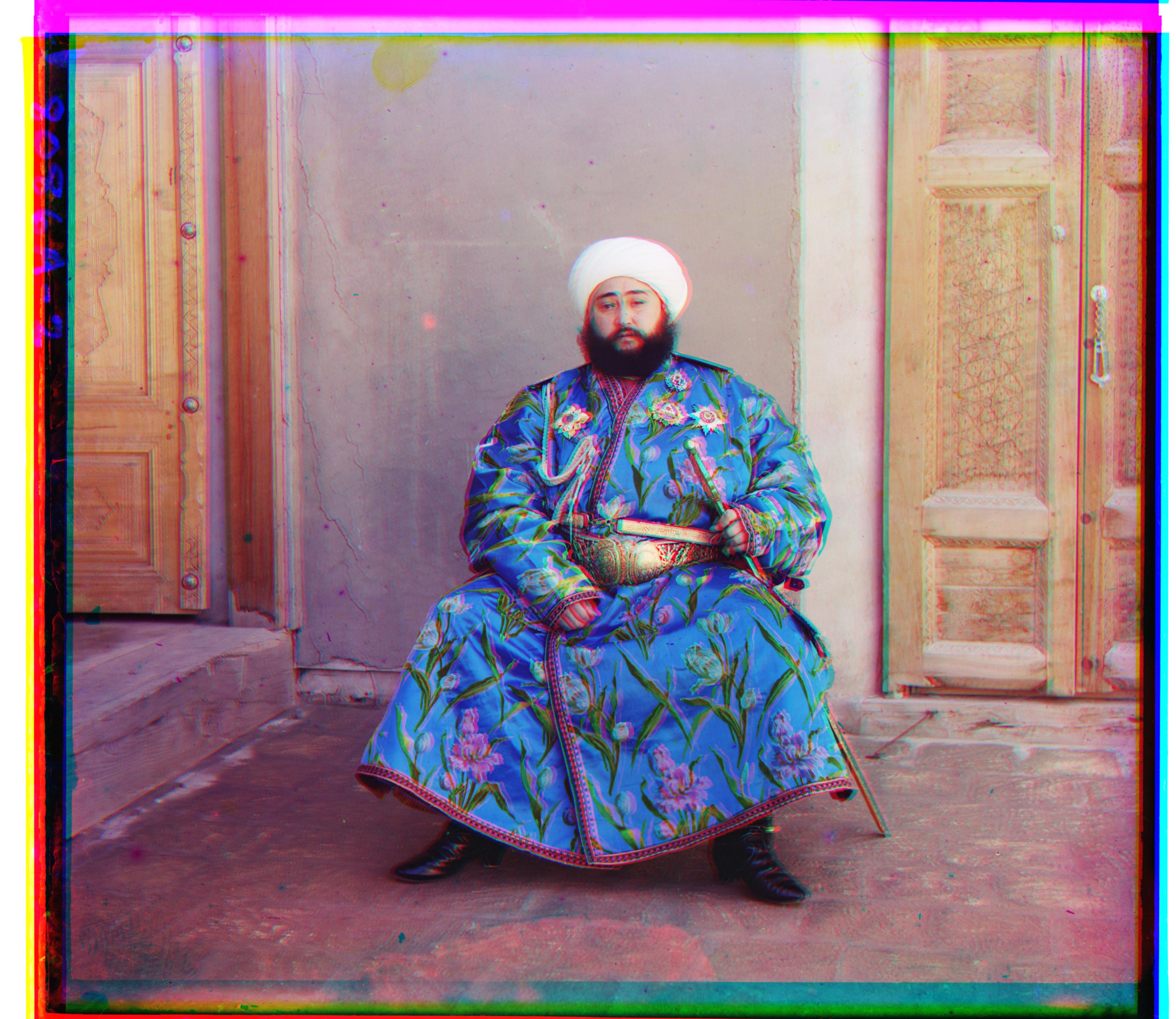
emir
R (57, 103) · G (24, 49)
-
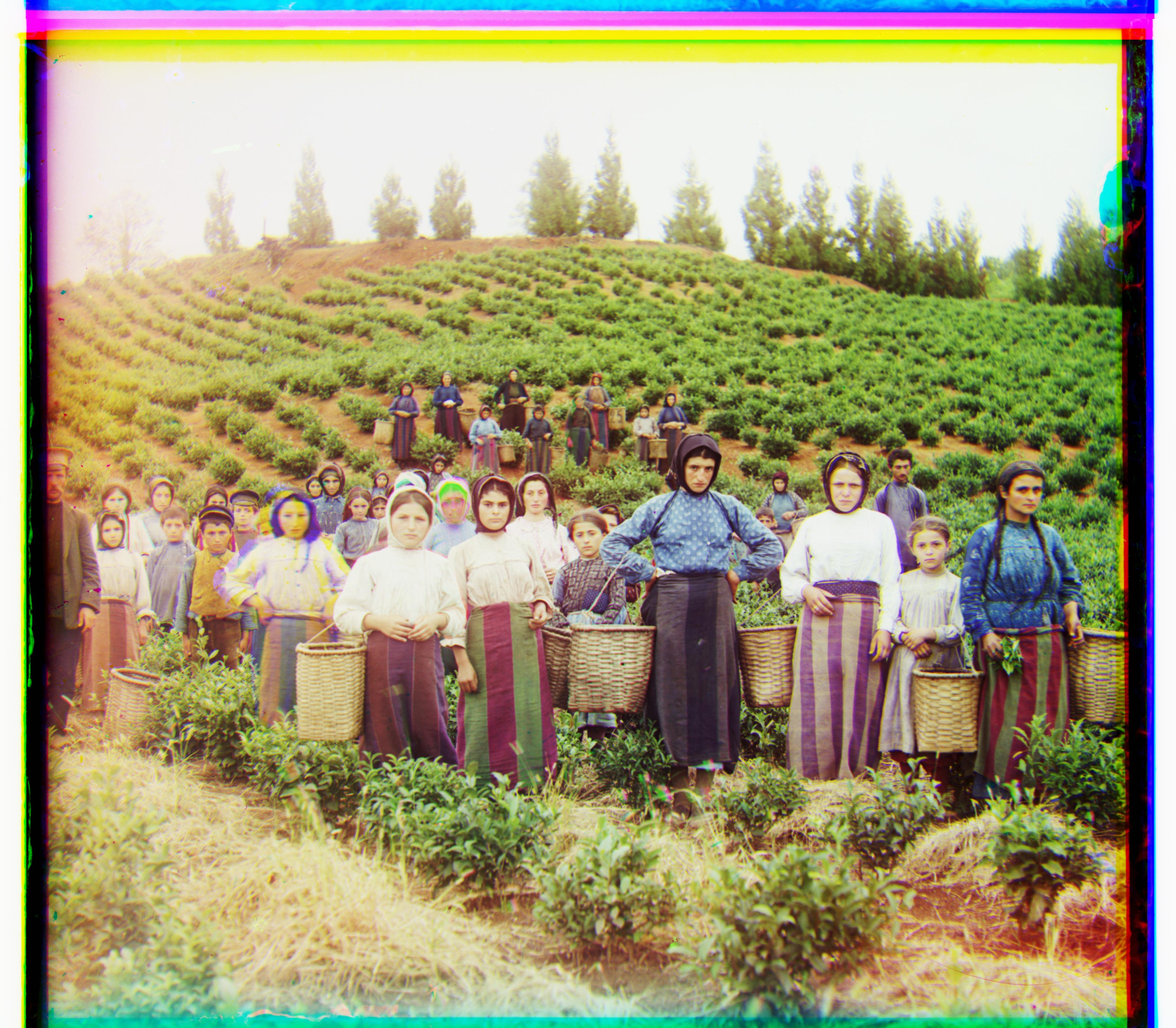
harvesters
R (13, 124) · G (16, 59)
-
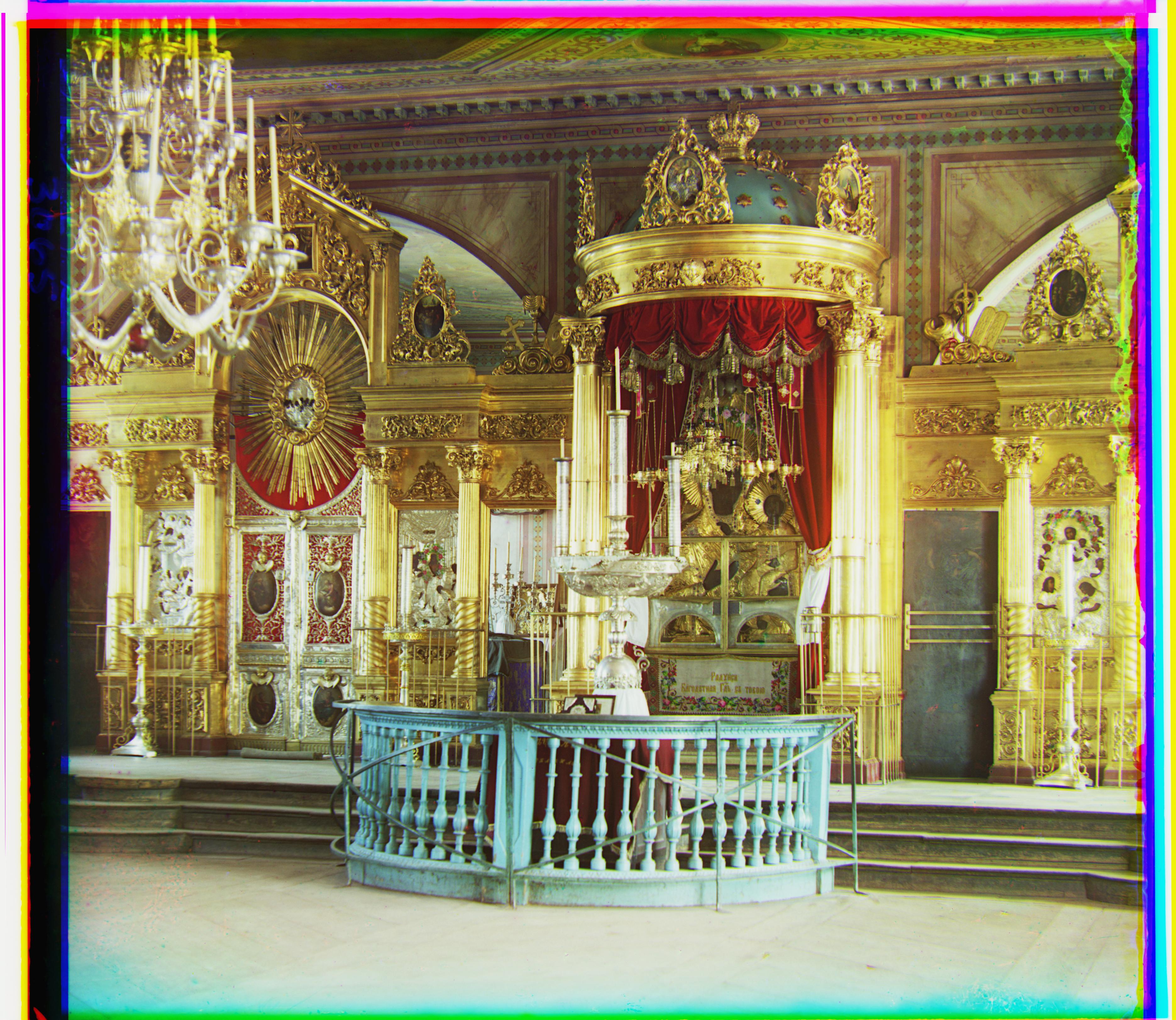
icon
R (23, 90) · G (17, 41)
-
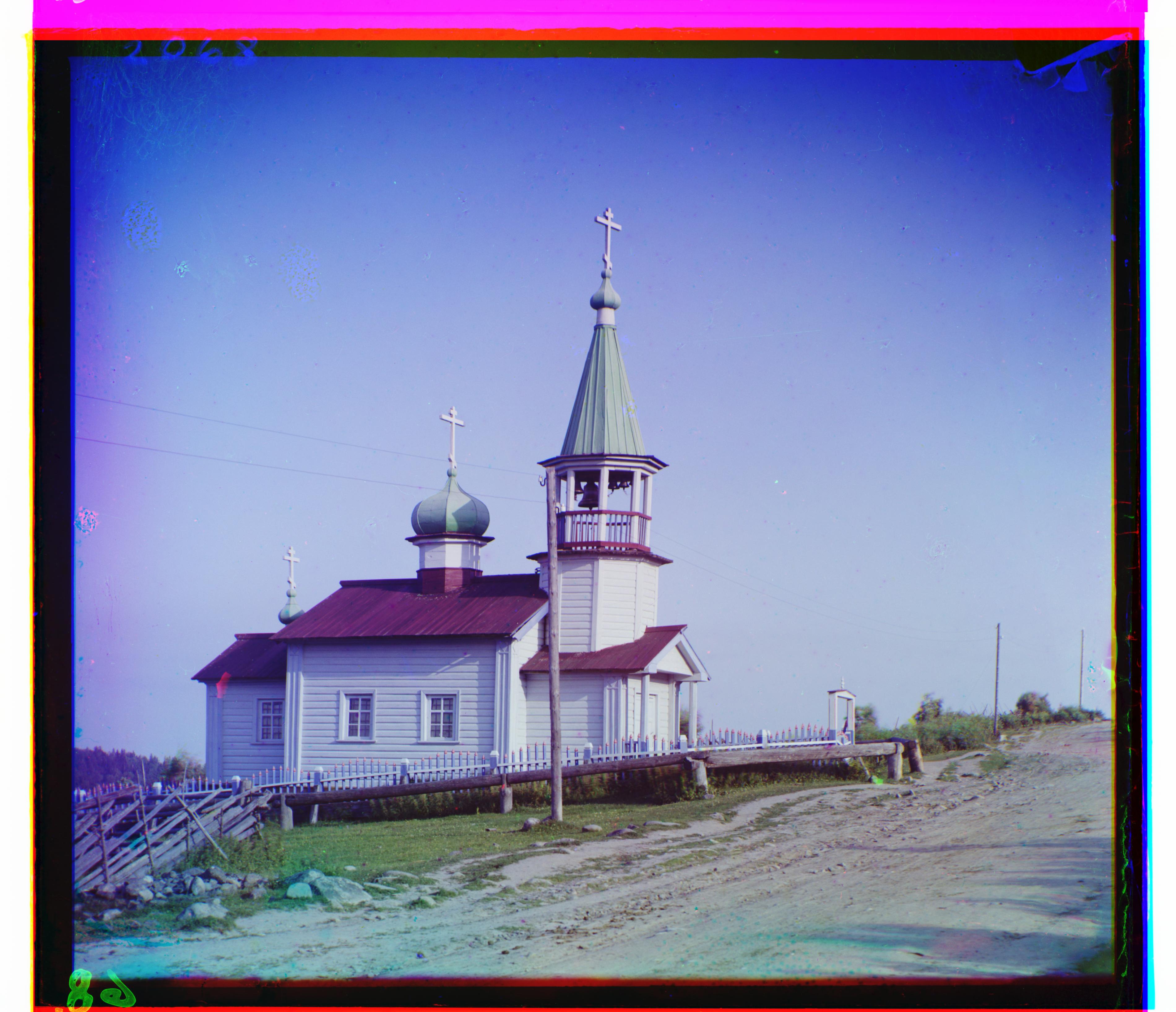
ilemselga
R (11, 130) · G (7, 39)
-
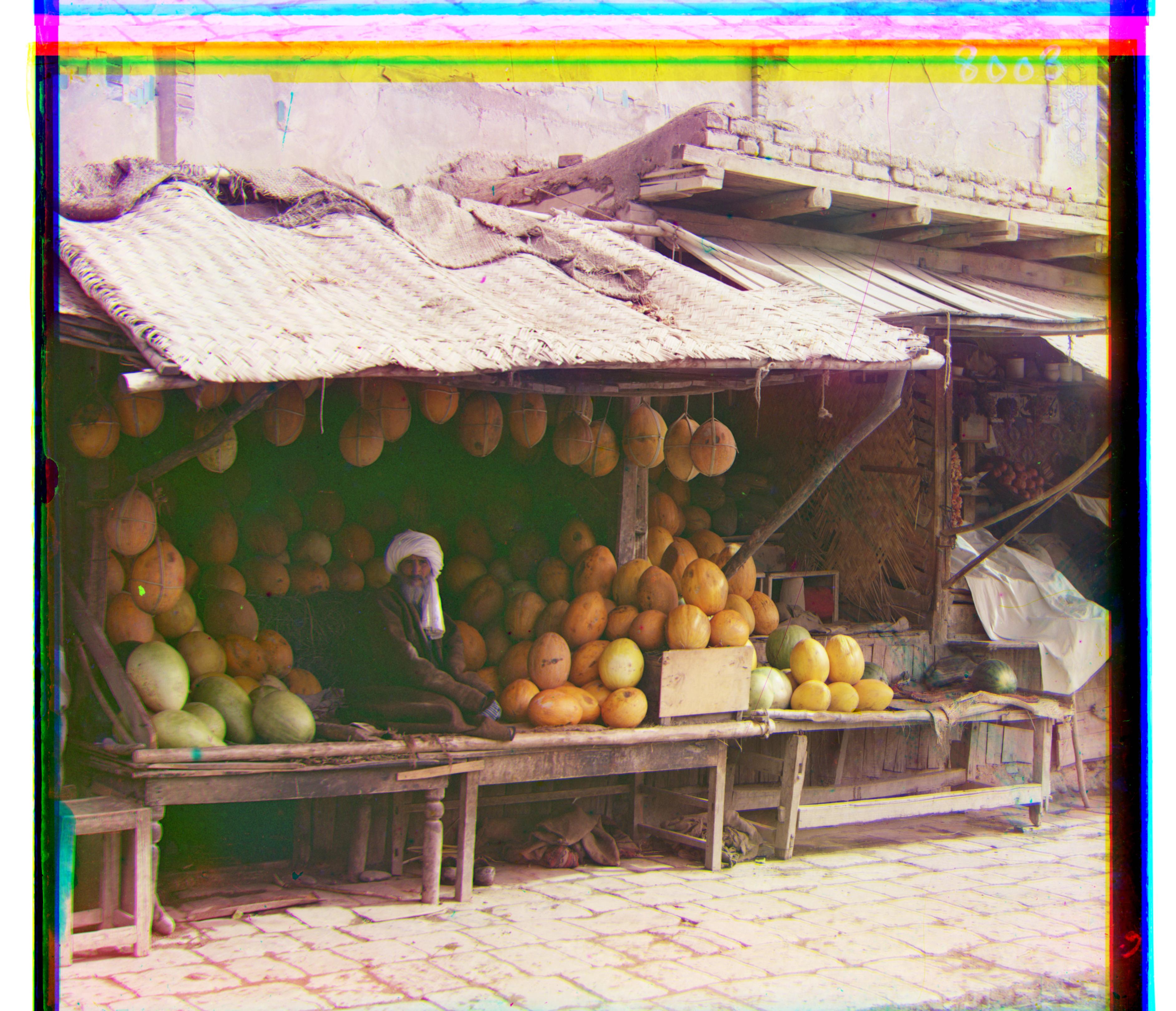
melons
R (13, 178) · G (11, 82)
-
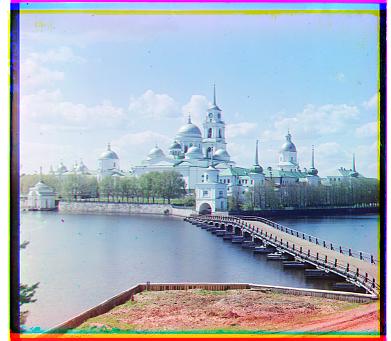
monastery
R (2, 3) · G (2, -3)
-
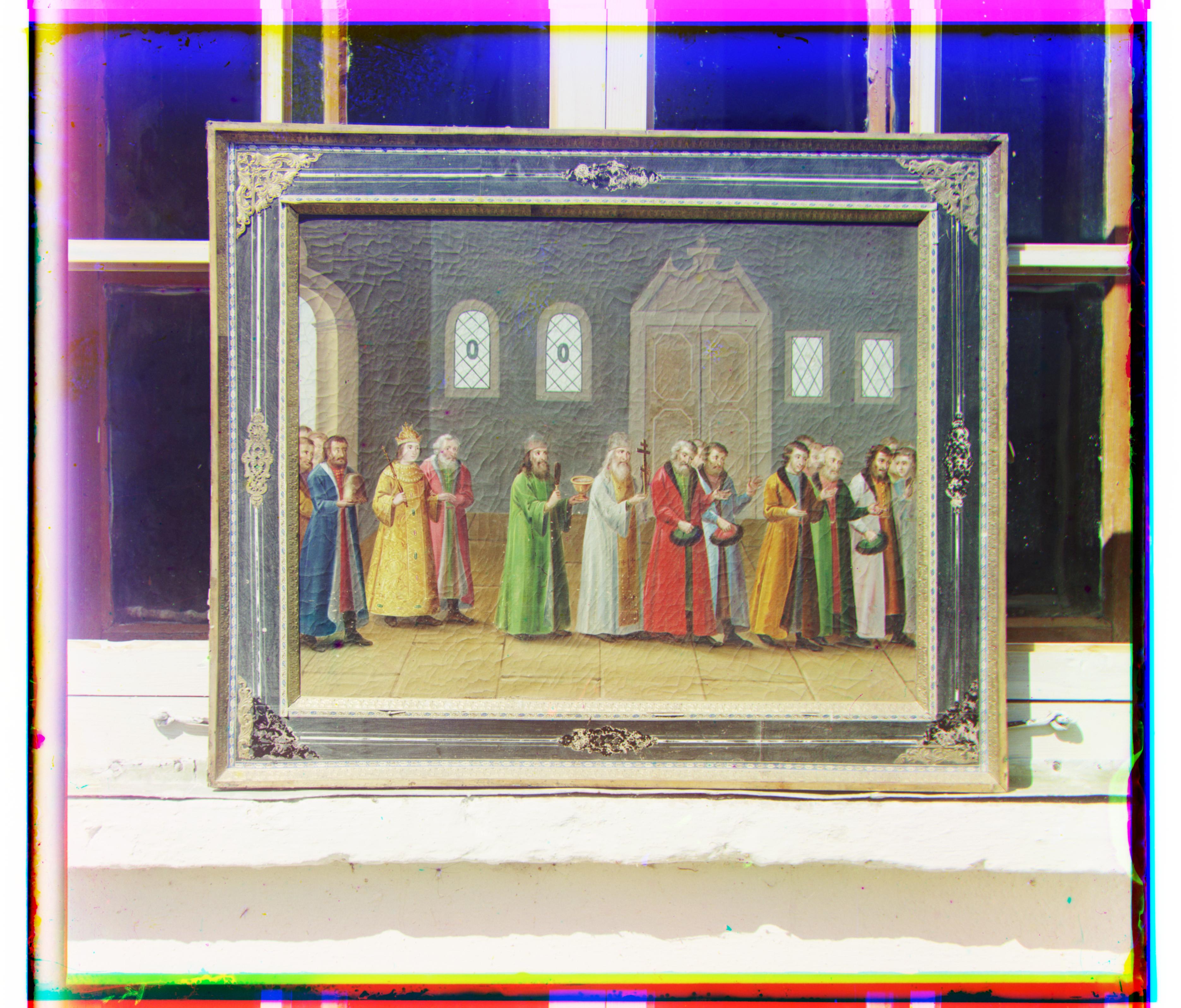
religous painting
R (7, 68) · G (3, 28)
-
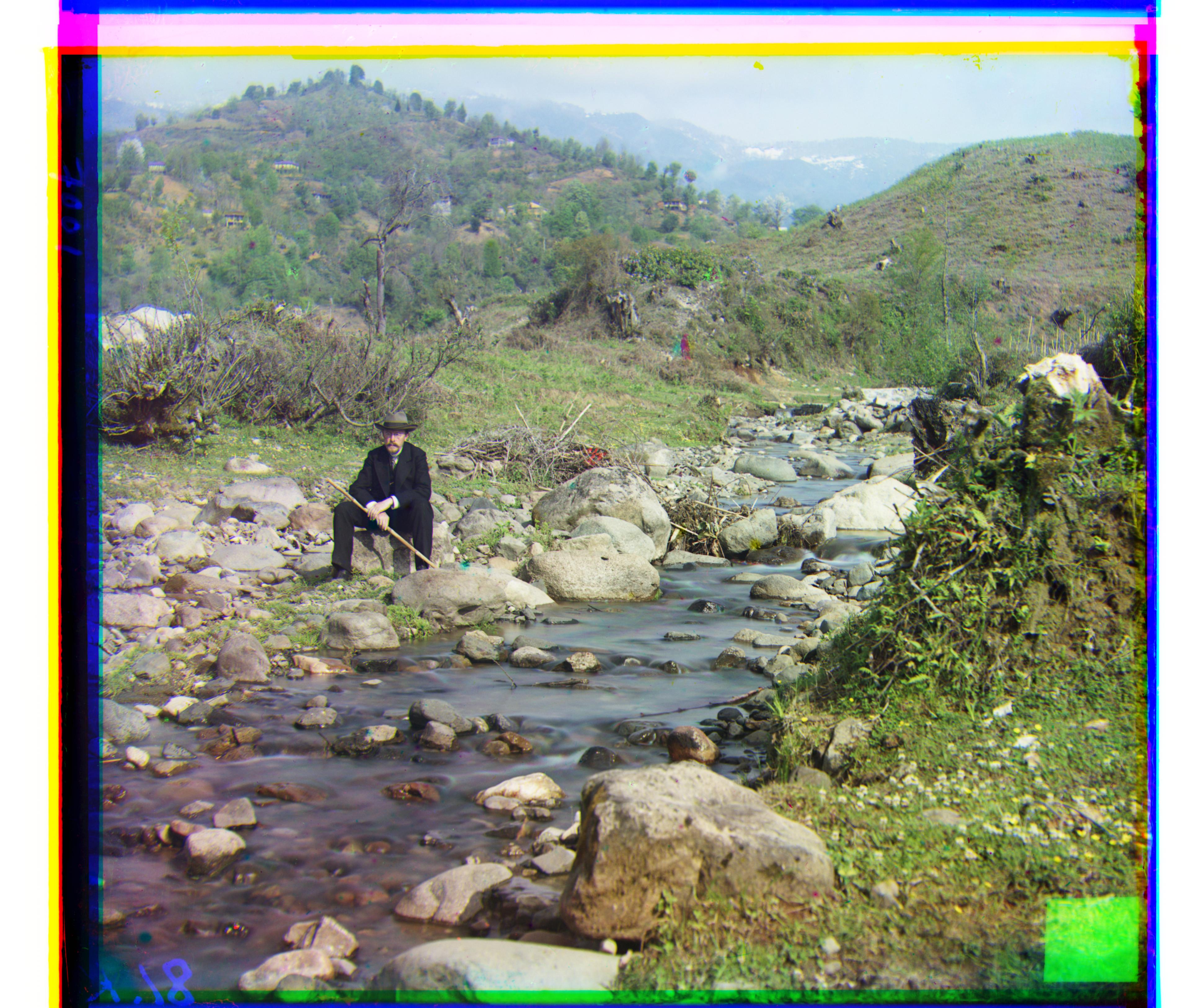
self portrait
R (36, 176) · G (29, 79)
-
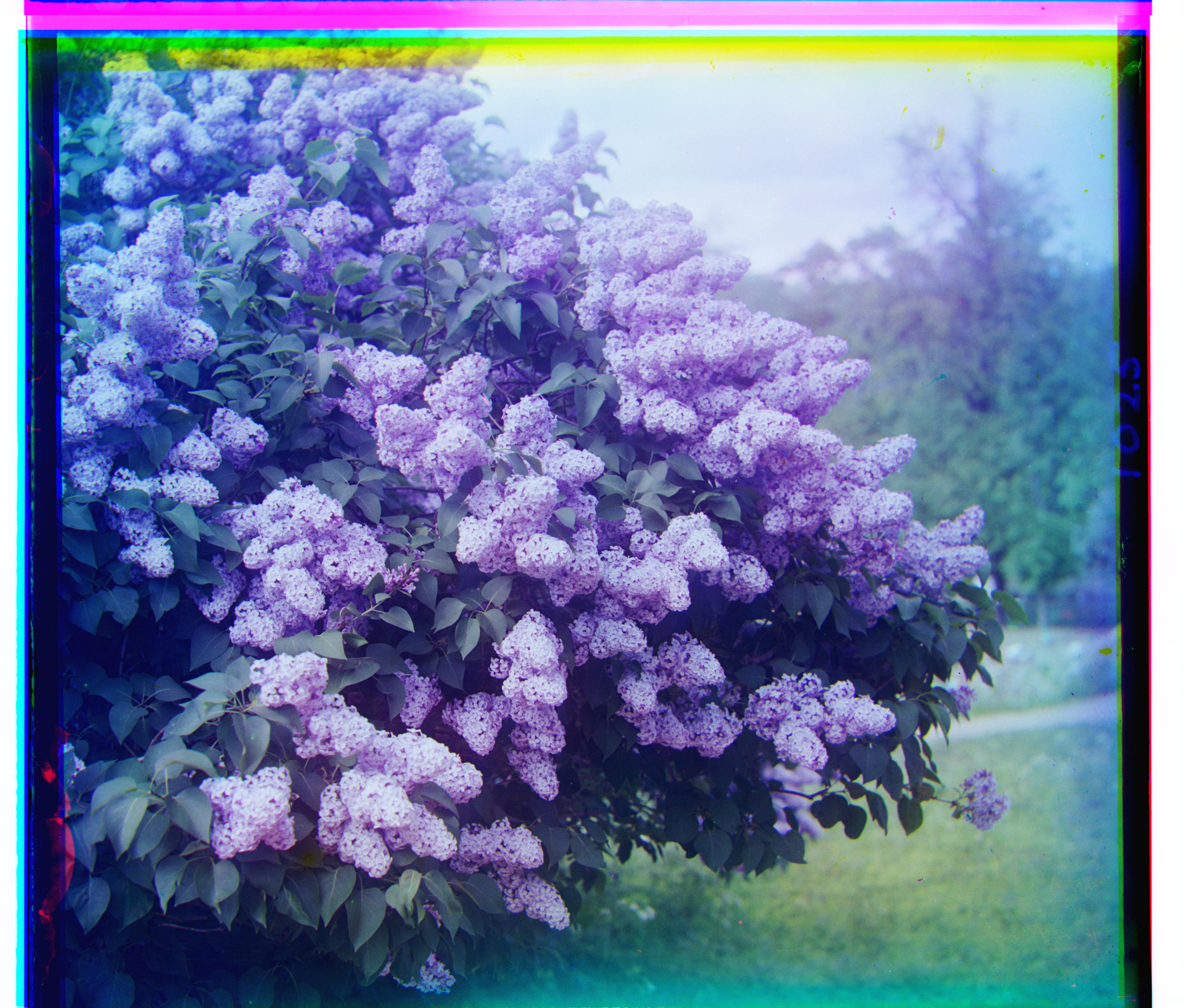
siren
R (-25, 96) · G (-6, 49)
-
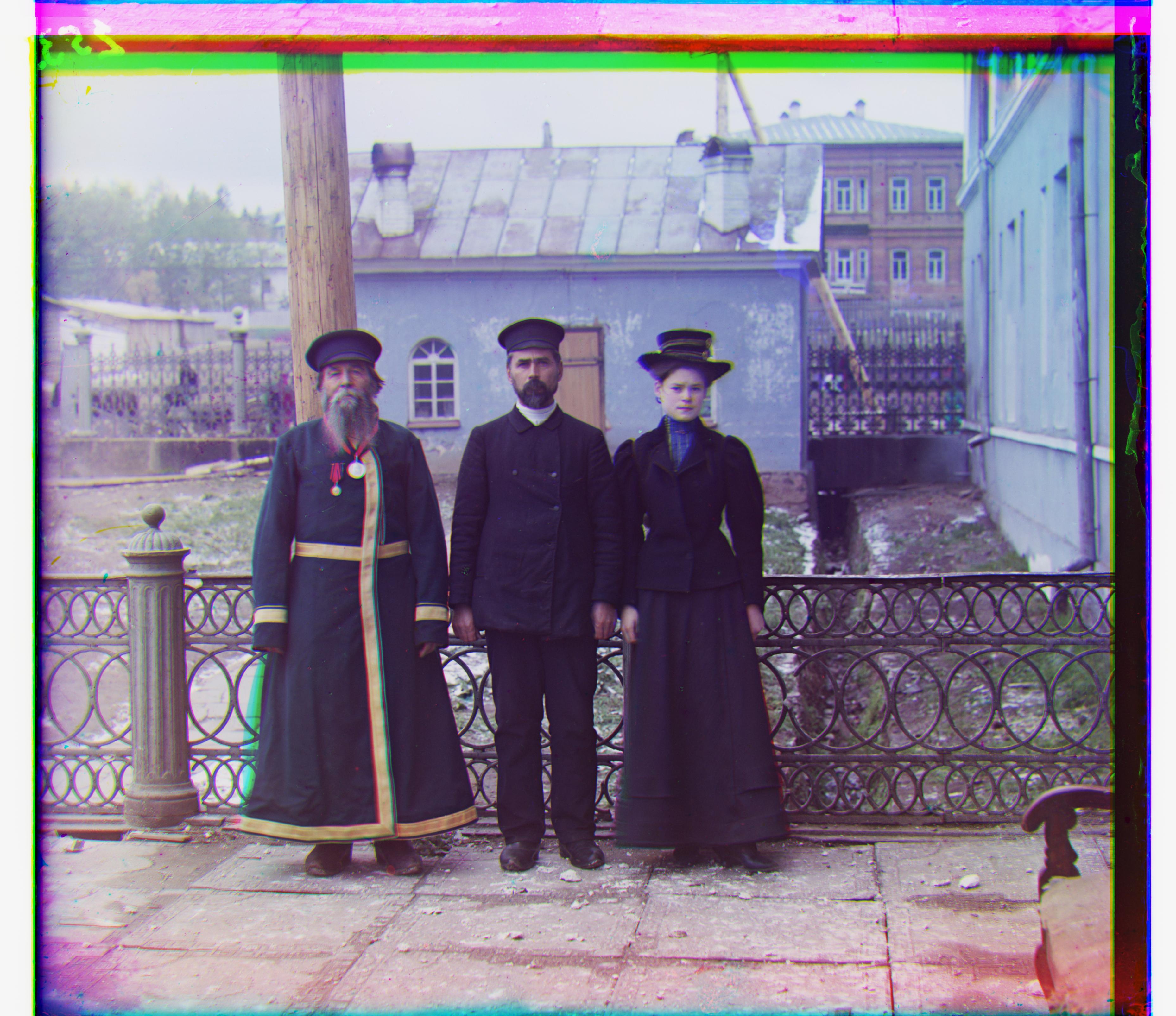
three generations
R (11, 112) · G (14, 53)
-
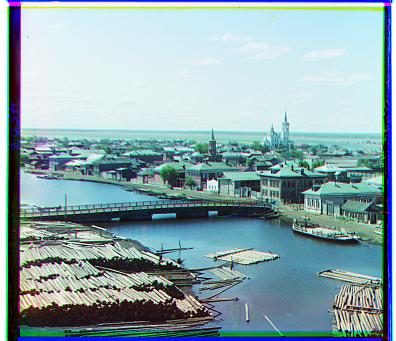
tobolsk
R (3, 6) · G (3, 3)
-
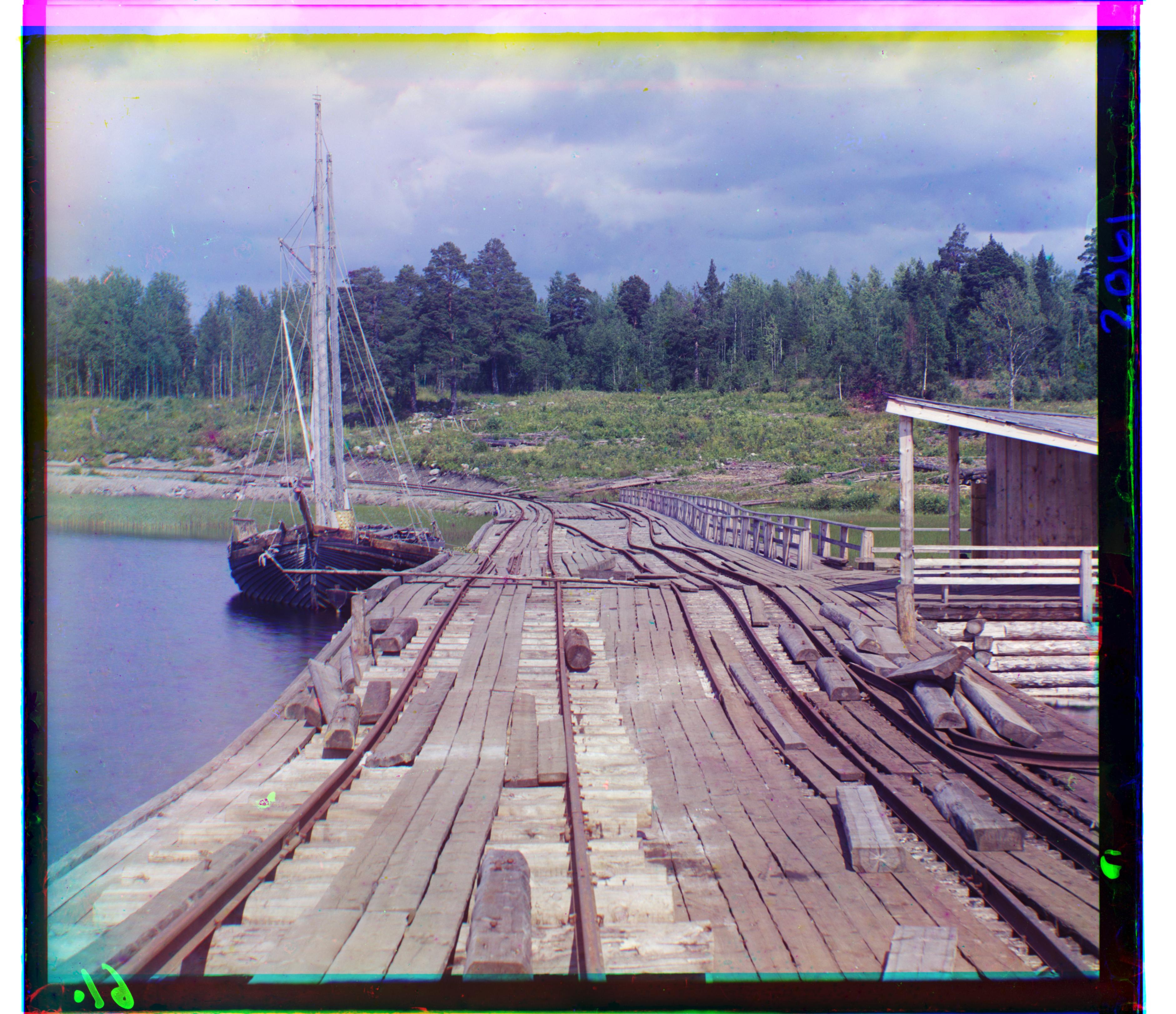
wharf
R (-16, 83) · G (-7, 15)
I want to point out the image “church.”” This is clearly not so good! Why? Notice how much brighter the blue channel is, among the negatives pictured below. This makes sense since most of the image is blue (ocean / sky). This uneven spread of brightness means that computing a brightness comparison pixel-by-pixel, as the $\ell^2$ norm does, is ineffective.
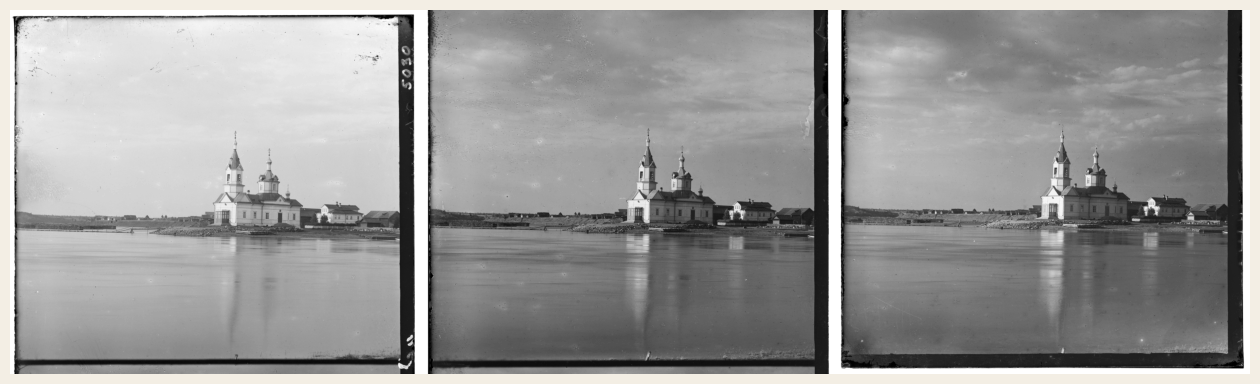
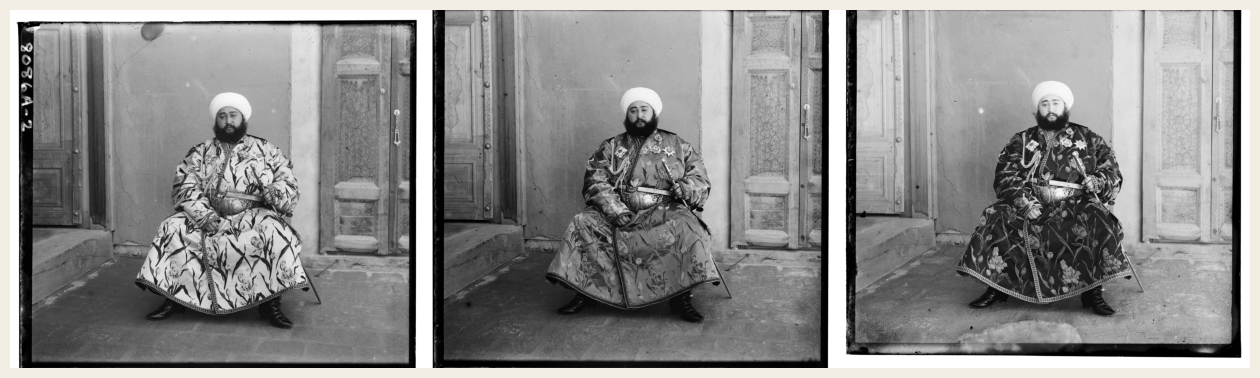
If you look very closely, you’ll also notice that “emir” is not well aligned for a similar reason; his blue robe lacks brightness in the red and green channels. In this case, however, there is enough similarity in the rest of the image that the algorithm is fairly successful.
We therefore want to try different score metrics. This doesn’t change the algorithm, but it rewards different types of similarity. The $\ell^2$ norm, since it is high when pixels have dissimilar brightness, simply aligns bright pixels in one color channel with bright pixels in other color channels. This works pretty well, but I am sure you could imagine many situations (aside from “church”) where it does not. Consider perhaps a blue pen pictured next to some red pens– the algorithm might align the blue pen with a red one!
We might instead use normalized cross correlation (NCC), which more accurately compares patterns in images. Imagine representing the two images by vectors (arrows in some ultra-high dimensional space). NCC effectively compares their directions by computing a dot product after de-meaning and normalizing.
Here’s the formula:
\[\dfrac{(\mathbf{y}_B - \bar{y}_B) \cdot (\mathbf{y}_R - \bar{y}_R)}{\|\mathbf{y}_B - \bar{y}_B\|_2 \|\mathbf{y}_R - \bar{y}_R\|_2}\]And here are the results:
Multiscale NCC
-
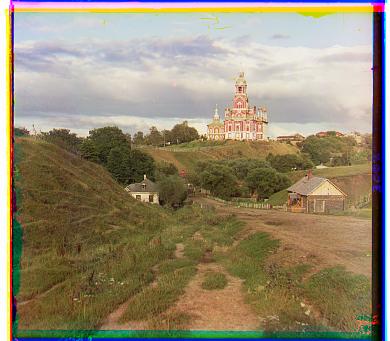
cathedral
R (3, 12) · G (2, 5)
-
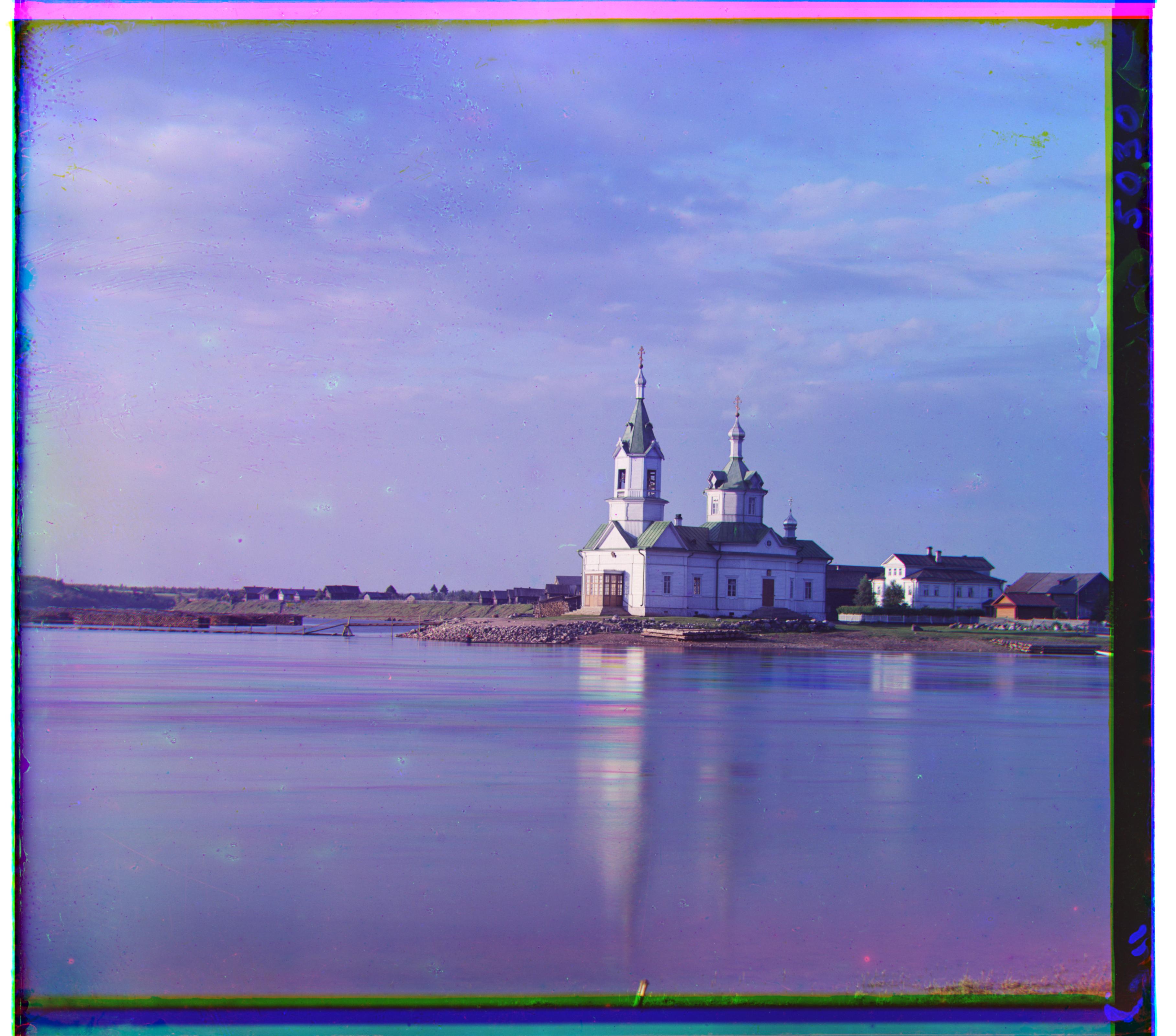
church
R (-4, 58) · G (4, 25)
-
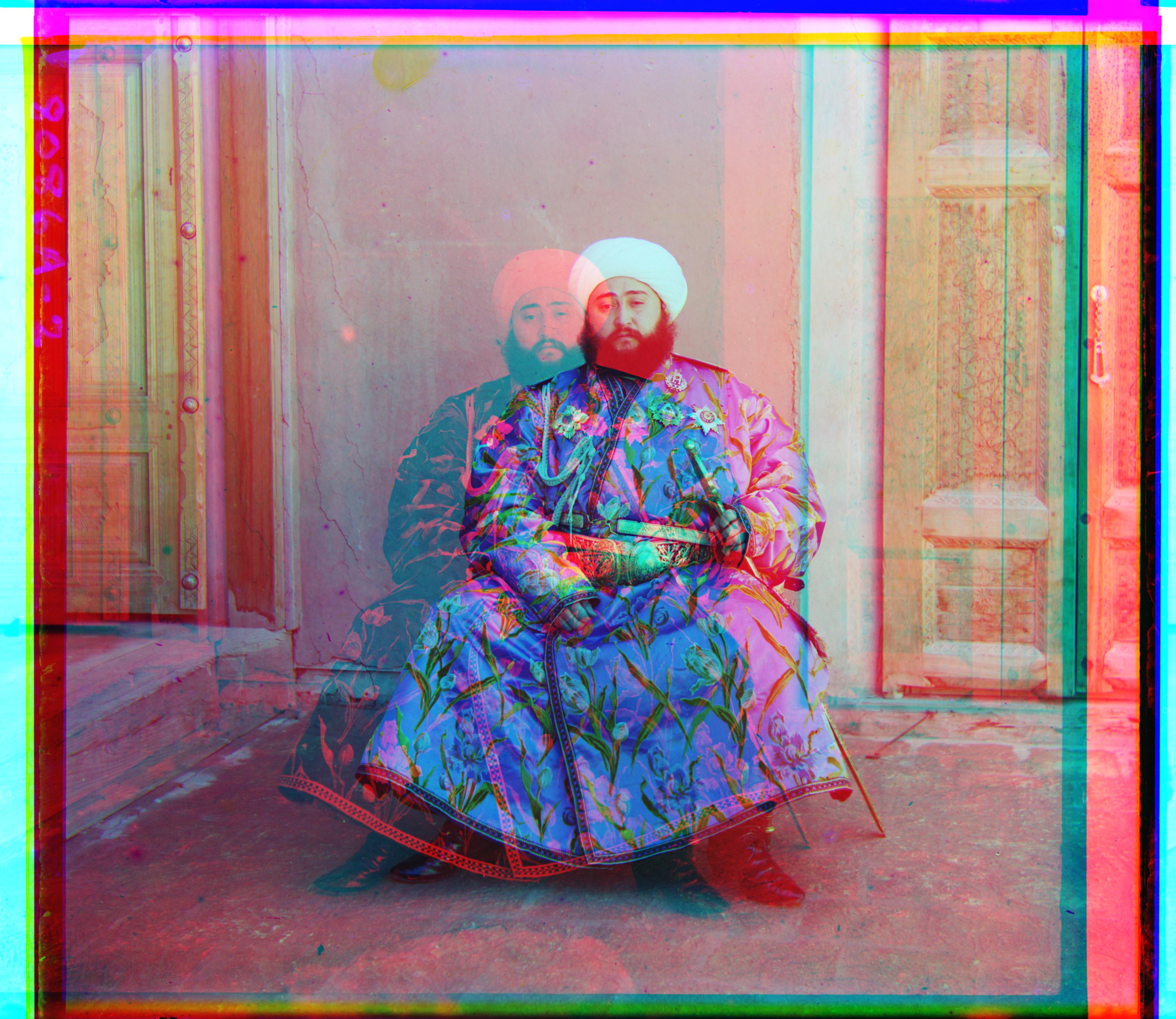
emir
R (-198, 141) · G (24, 49)
-
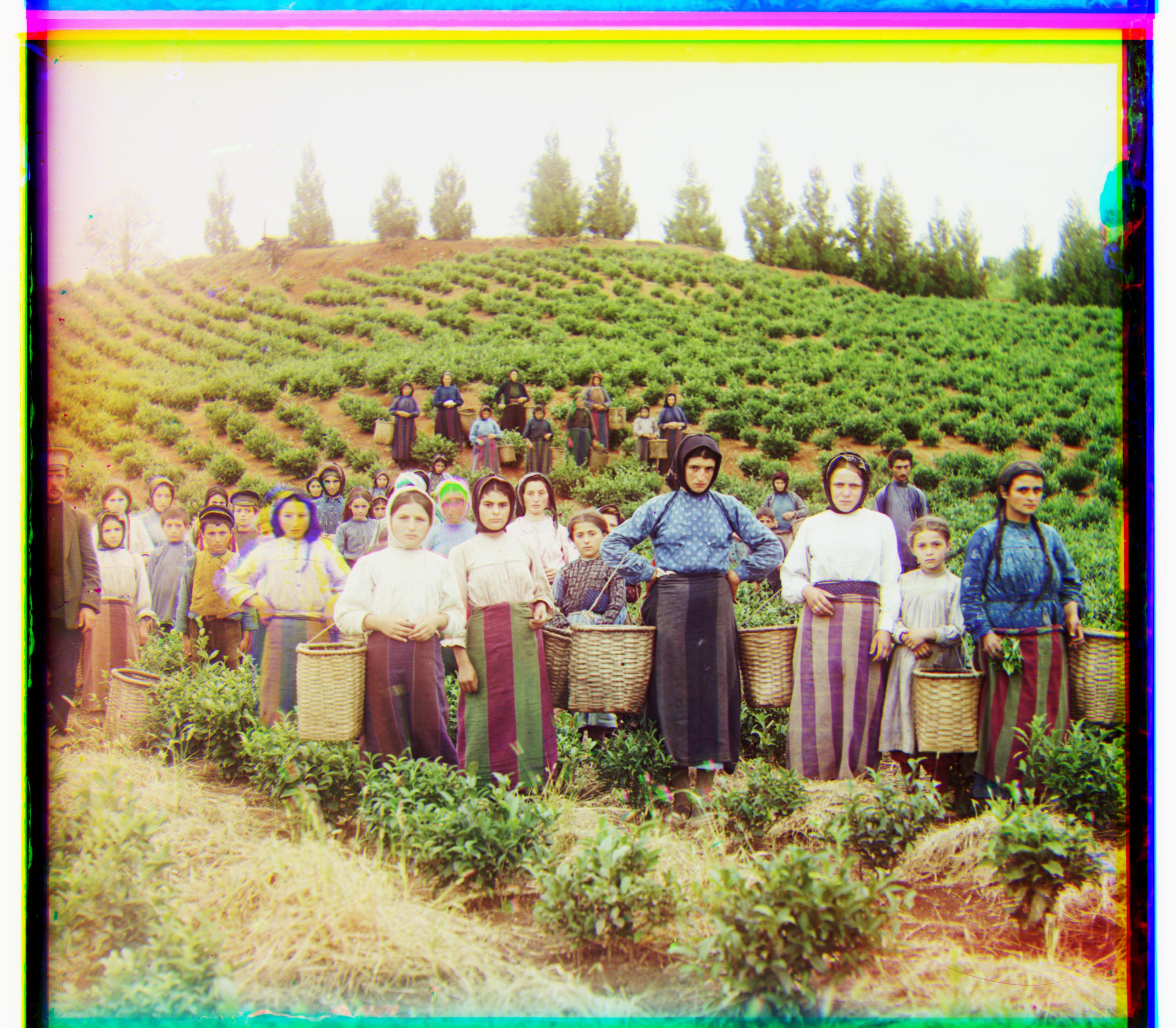
harvesters
R (14, 124) · G (17, 60)
-
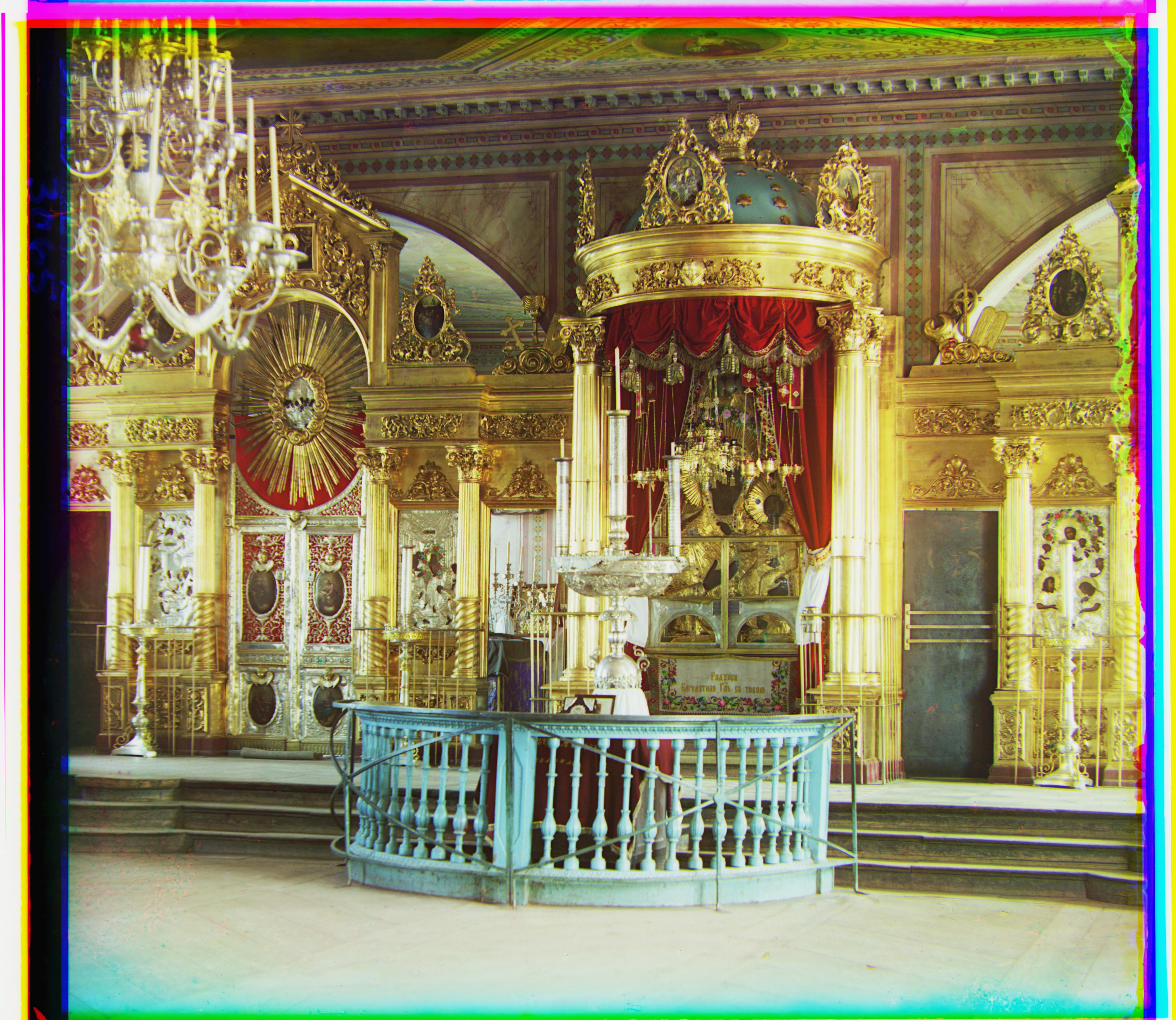
icon
R (23, 89) · G (17, 41)
-
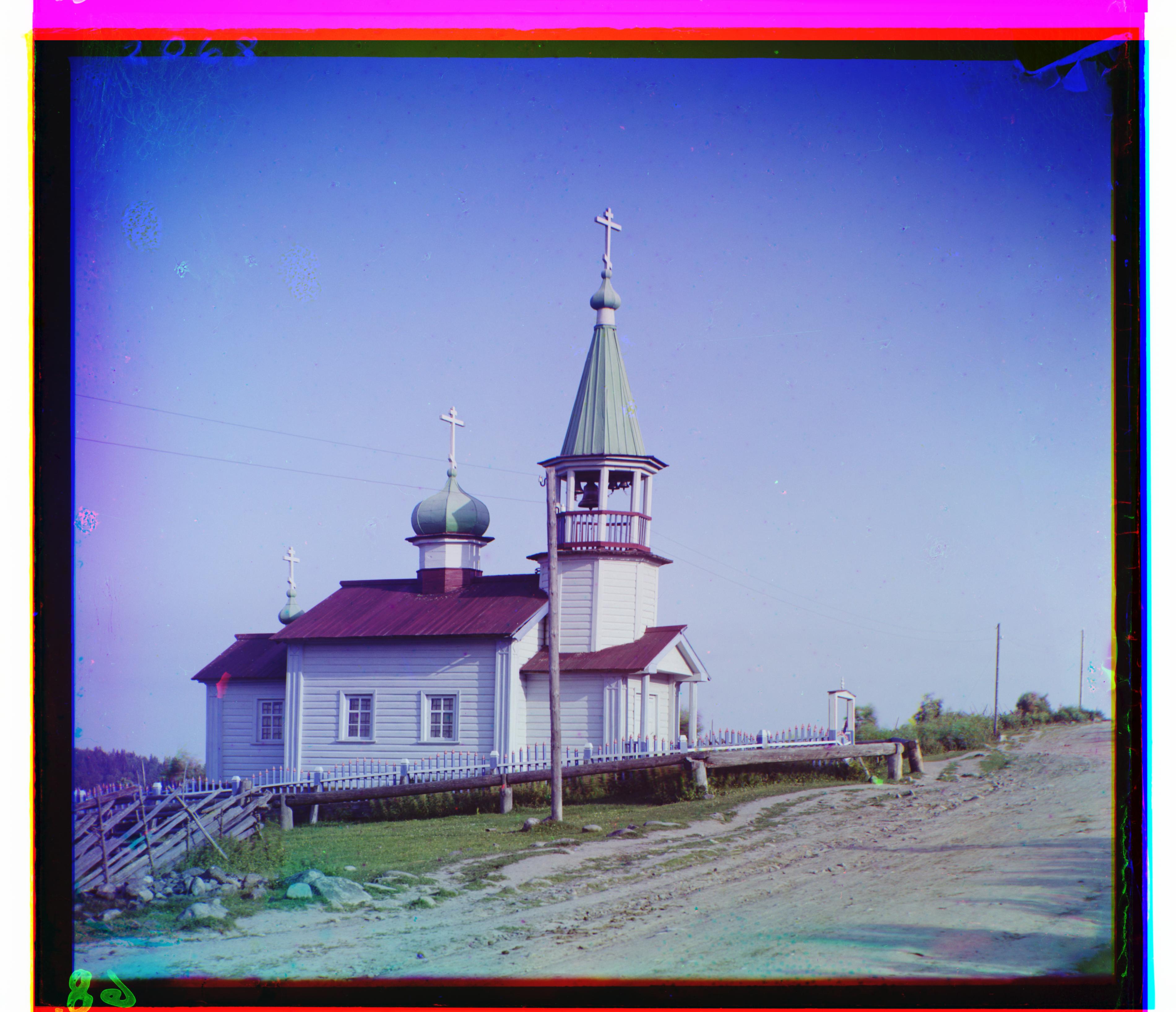
ilemselga
R (11, 130) · G (7, 40)
-
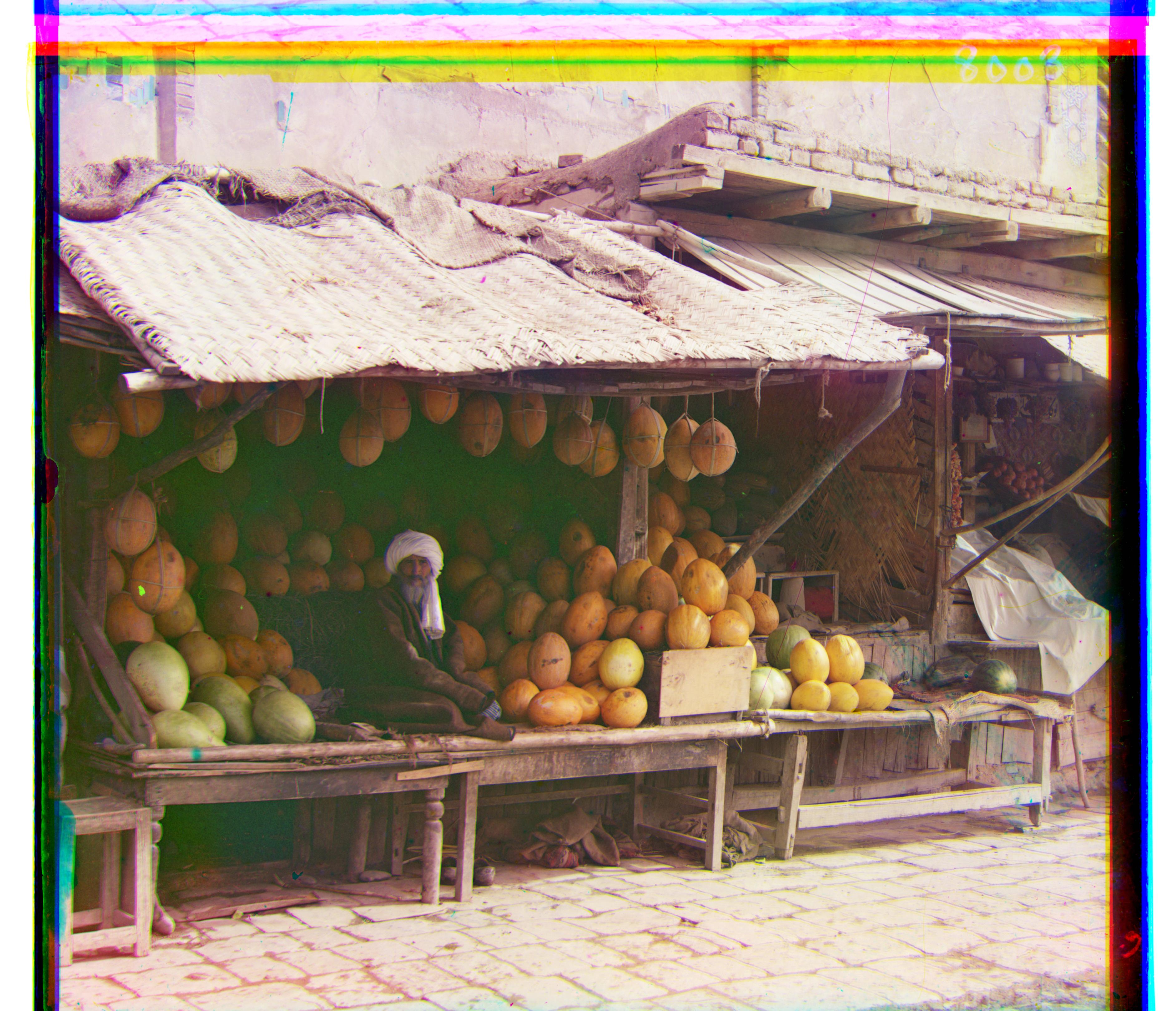
melons
R (13, 178) · G (11, 82)
-
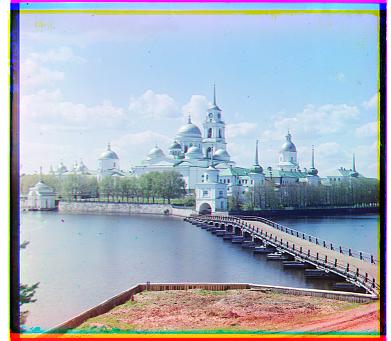
monastery
R (2, 3) · G (2, -3)
-
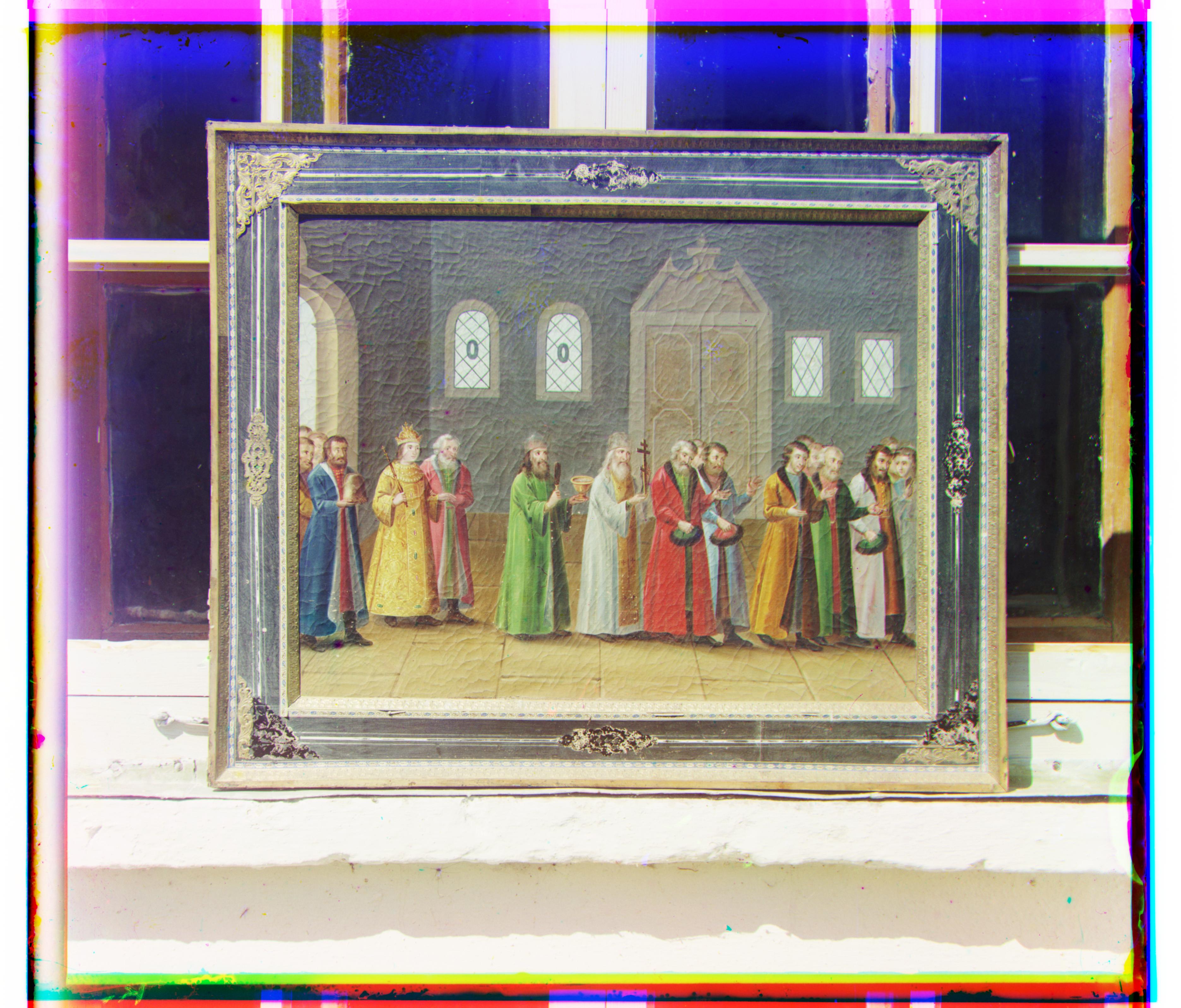
religous painting
R (7, 68) · G (3, 28)
-
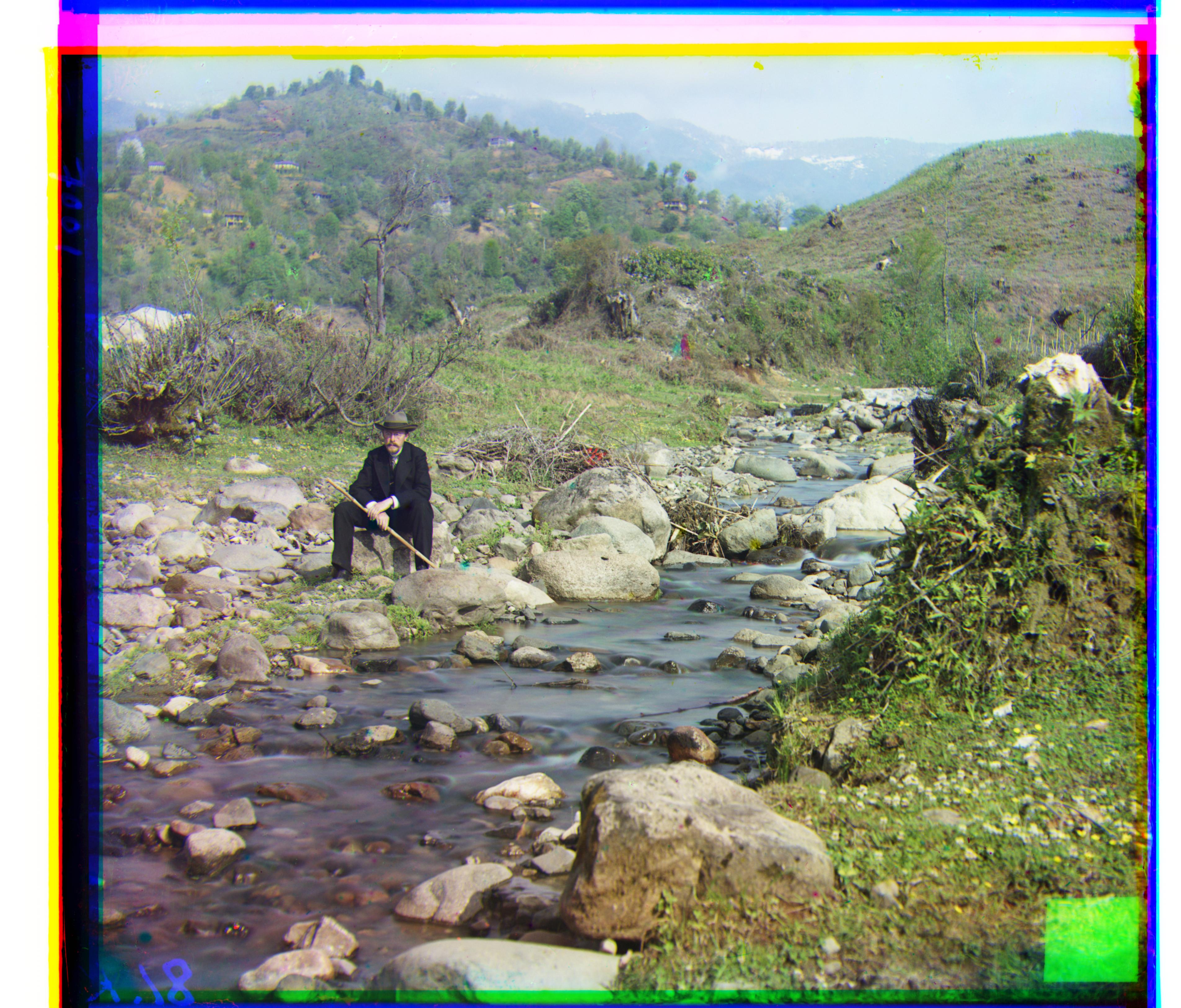
self portrait
R (36, 176) · G (29, 79)
-
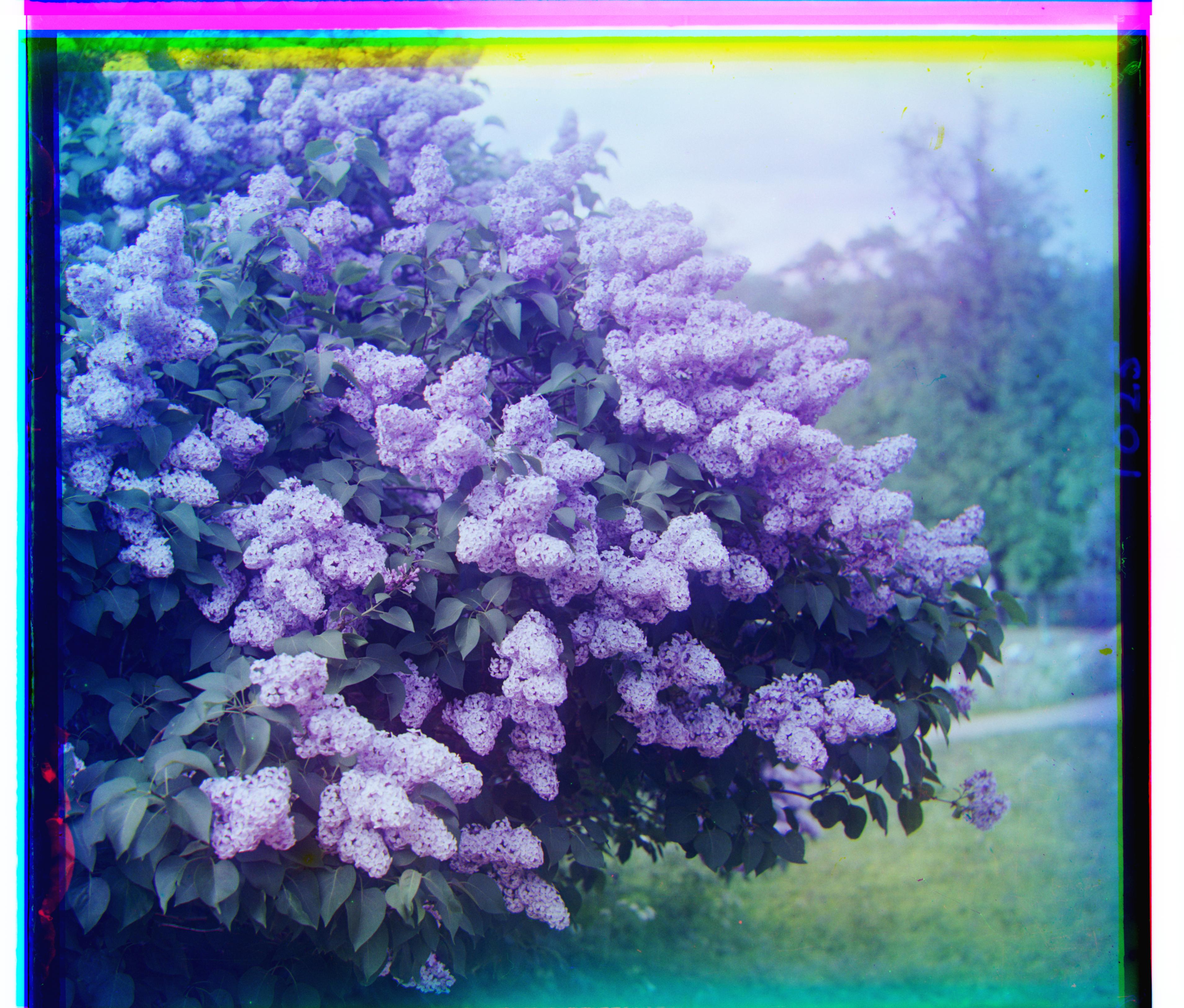
siren
R (-25, 96) · G (-6, 49)
-
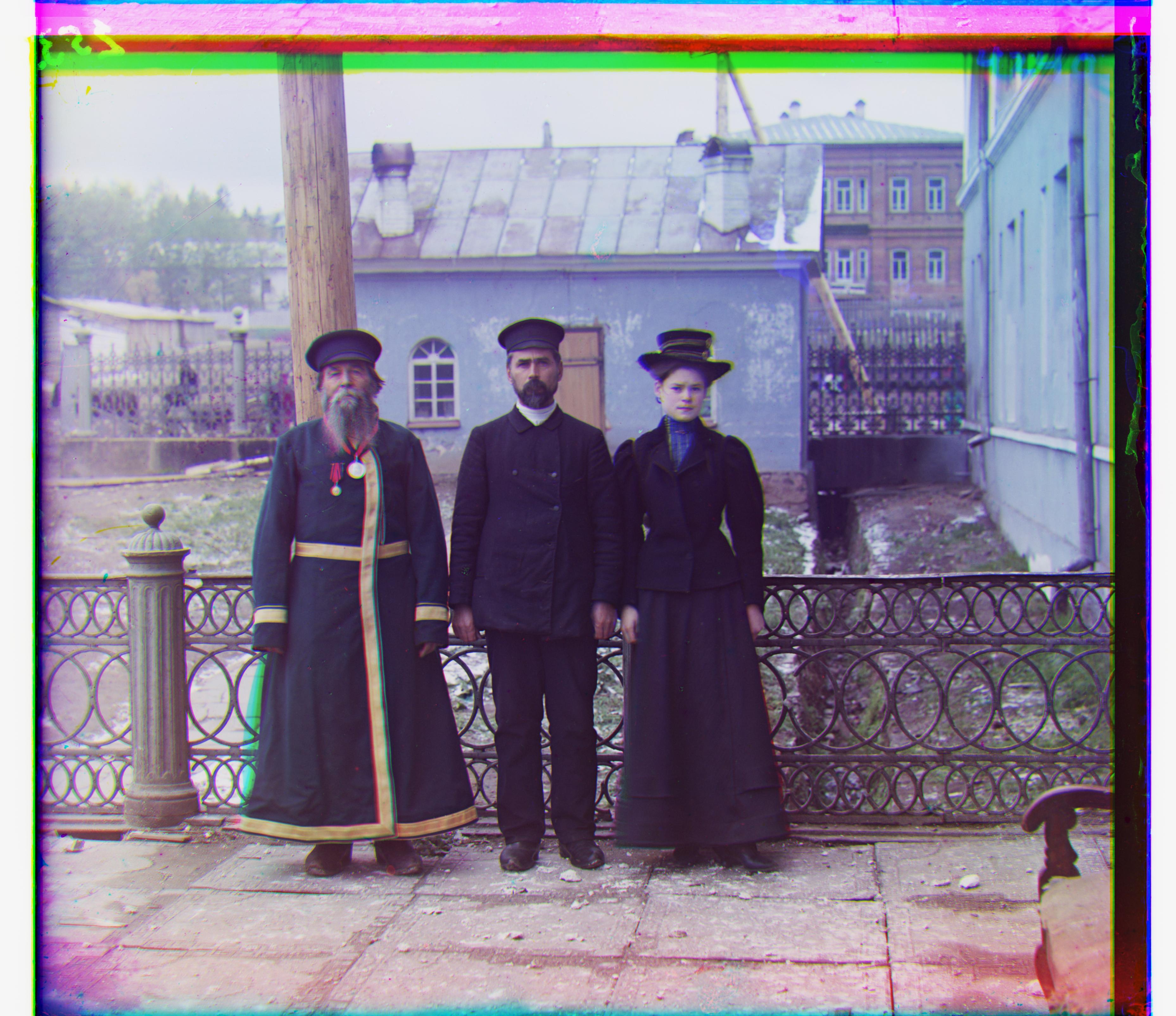
three generations
R (11, 112) · G (14, 53)
-
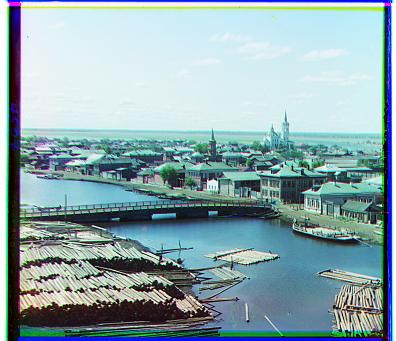
tobolsk
R (3, 6) · G (3, 3)
-
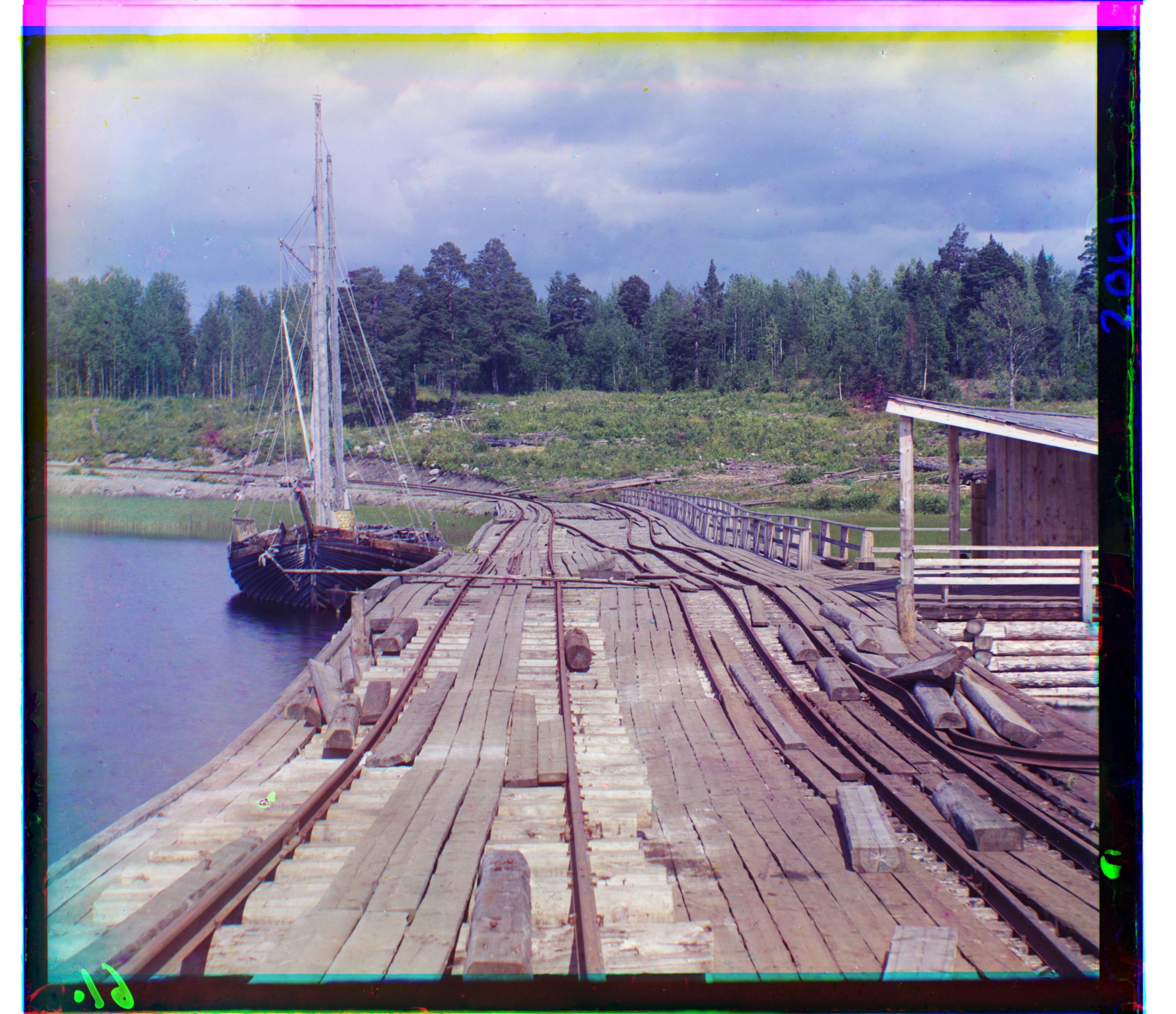
wharf
R (-16, 83) · G (-7, 15)
Notice that “church” is fixed but “emir” is worse! Why?
The dot product computed by NCC compares image directions and so it rewards similar textures and patterns. As we can see in the negatives, the robe’s patterns differ significantly in B, G, and R. Hence, NCC struggles.
One final metric I tried is the structural similarity index measure (SSIM). This was developed in the early 2000s to accurately predict the similarity of images as a human would perceive them. It considers three components: luminance(l), contrast(c), and structure(s).
The $\ell^2$ norm already effectively compares (l) and (c), which measure the pixels’ mean intensity and variance respectively, by comparing brightness. NCC strips away (l) and (c) by de-meaning and normalizing to compare on (s). SSIM, in a sense, is our “goldilocks!” Verify for yourself that the results are good.
Multiscale SSIM
-
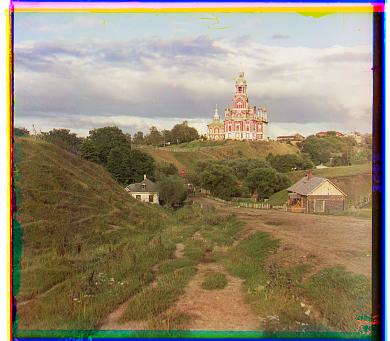
cathedral
R (3, 12) · G (2, 5)
-
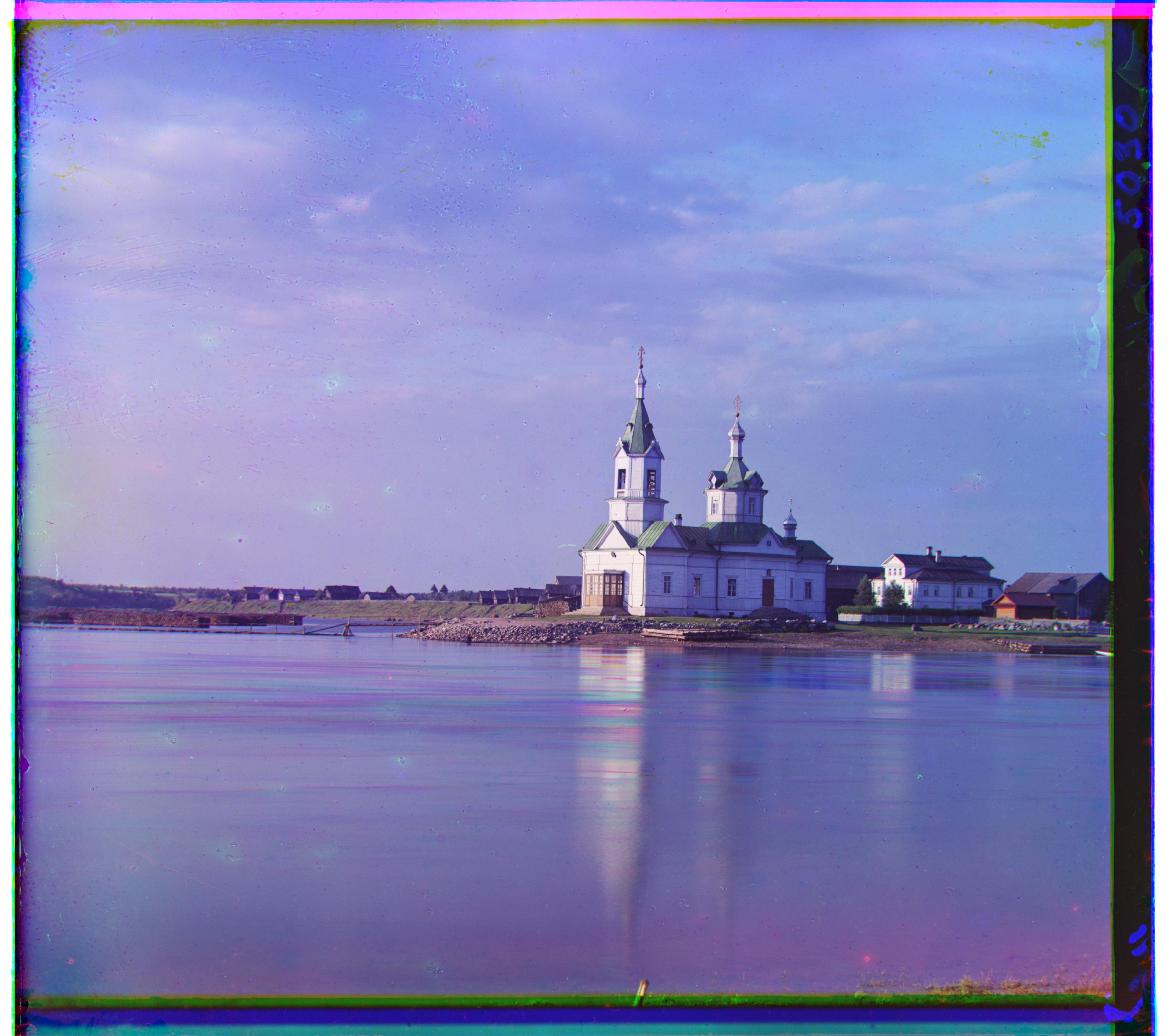
church
R (-4, 58) · G (4, 25)
-
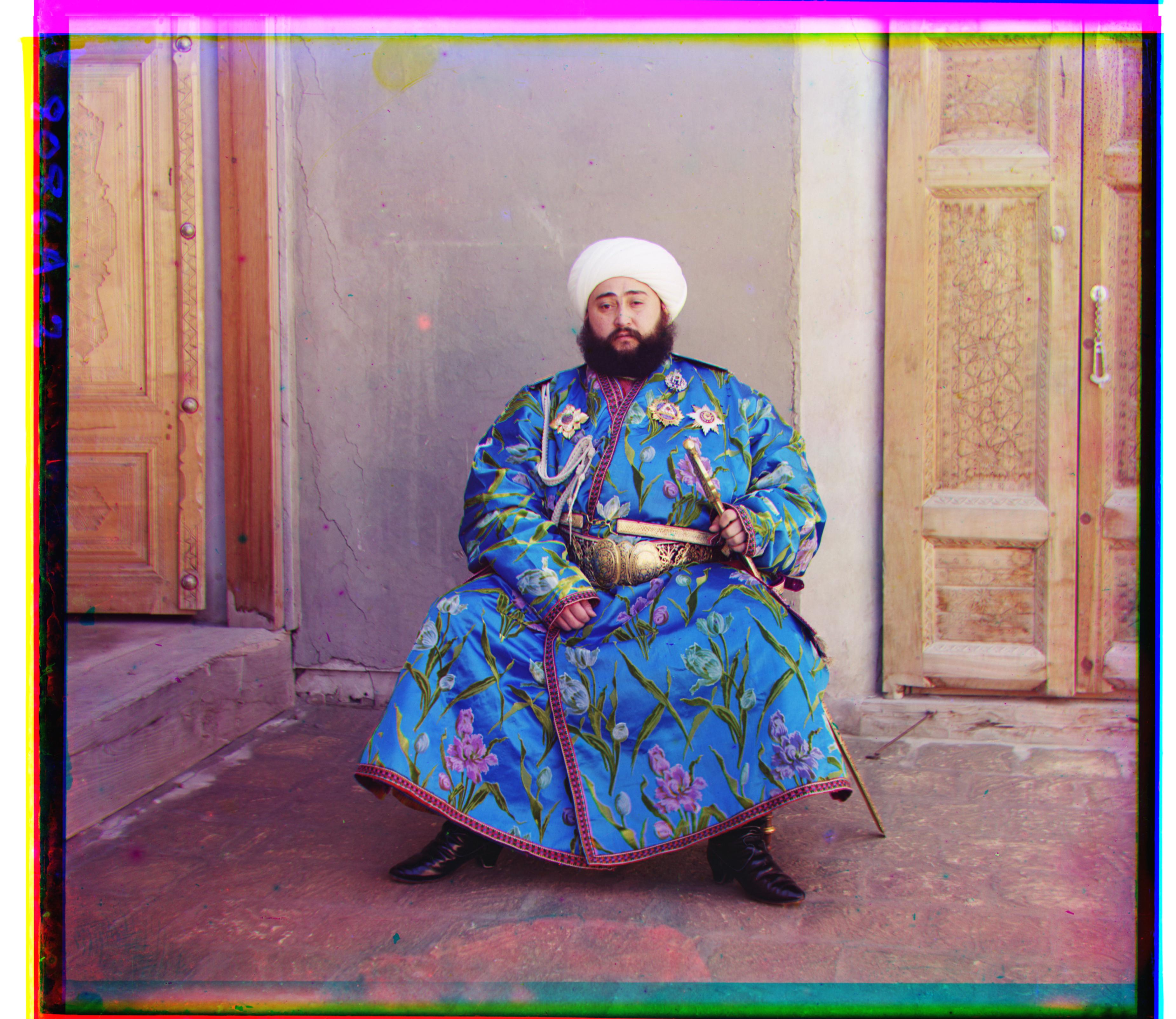
emir
R (40, 105) · G (23, 50)
-
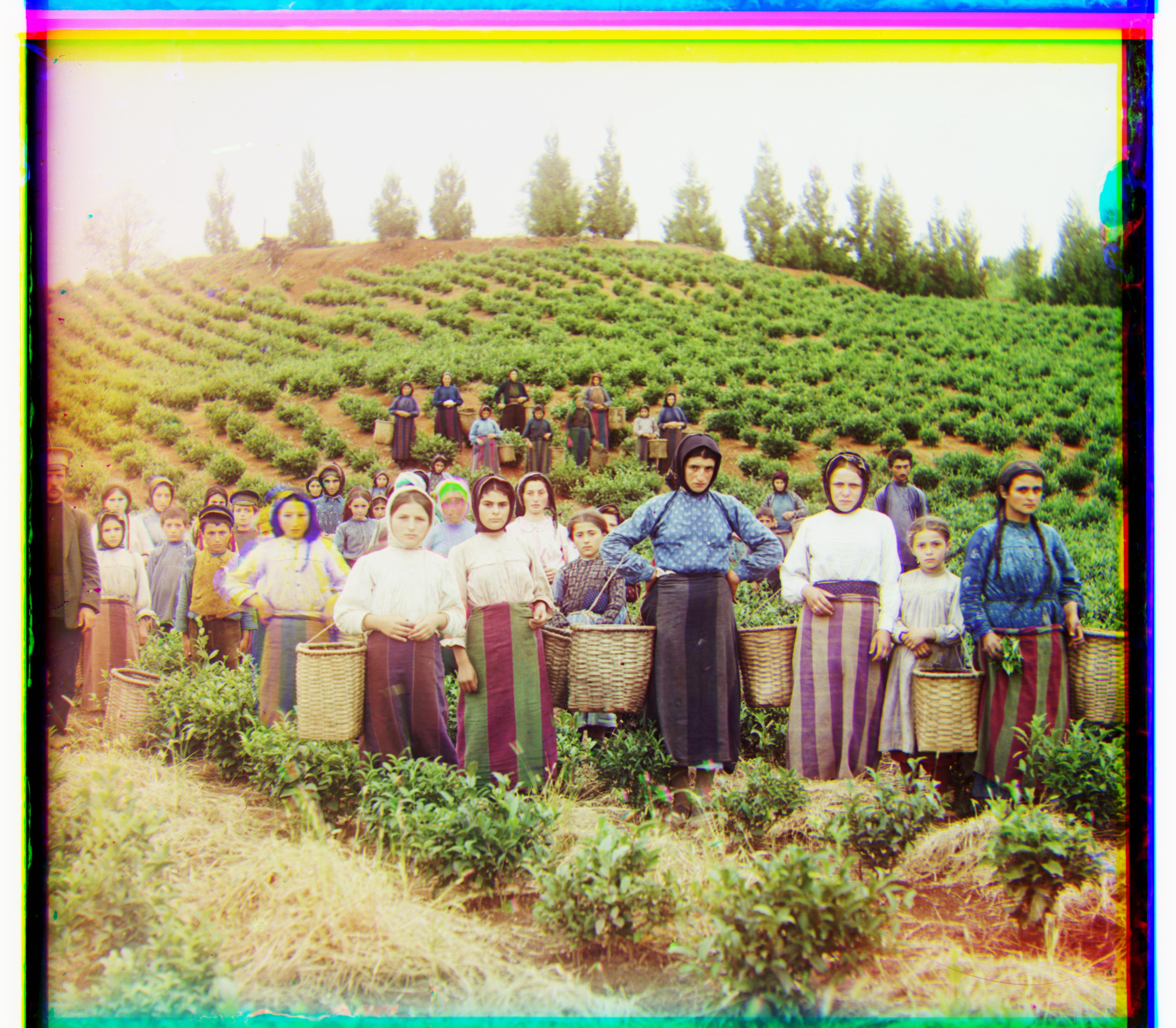
harvesters
R (13, 123) · G (16, 59)
-
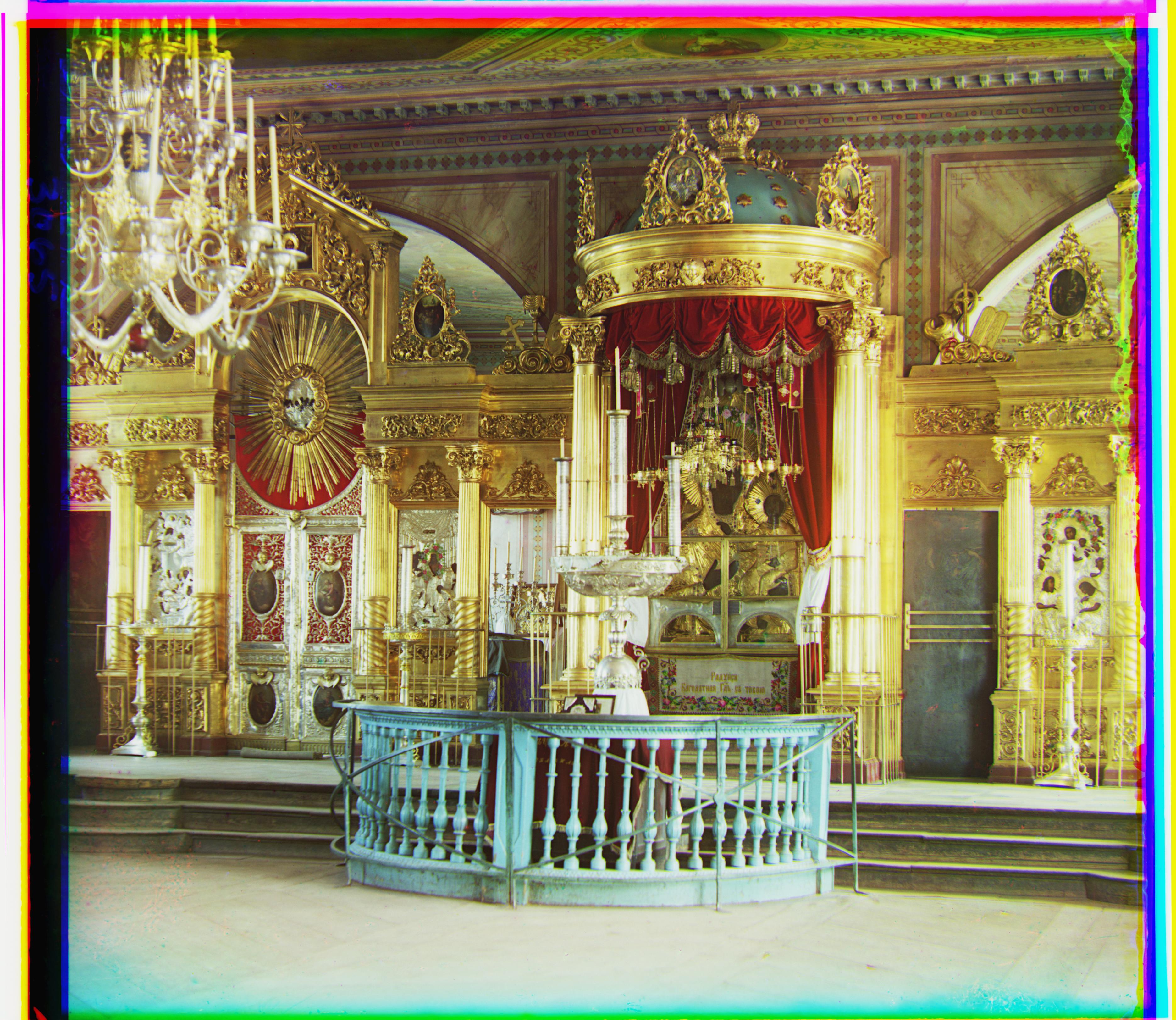
icon
R (23, 89) · G (17, 40)
-
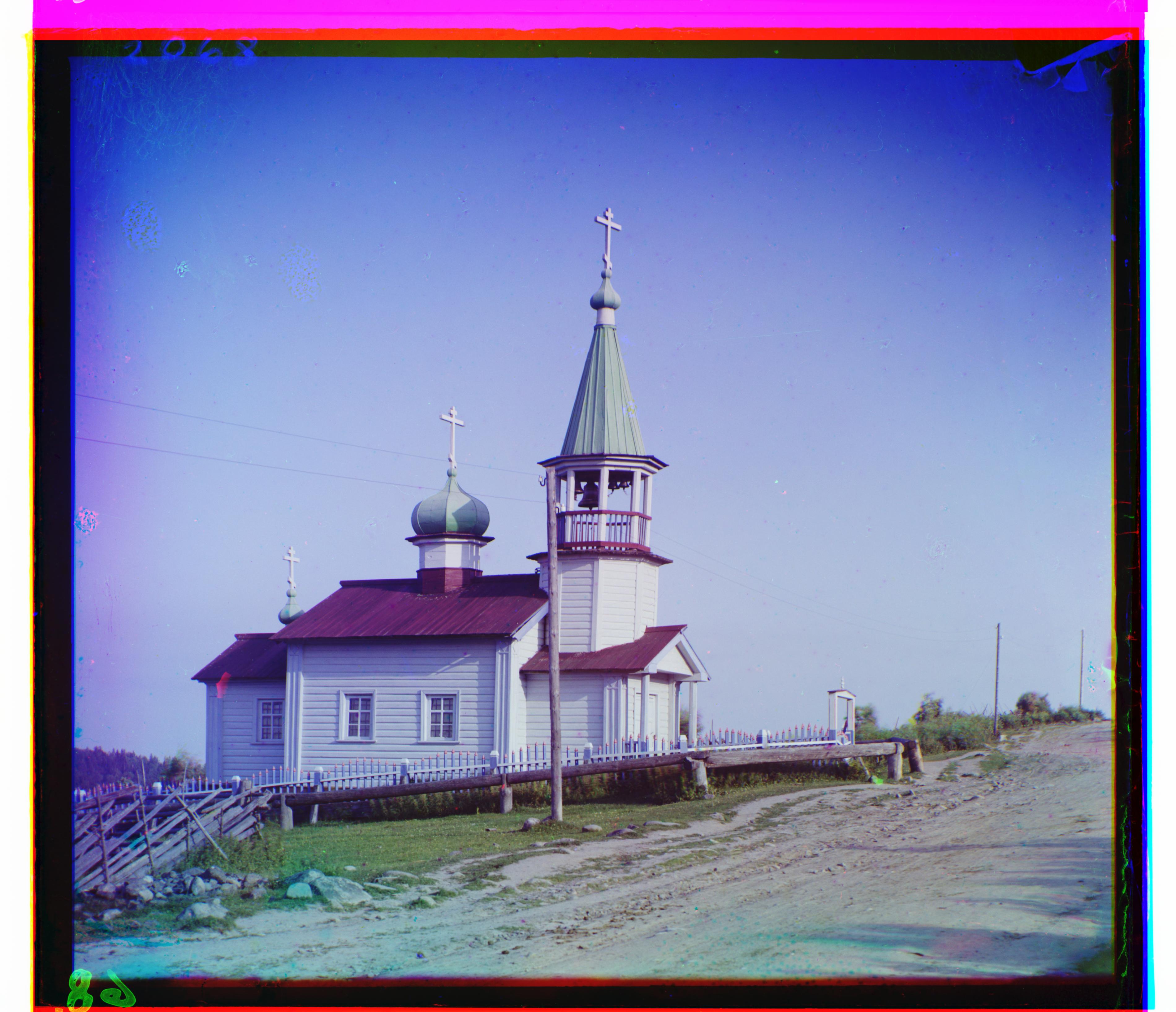
ilemselga
R (11, 130) · G (7, 39)
-
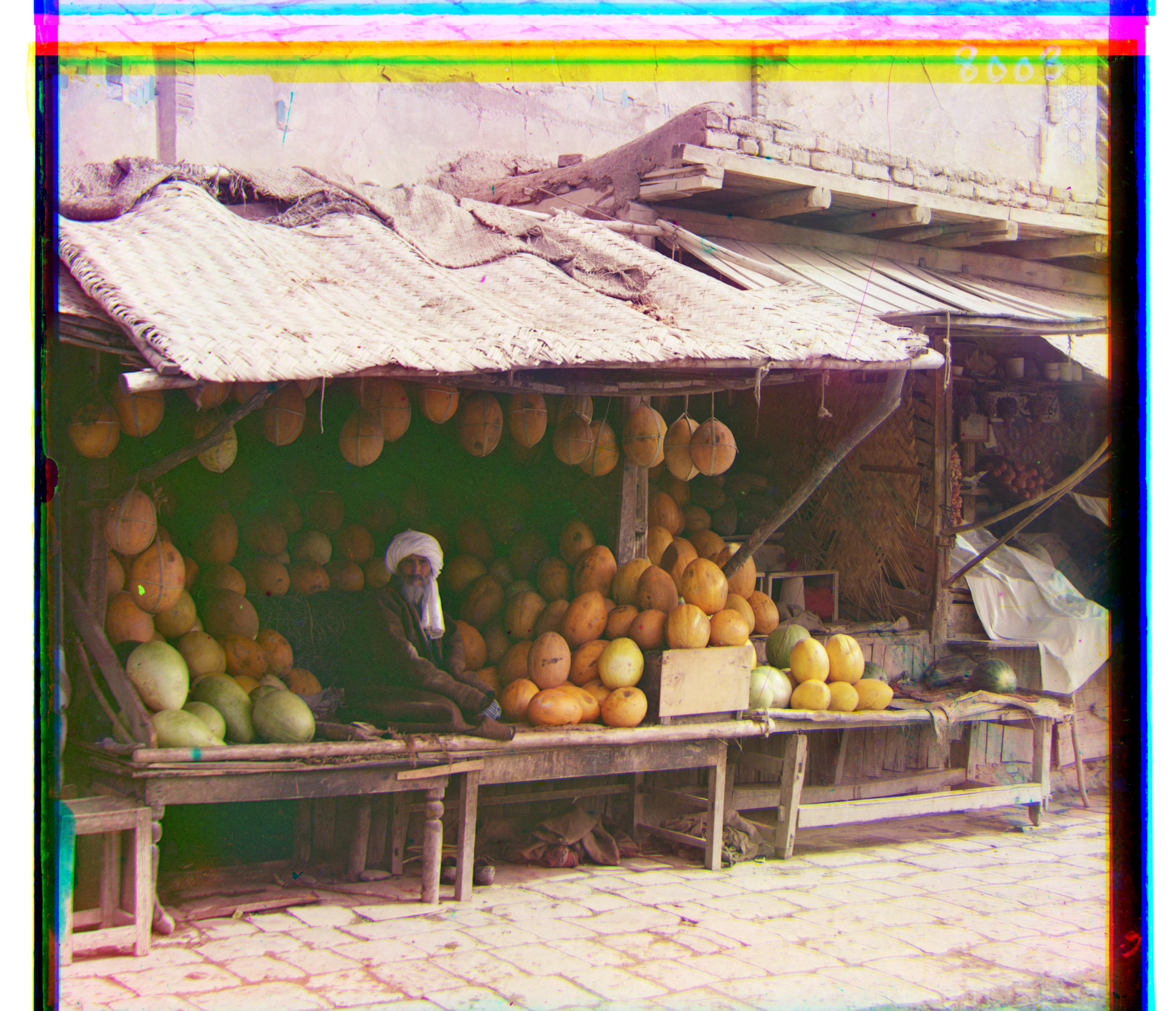
melons
R (13, 177) · G (10, 80)
-
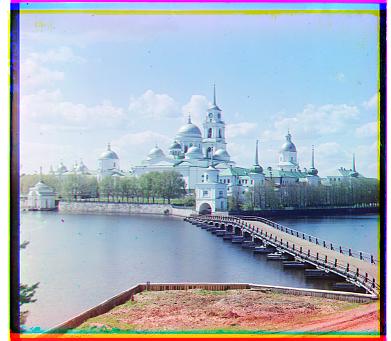
monastery
R (2, 3) · G (2, -3)
-
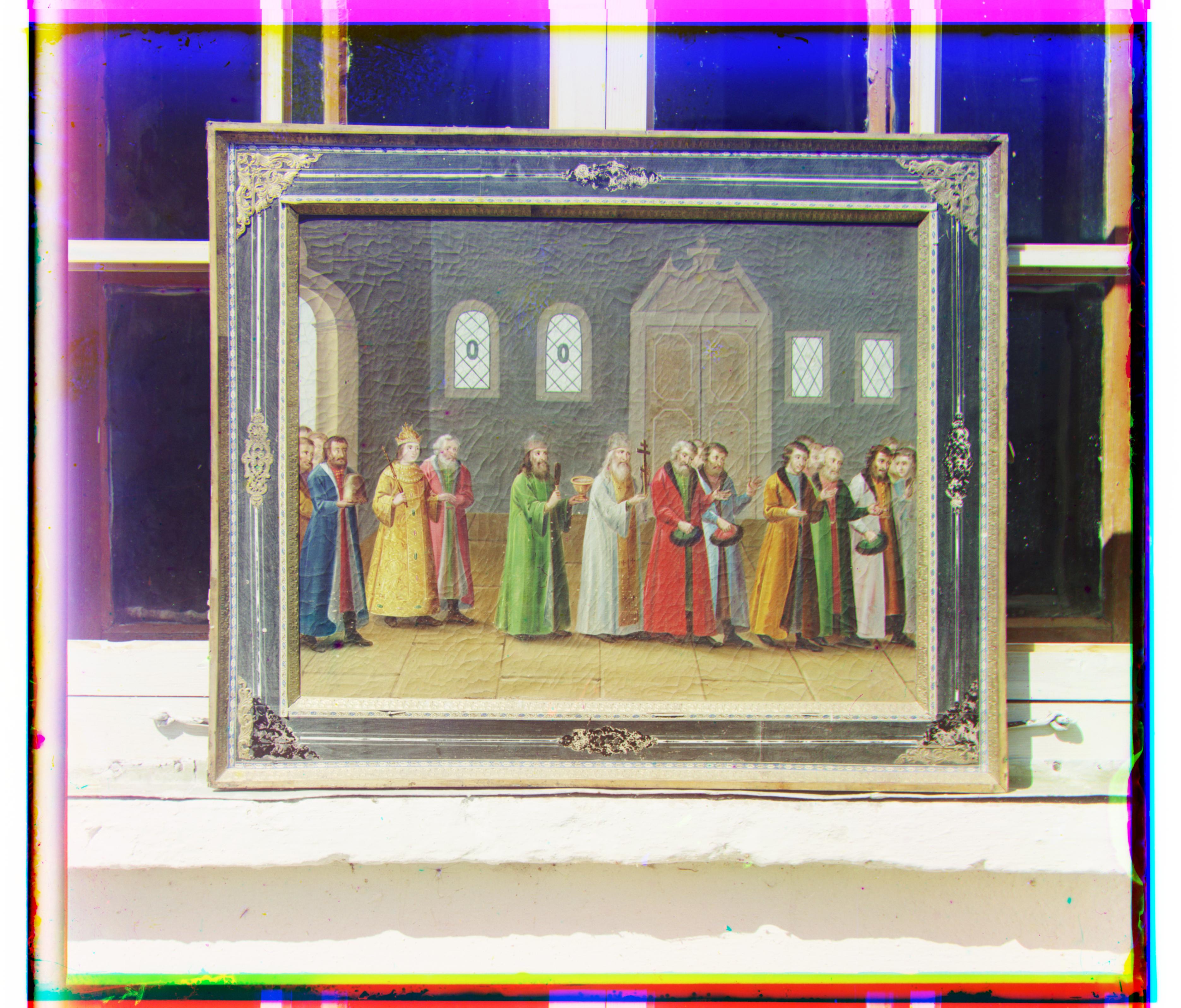
religous painting
R (7, 69) · G (3, 29)
-
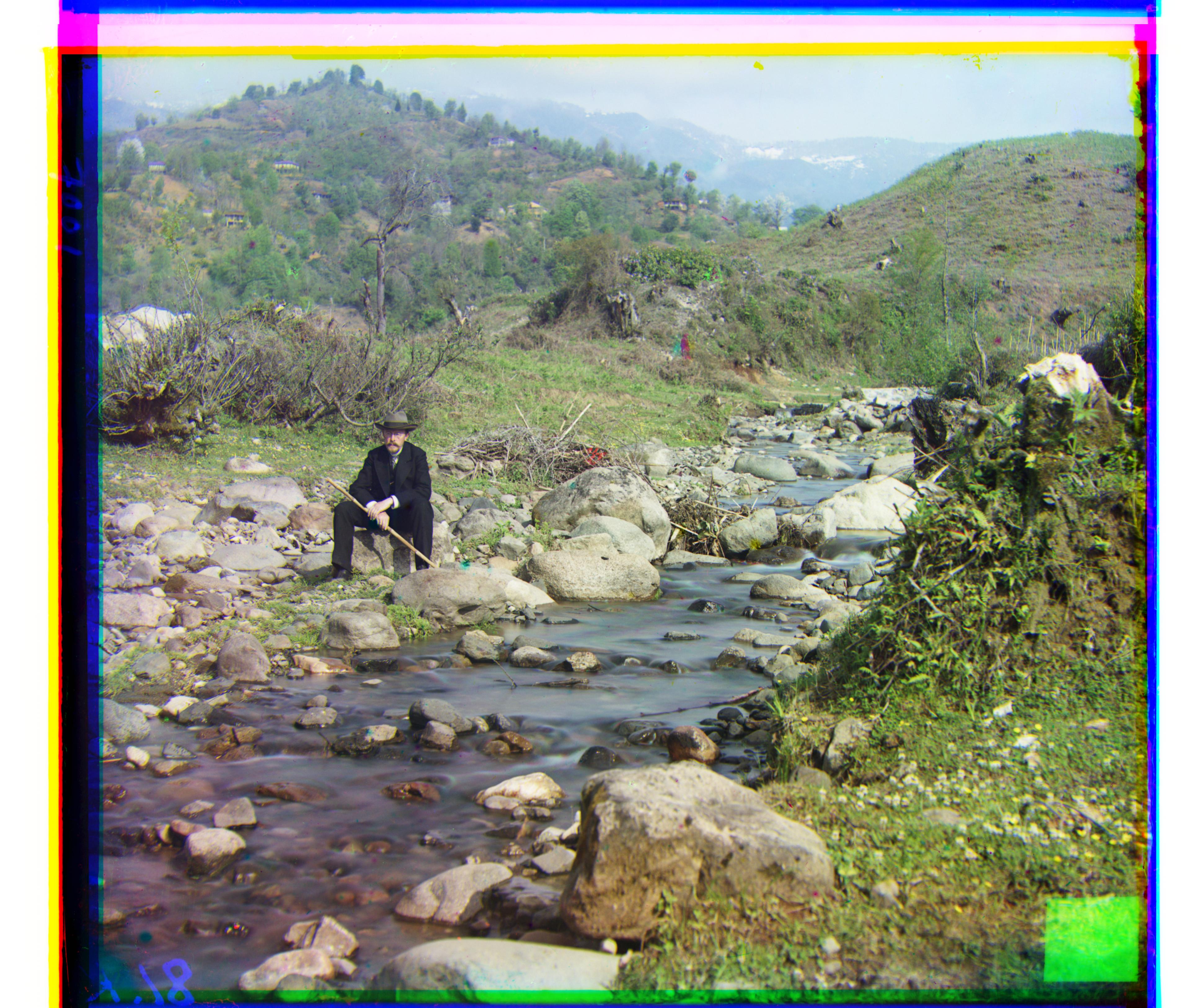
self portrait
R (37, 175) · G (29, 78)
-
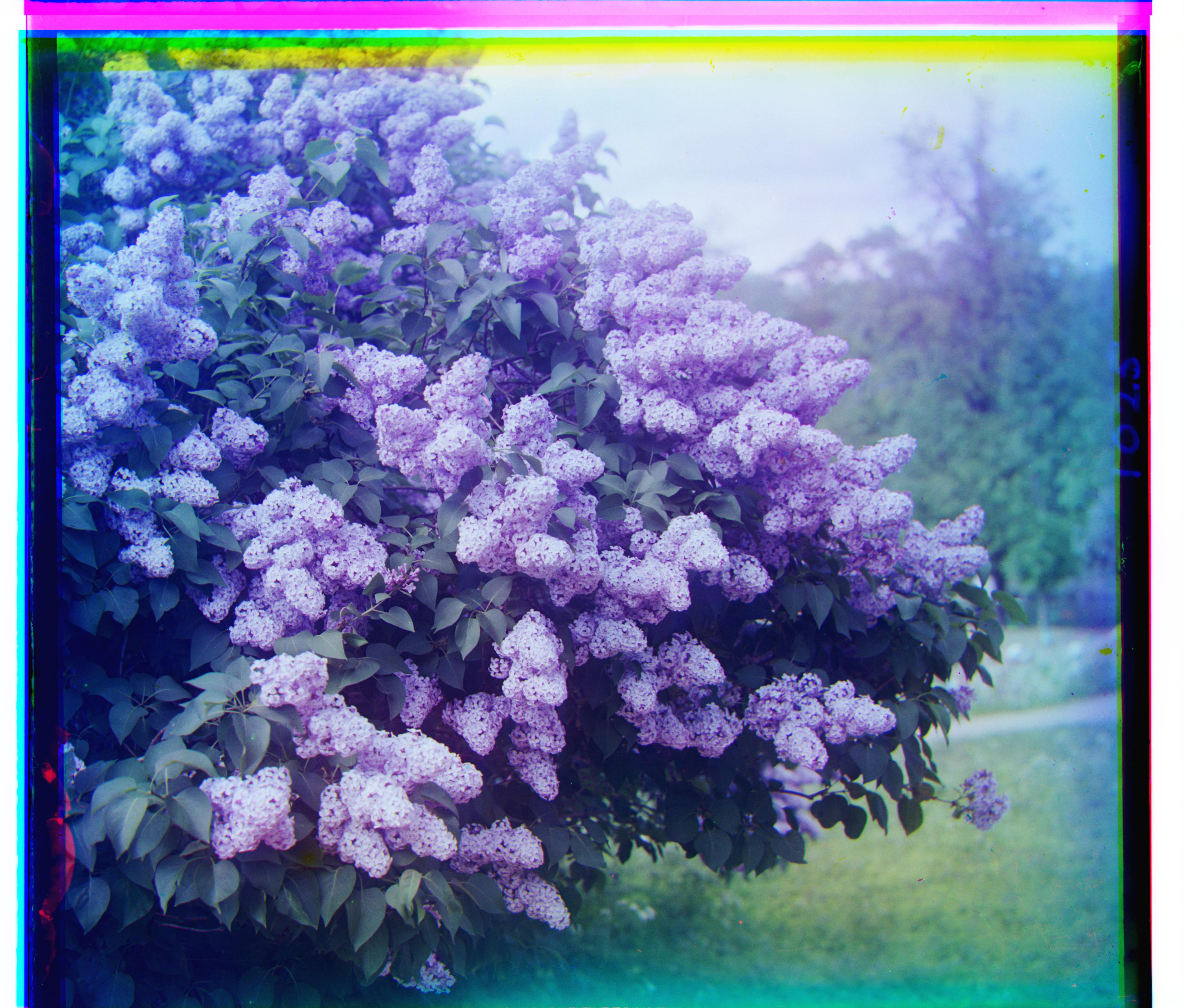
siren
R (-24, 96) · G (-6, 49)
-
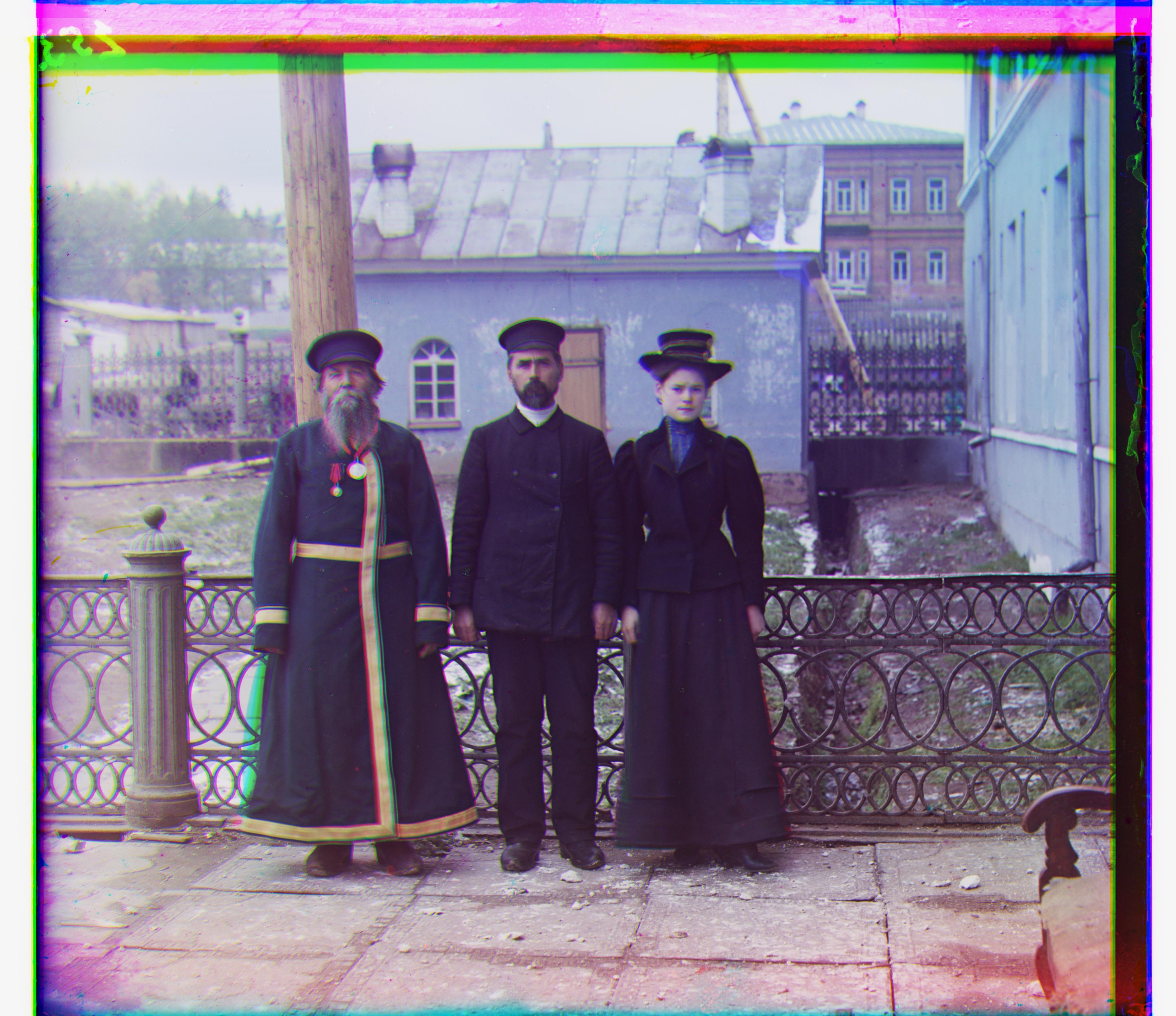
three generations
R (11, 113) · G (17, 56)
-
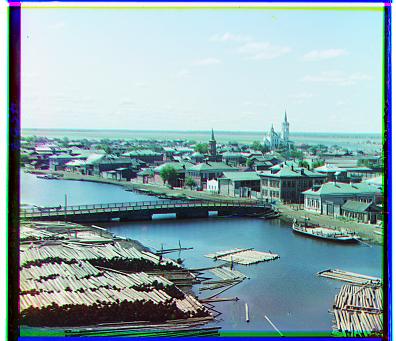
tobolsk
R (3, 6) · G (3, 3)
-
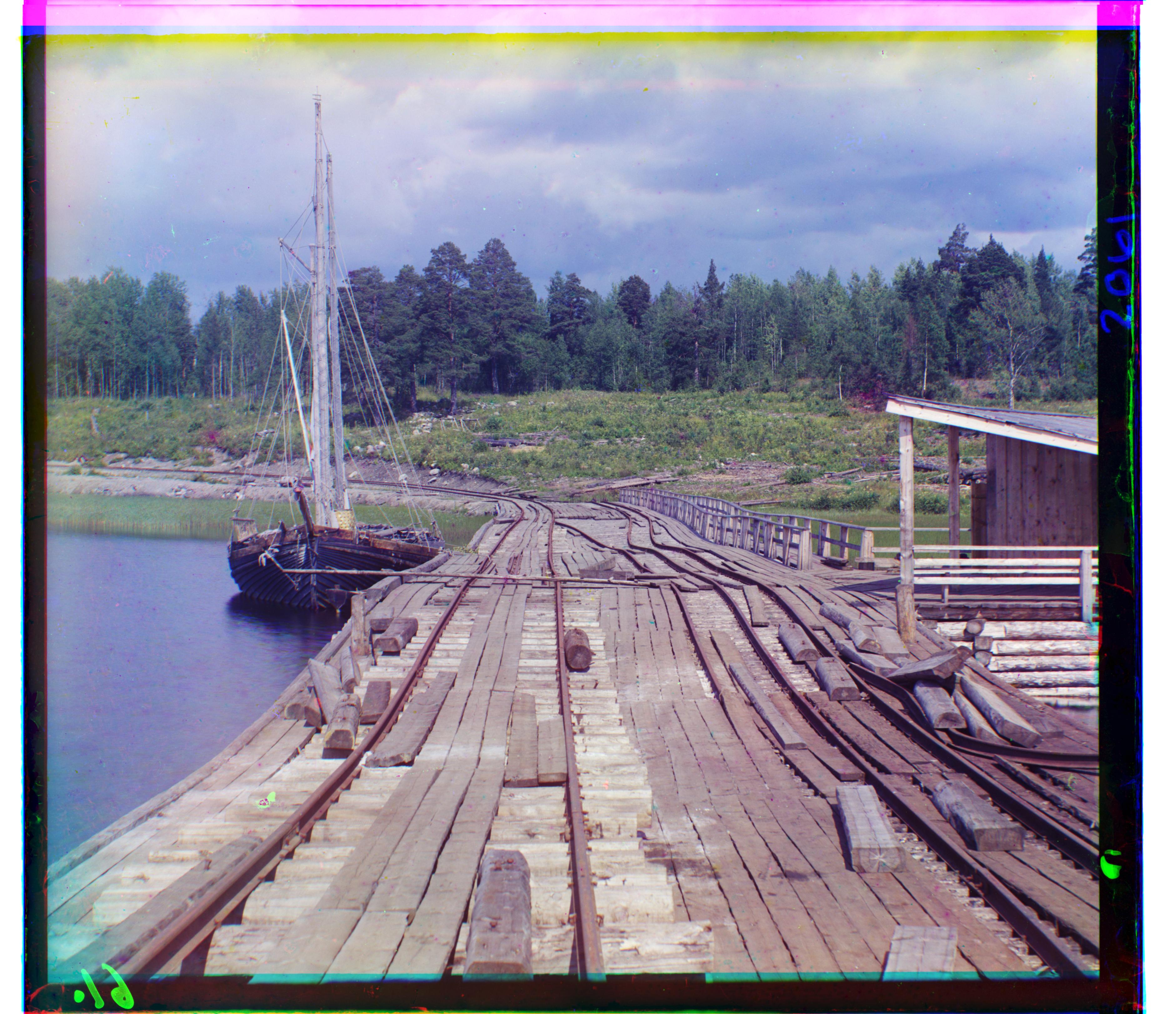
wharf
R (-16, 82) · G (-7, 15)
Indeed, all the pictures look well aligned! Here are three more images I reconstructed. These were all picked out by my father. I thought this project was pretty cool; and I shared it with him; and he agreed.
Dad’s Choice SSIM
-
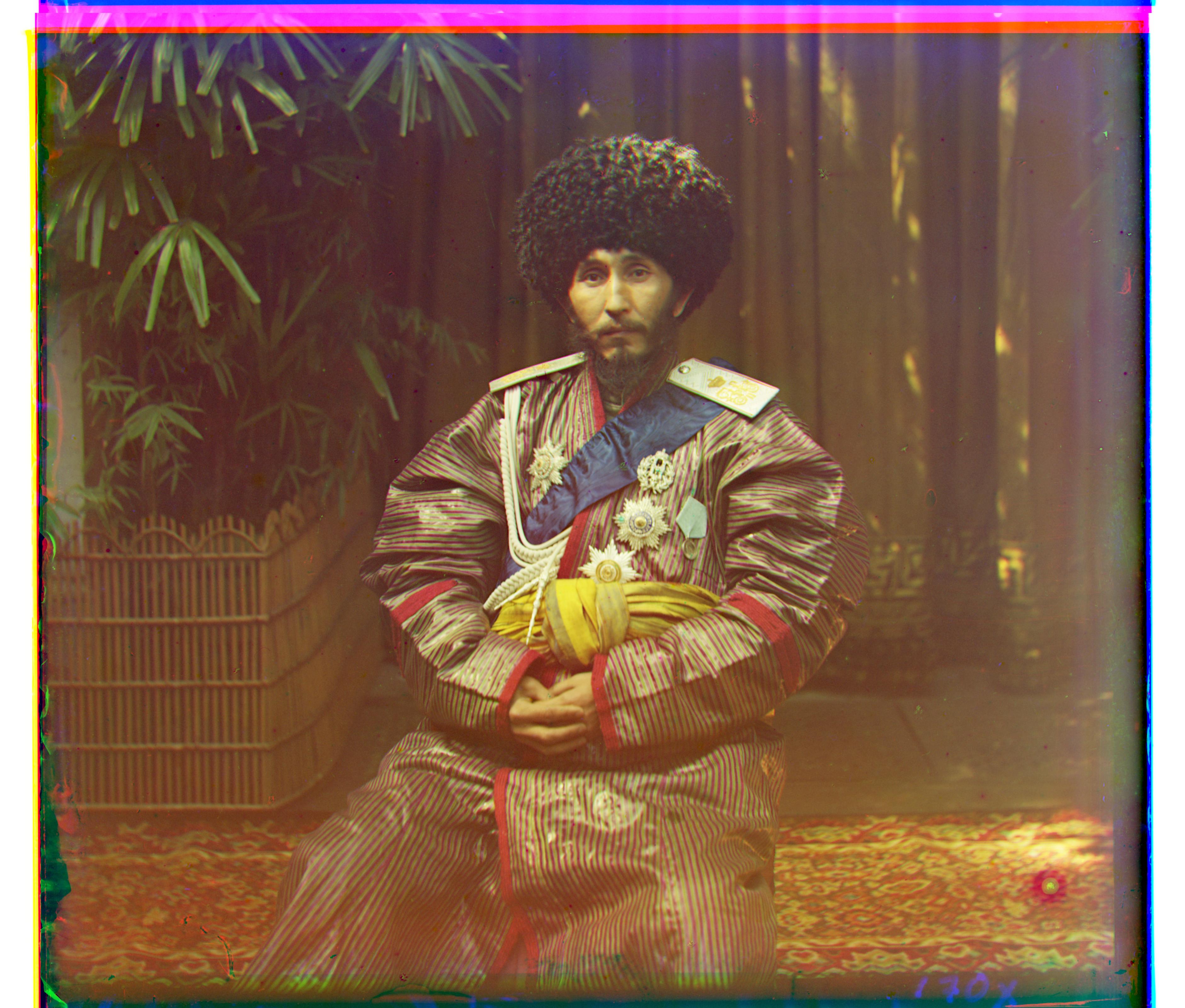
isfandiyar
R (0, 105) · G (5, 41)
-
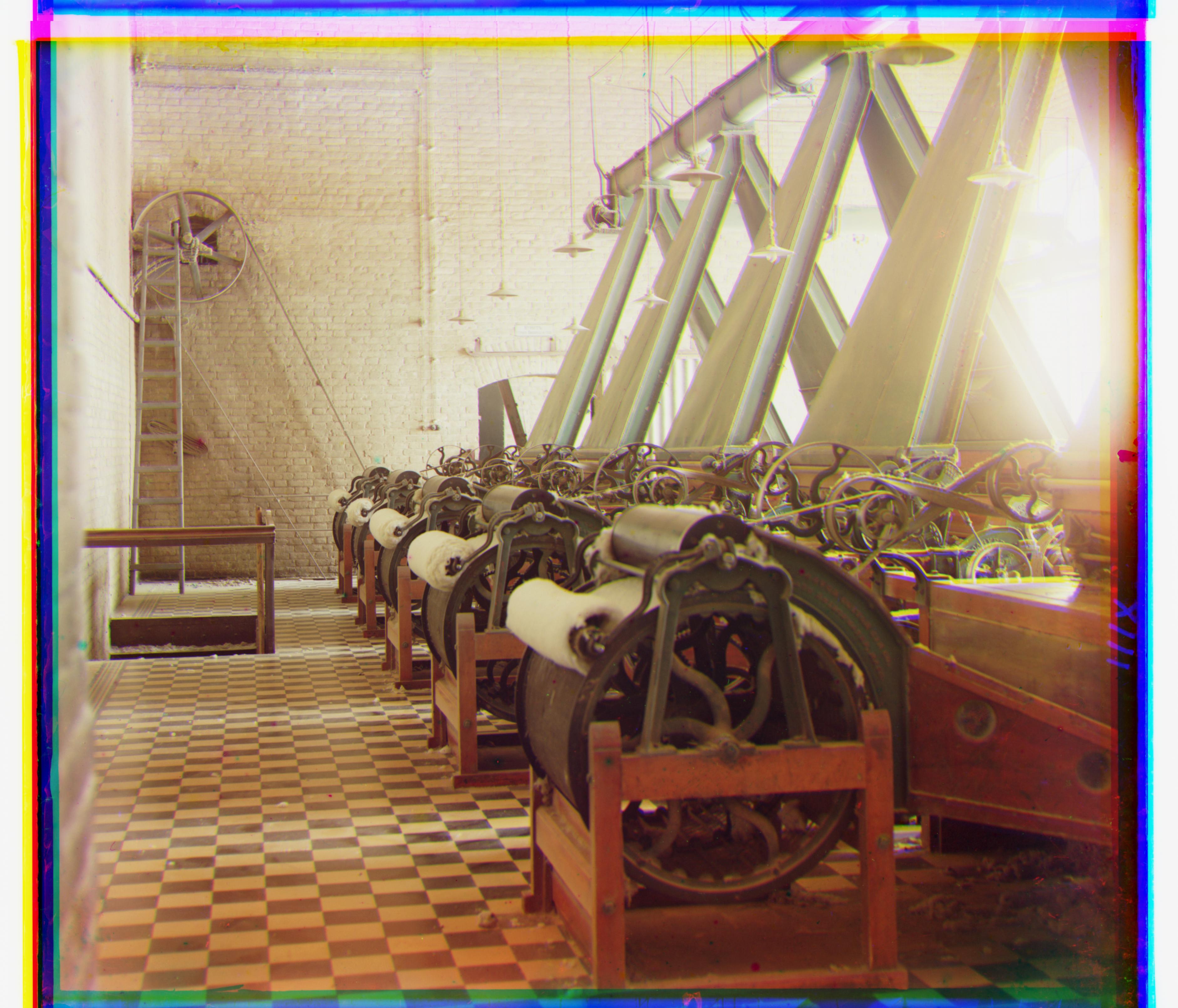
cotton
R (34, 131) · G (24, 67)
-
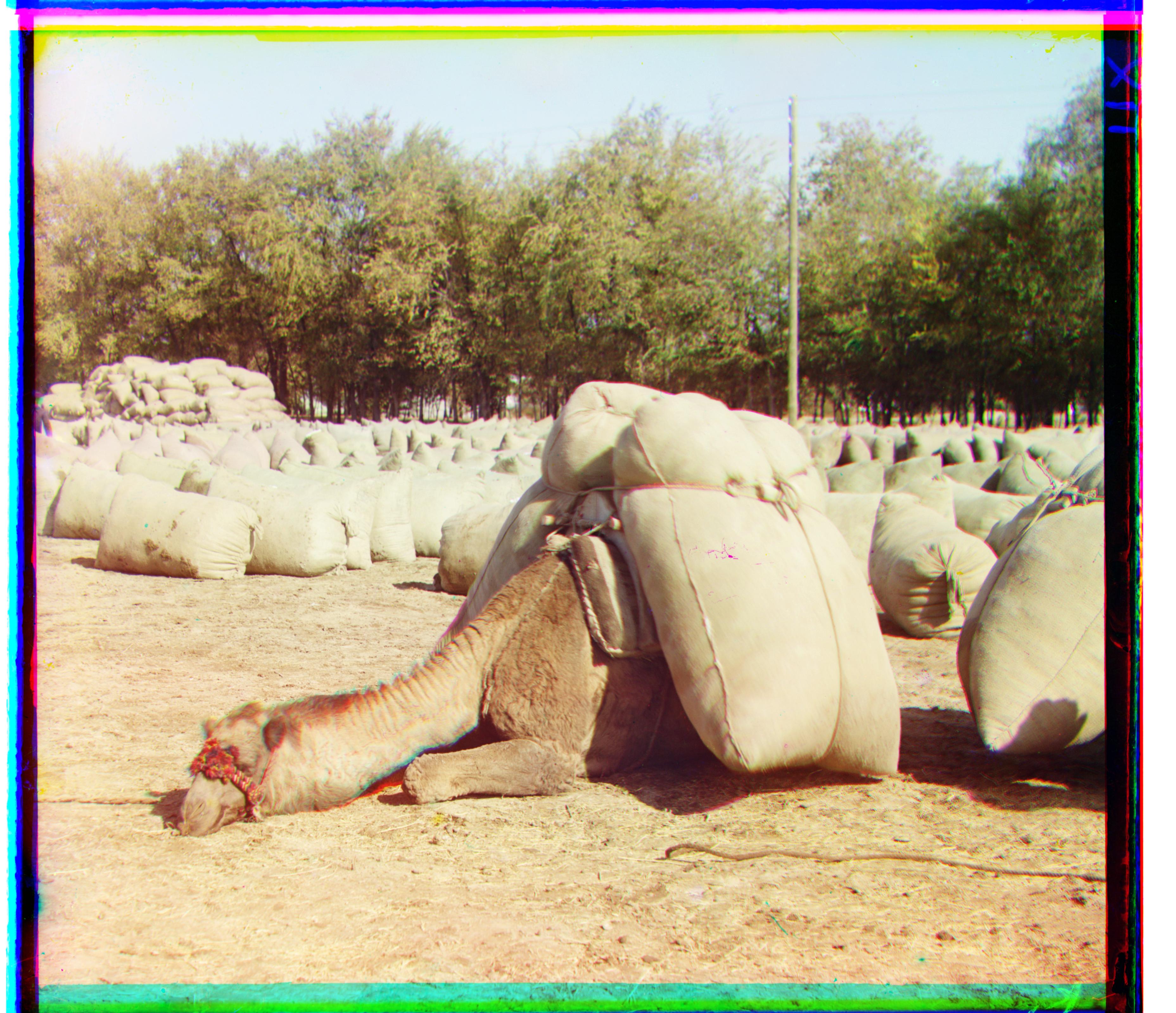
camel
R (-21, 96) · G (-5, 46)
One final modifaction I made to the algorithm is to also sweep some different angles of rotation. This was necessary to get better alignment of The Tartan Ribbon (mentioned at the beginning). After determining an optimal shift, we can twist that channel a little bit to see if it scores better according to whichever score function we chose. Here is the comparison.
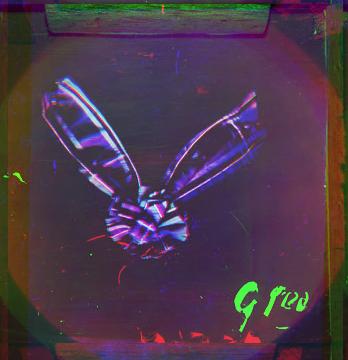
If you’re having a hard time noticing, look at the tips of the ribbon tie’s ears.