Project 0
Becoming Friends with Your Camera
When you take a picture, your camera is representing the three dimensional world we live in with only two. This projection is inevitably going to cause some distortions! By backing up and zooming in, you can reduce these distortions if you want to.
Why is this?
Imagine the field of view of a camera as a cone eminating outwards from the lens. Suppose that the thing you end up with a picture of exists in real life (approximately) as the solid angle subtended by this cone of some sphere. When you take a picture the surface is flattened. Hence if the object is close, then the surface is very curved, so the projection warps the picture. If the object is further away, the region is flatter so there is less warpage.
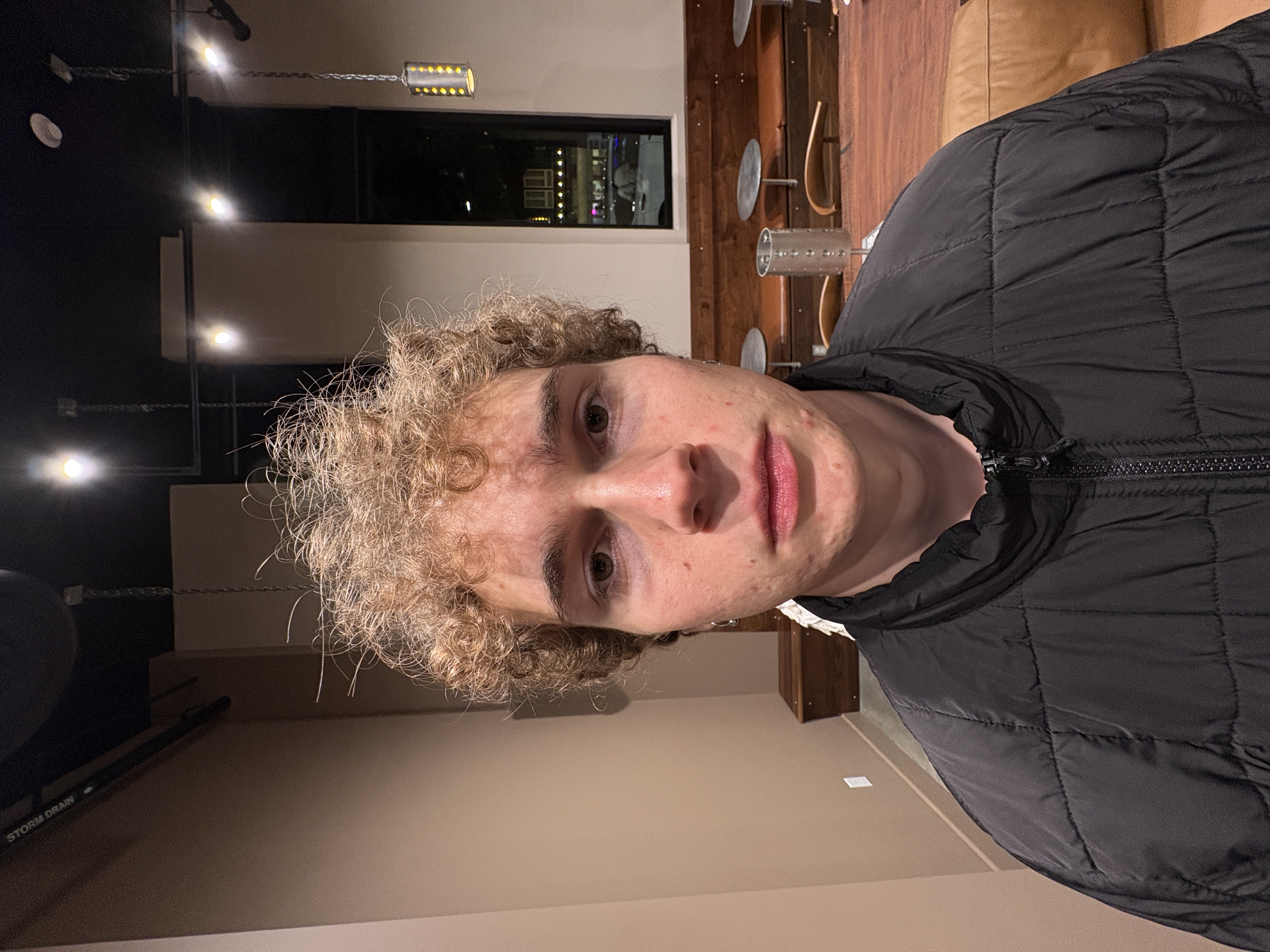
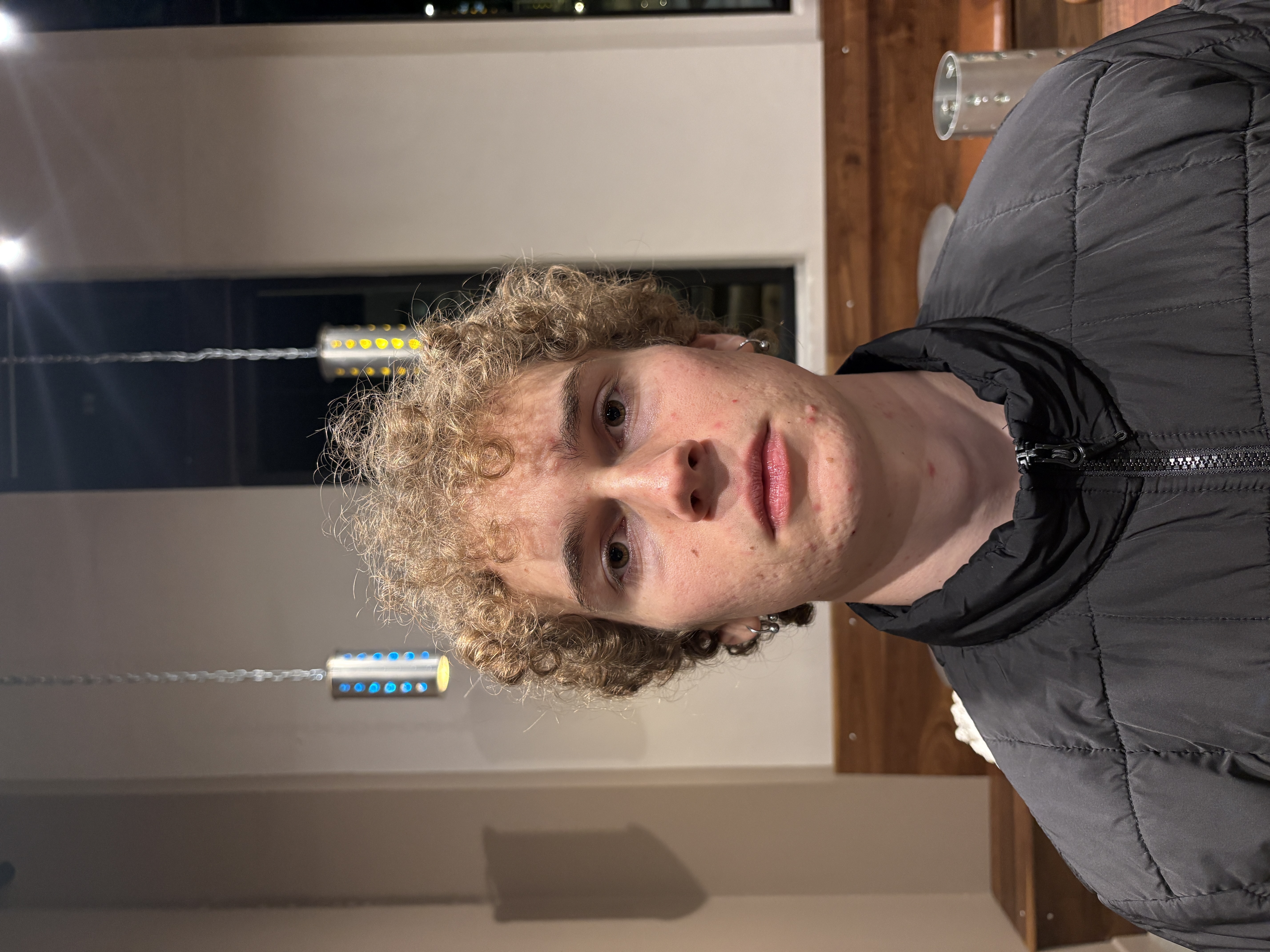
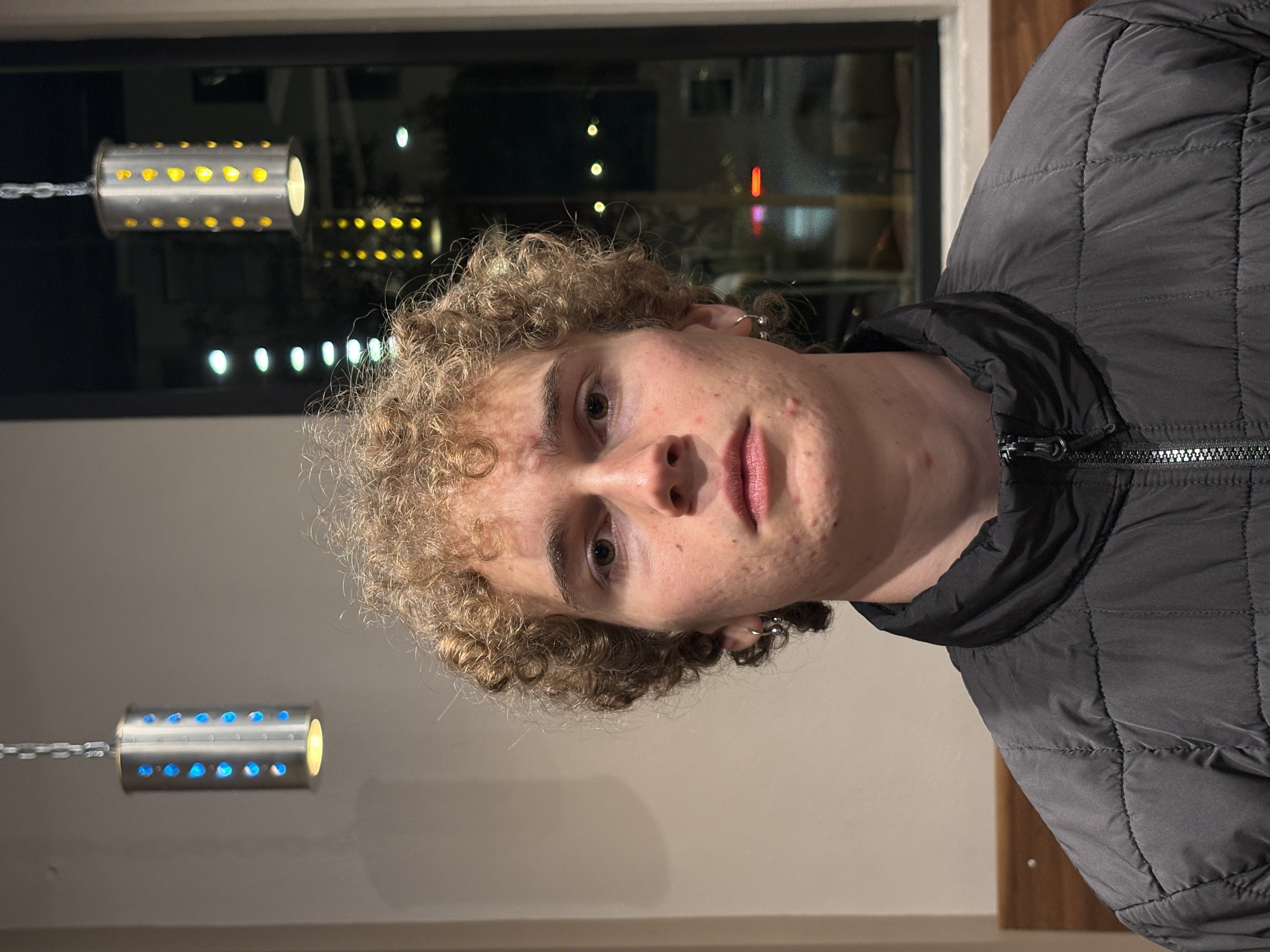
For a more-direct comparison we can also zoom in so that the object fills the same region of the final picture. One of my friends took some pictures of me to demonstrate this:
And I took some pictures of him:
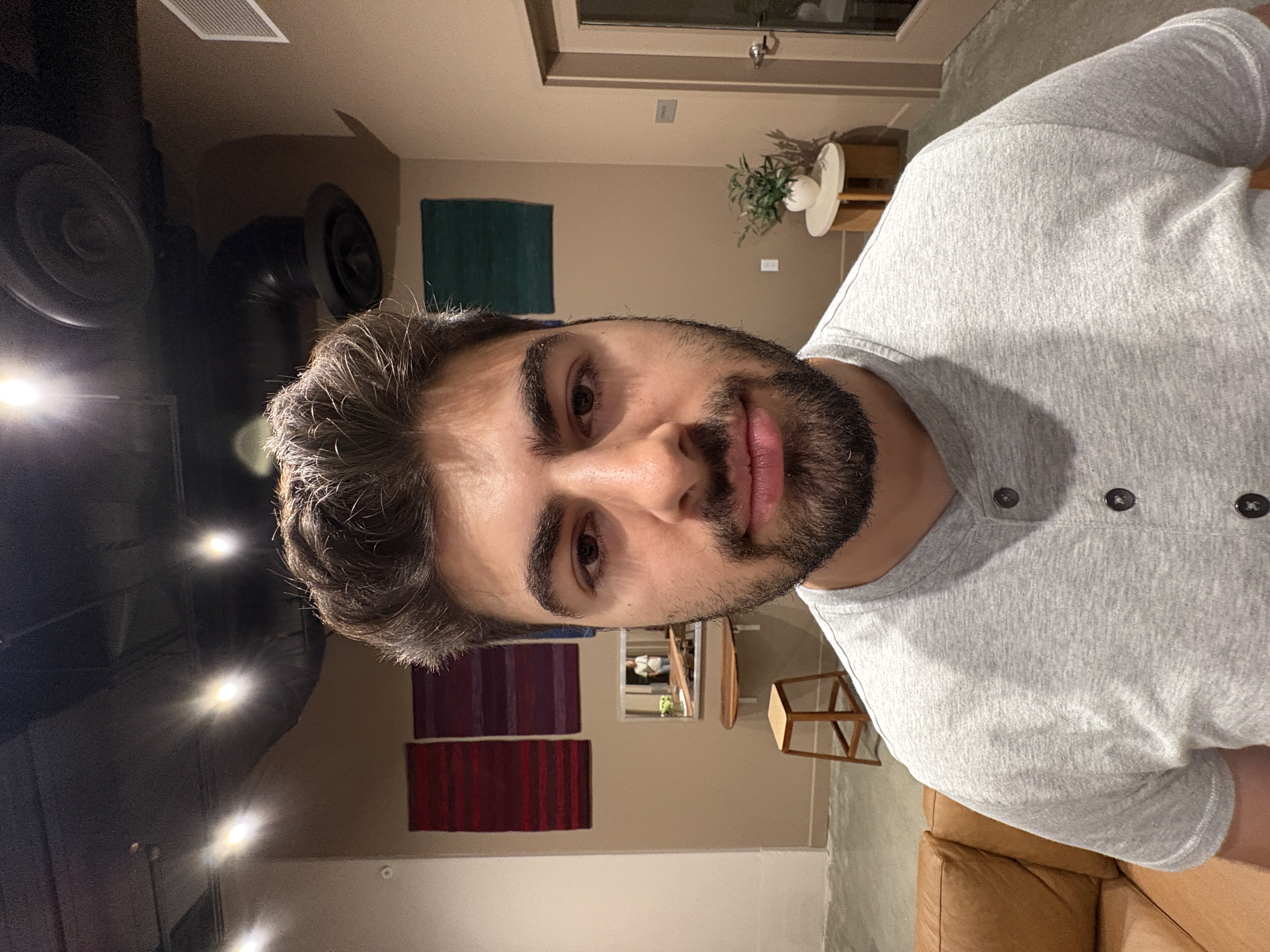
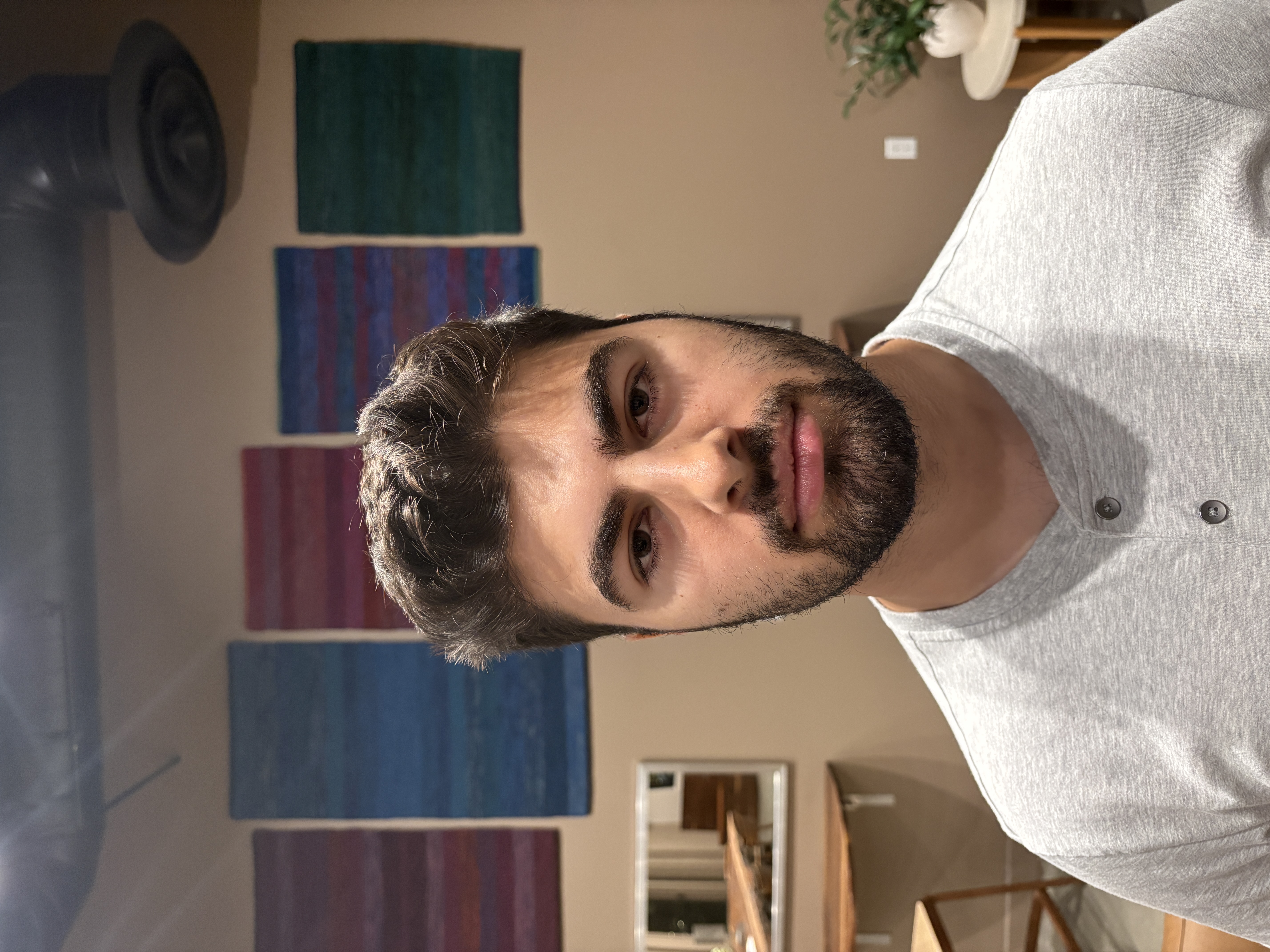
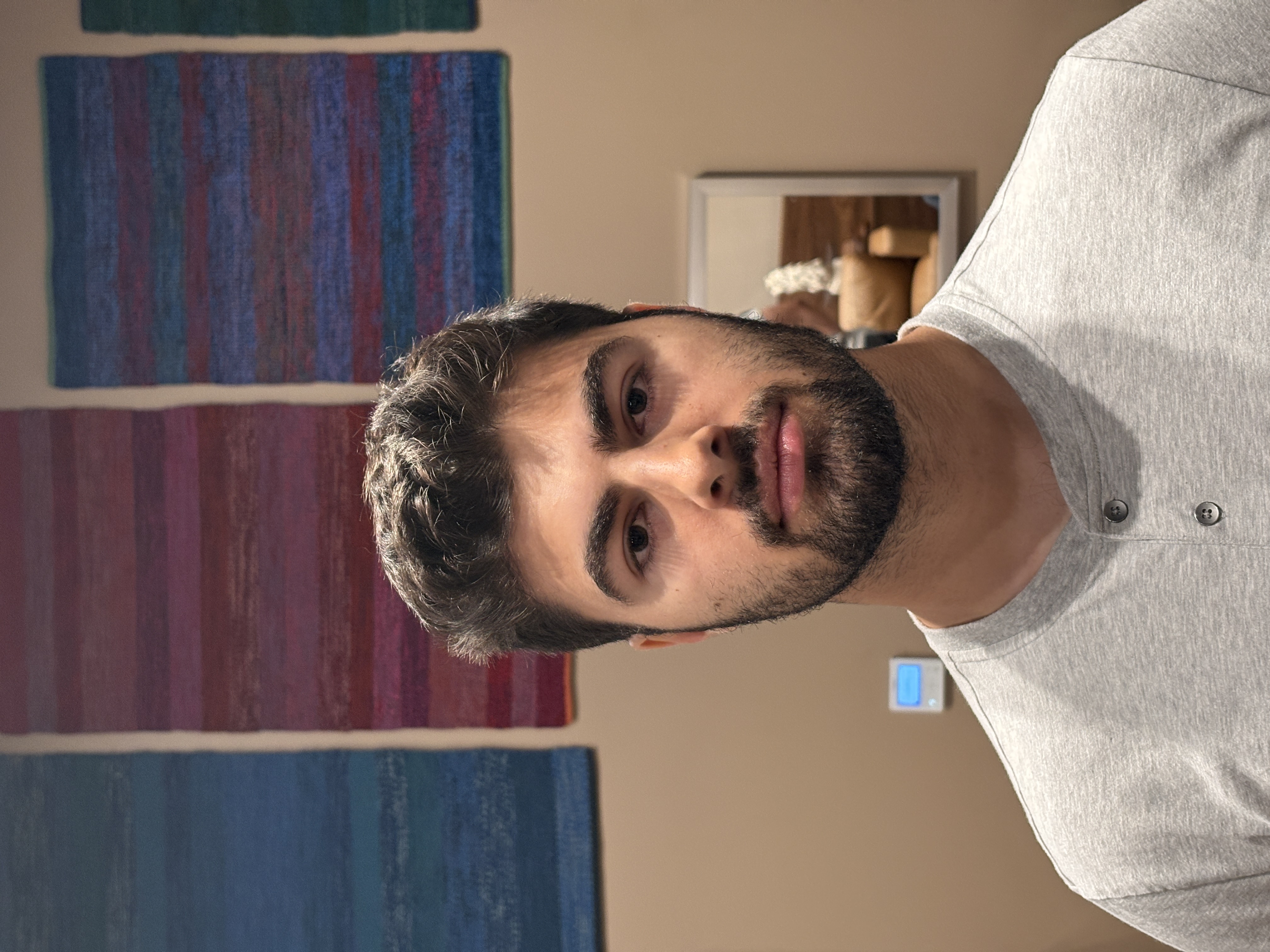
Thanks, Parsa!
In my opinion, both sets of portraits become increasingly flattering from left to right as the photographer backs up and zooms in.
I demonstrated the same concept by taking pictures of a cool house near my apartment. There used to be a locally owned grocery store (opened 100+ years ago) but the family has long since moved on, and the facade remains the front walls of someone’s house. I walk by it all the time; whenever I do, I think to myself “wow, that’s pretty cool!”
Anyway, I walked over to take some pictures; and since an amazon truck was blocking my view, I decided to pass the time by practicing with it as my subject. It turned out well:
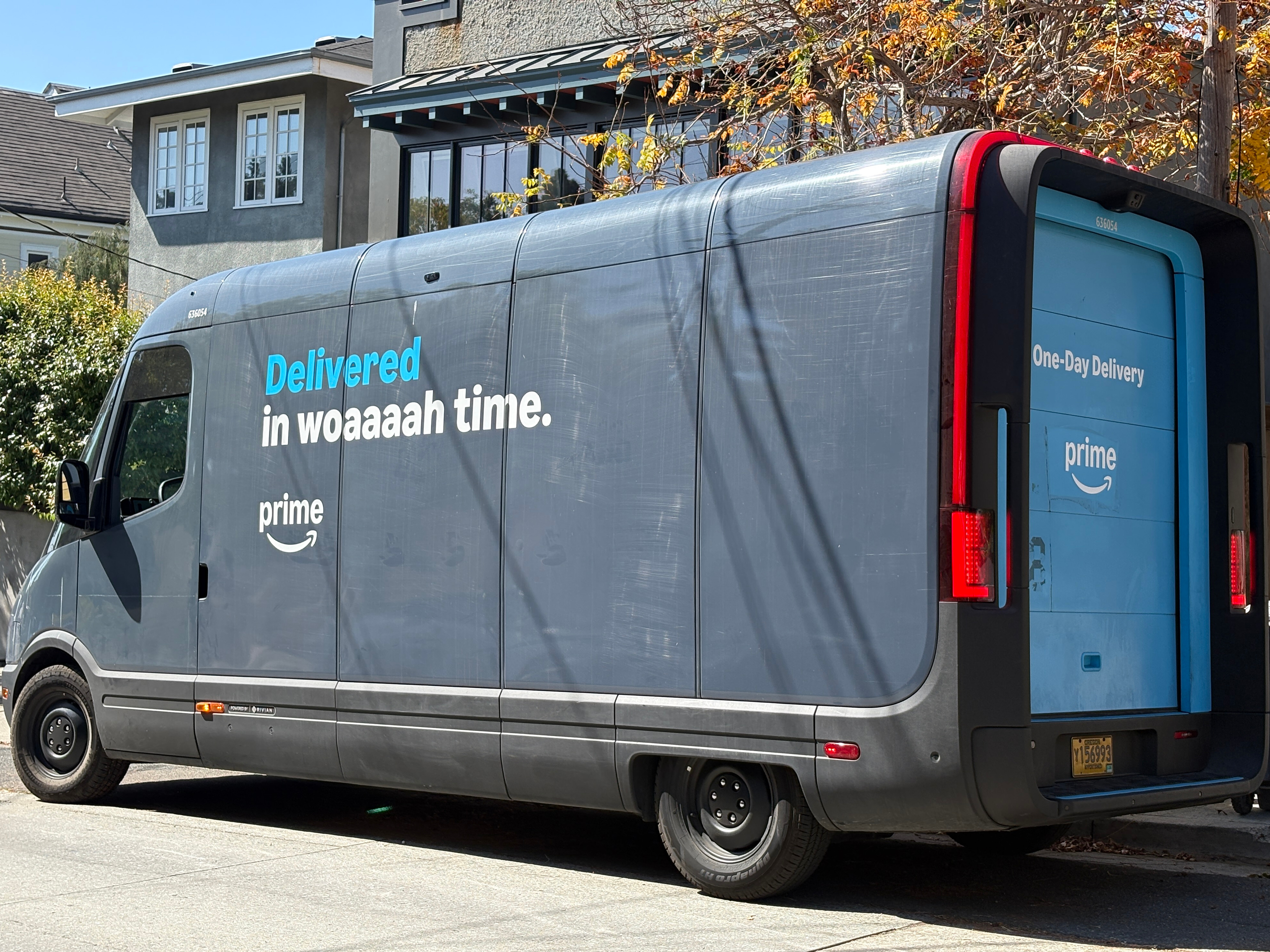

And here are pictures of the house:
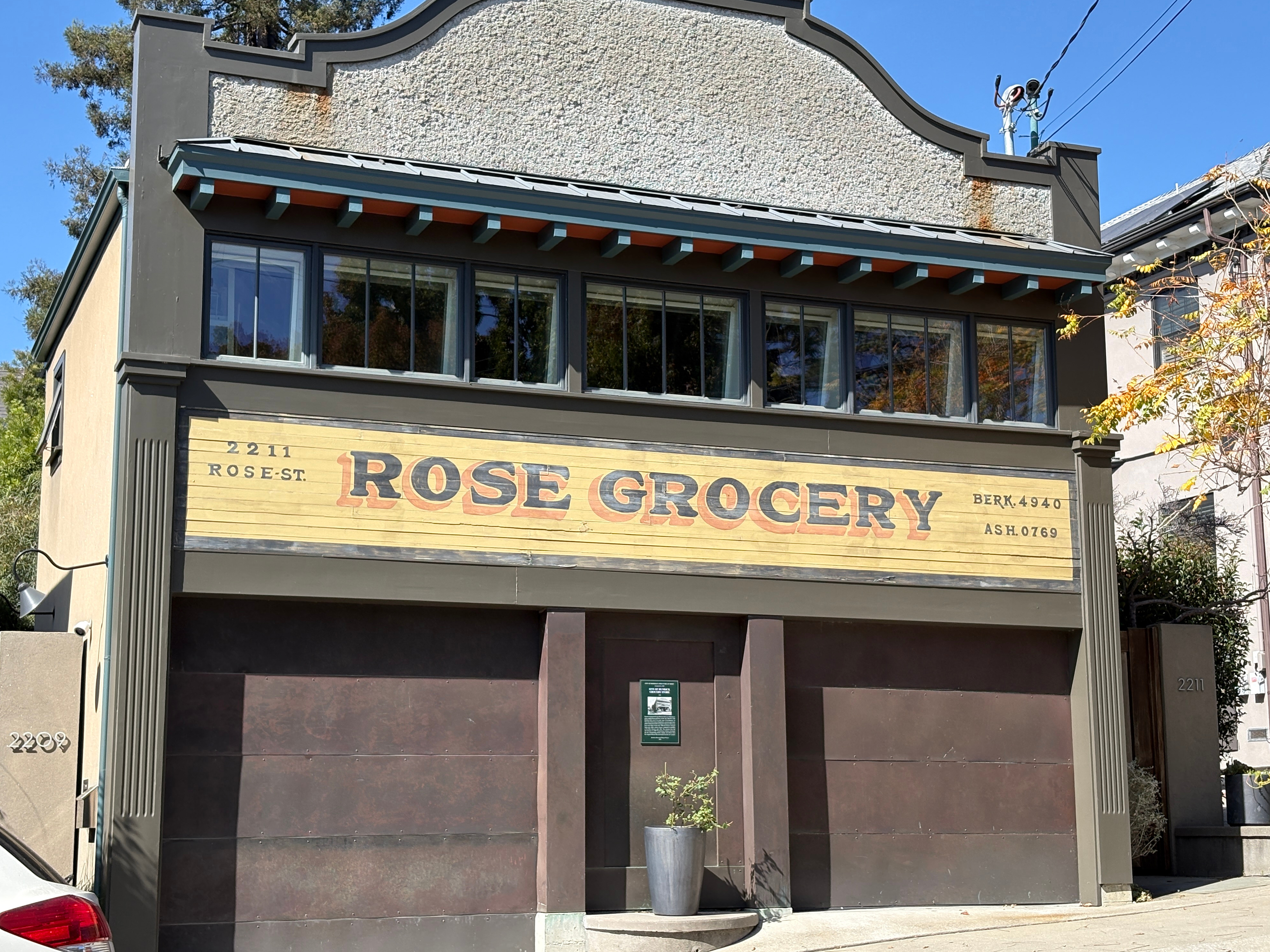
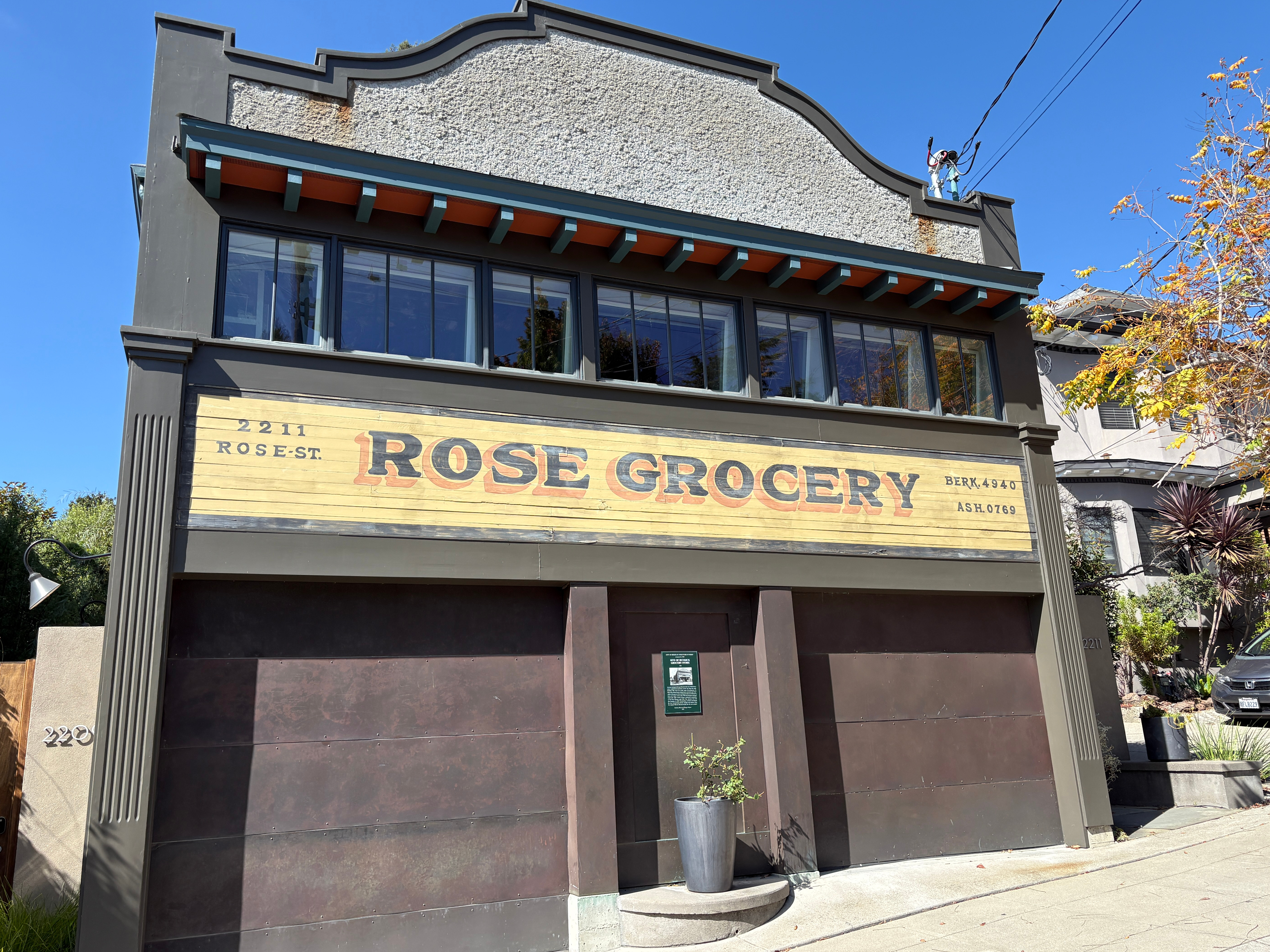
Only one person honked at me while I stood in the middle of Rose Street to take these! Like the portraits, I much prefer the former (back up and zoom in) in each of the pairs above, because the second looks distorted.
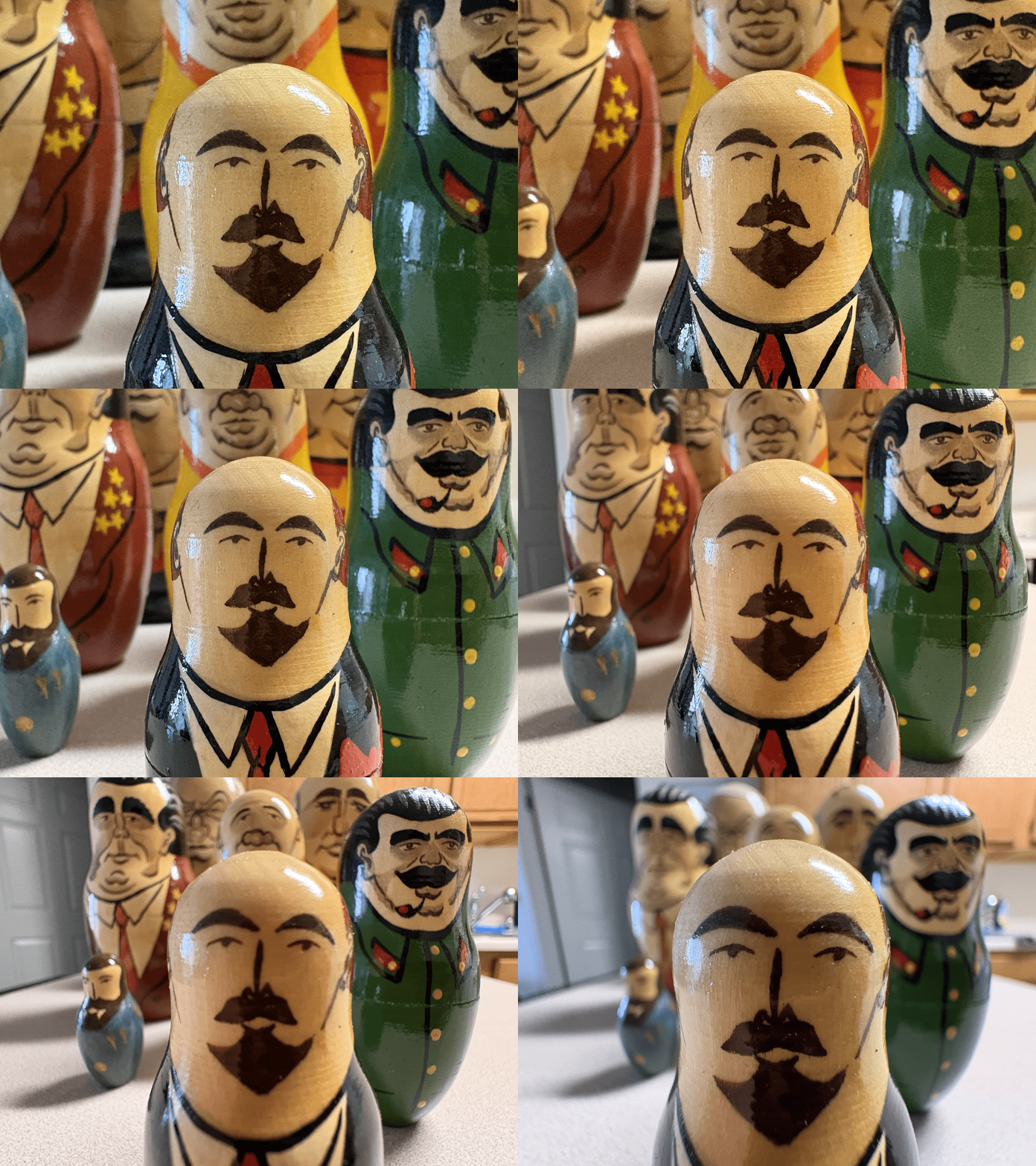
Finally, we can use this concept to make a neat GIF. You stitch together a sequence of increasingly close and zoomed out pictures, keeping the subject the same size. Like before, the subject becomes distorted. Further, as the camera gets closer and zooms out, the background’s solid angle broadens, so you see more and more of the surrounding environment.
I chose as my subject a set of old russian nesting dolls gifted to me by my grandparents. From smallest to largest, these depict the Russian leaders in chronological order. So the big guy is Yeltsin (since these were made before the time of Putin), the smallest is Lenin, and our subject is Stalin. Here is the GIF:
Over the summer, I discovered naturally that my pictures look better if I stood further away and zoomed in. I had never thought until now about why this is. Here’s a good example I found from a trip I took this summer, which closely demonstrates the same ideas as above:
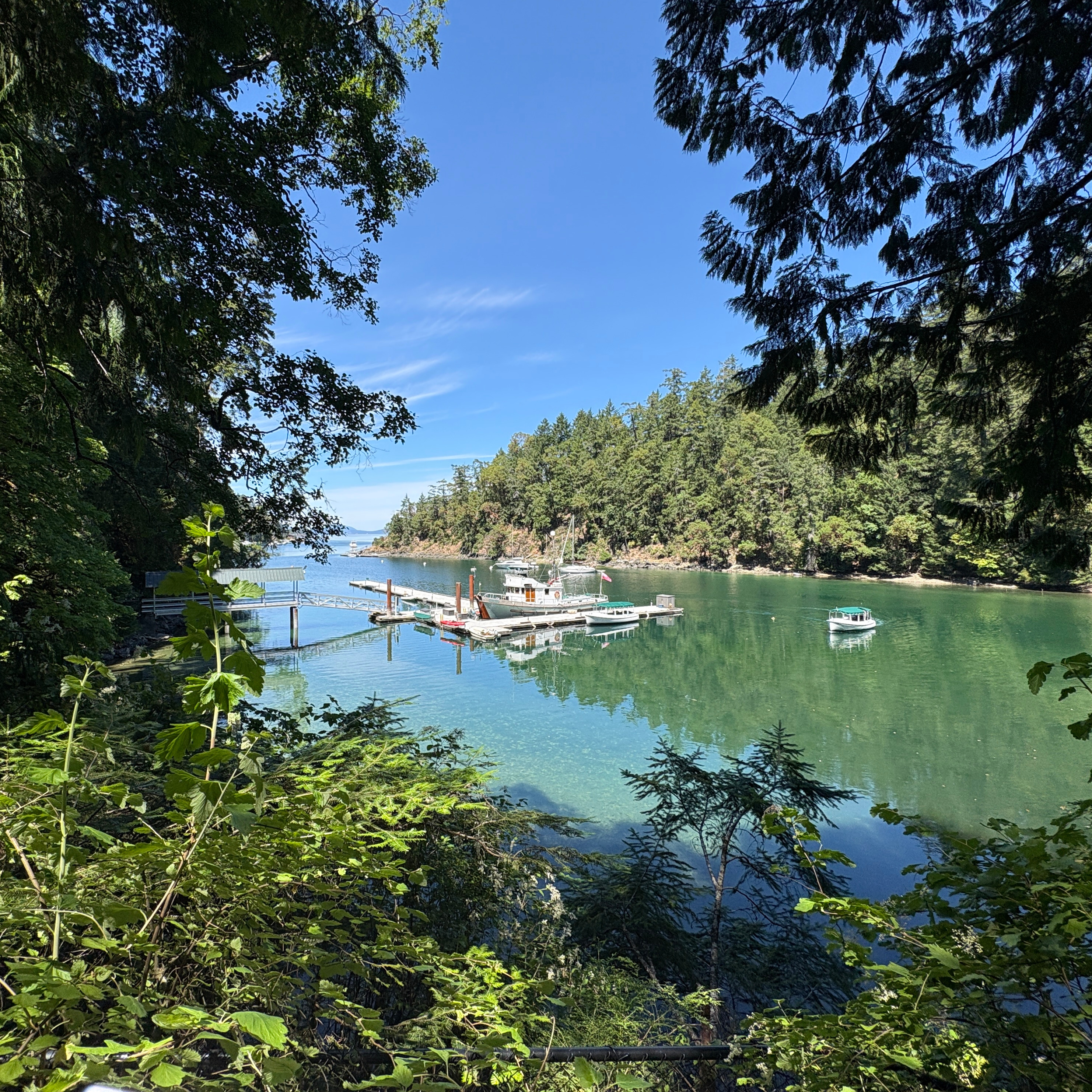
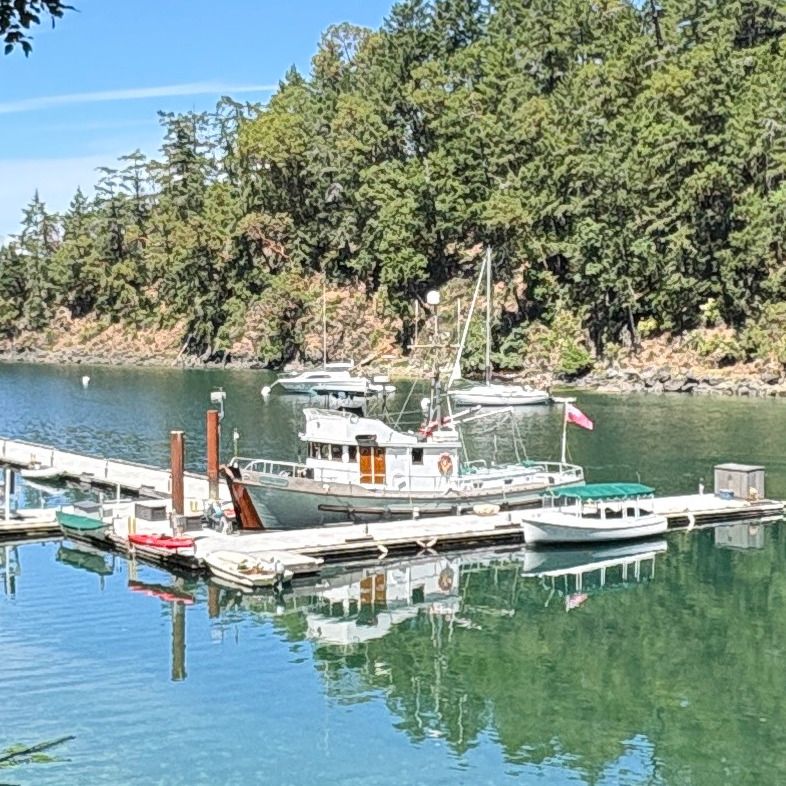
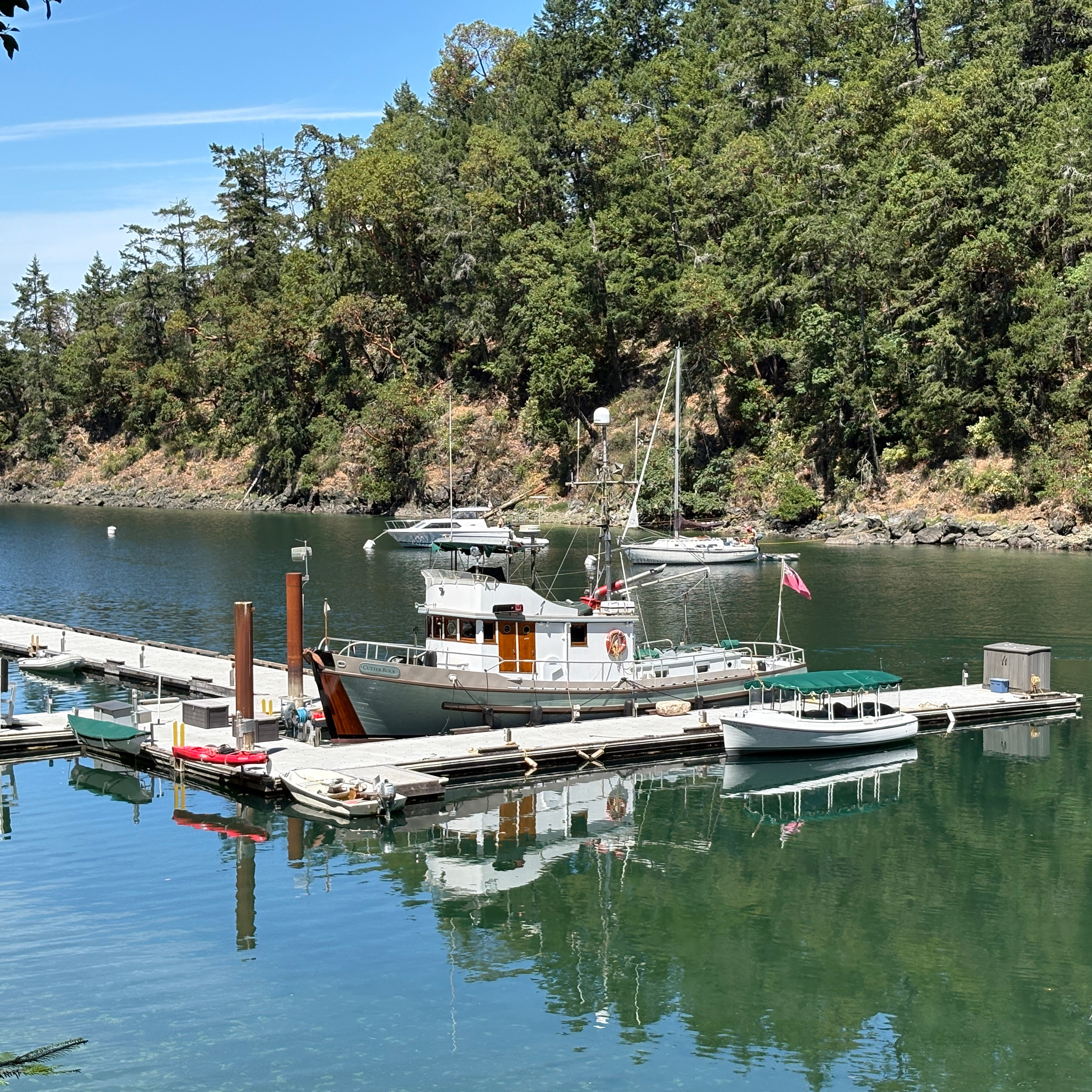
The leftmost and rightmost pictures were taken with my iphone camera; and the one in the middle is a cropped version of the leftmost image such that the boat takes up approximately the same proportion of the picture.
Aside from the lower resolution (it was cropped) and relative overexposure (due to the dark leaves) in the middle image, I think that it looks almost identical to the rightmost one. This is because I took both pictures standing in the same spot! Zoom alone only broadens or narrows the solid angle; it does nothing to the scene’s “curvature.” In summary:
- backing up forces parts of an object at different depth all to exist on relatively flat regions of spheres which end up getting flattened into a picture
- zooming in keeps constant the region filled by the object of interest
Question - where did I go this summer? Here are more pictures. Perhaps they (the last one, in particular) will help:
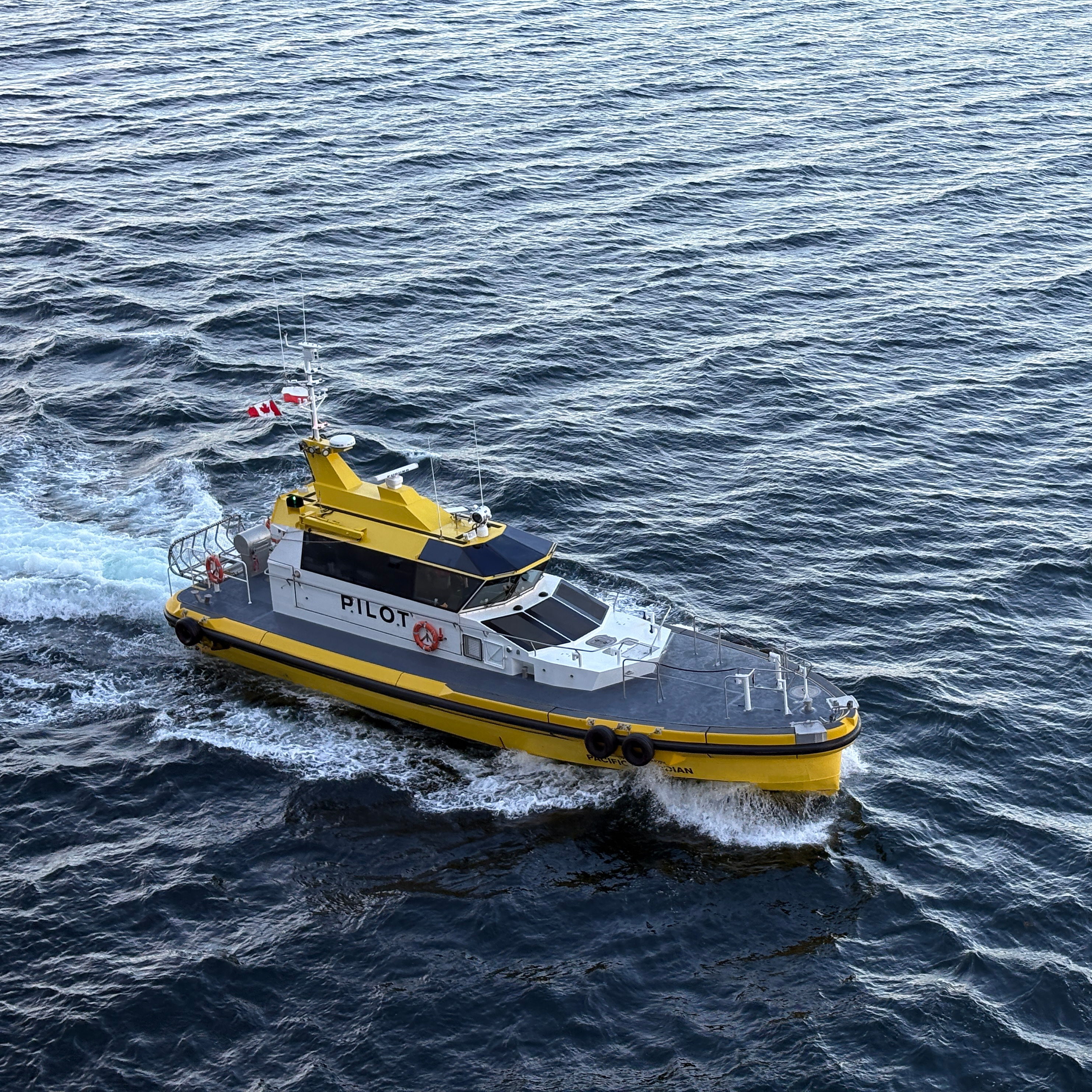
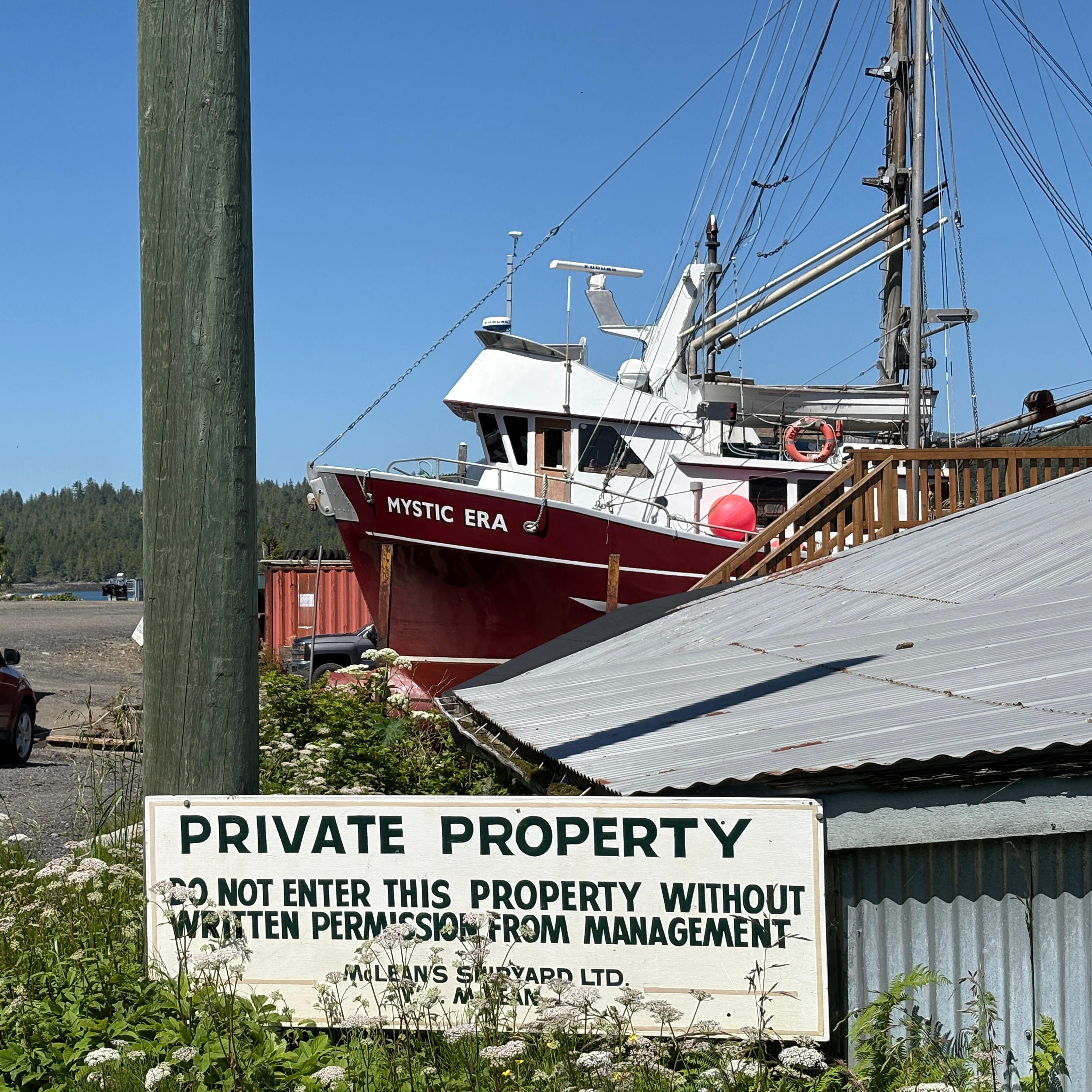
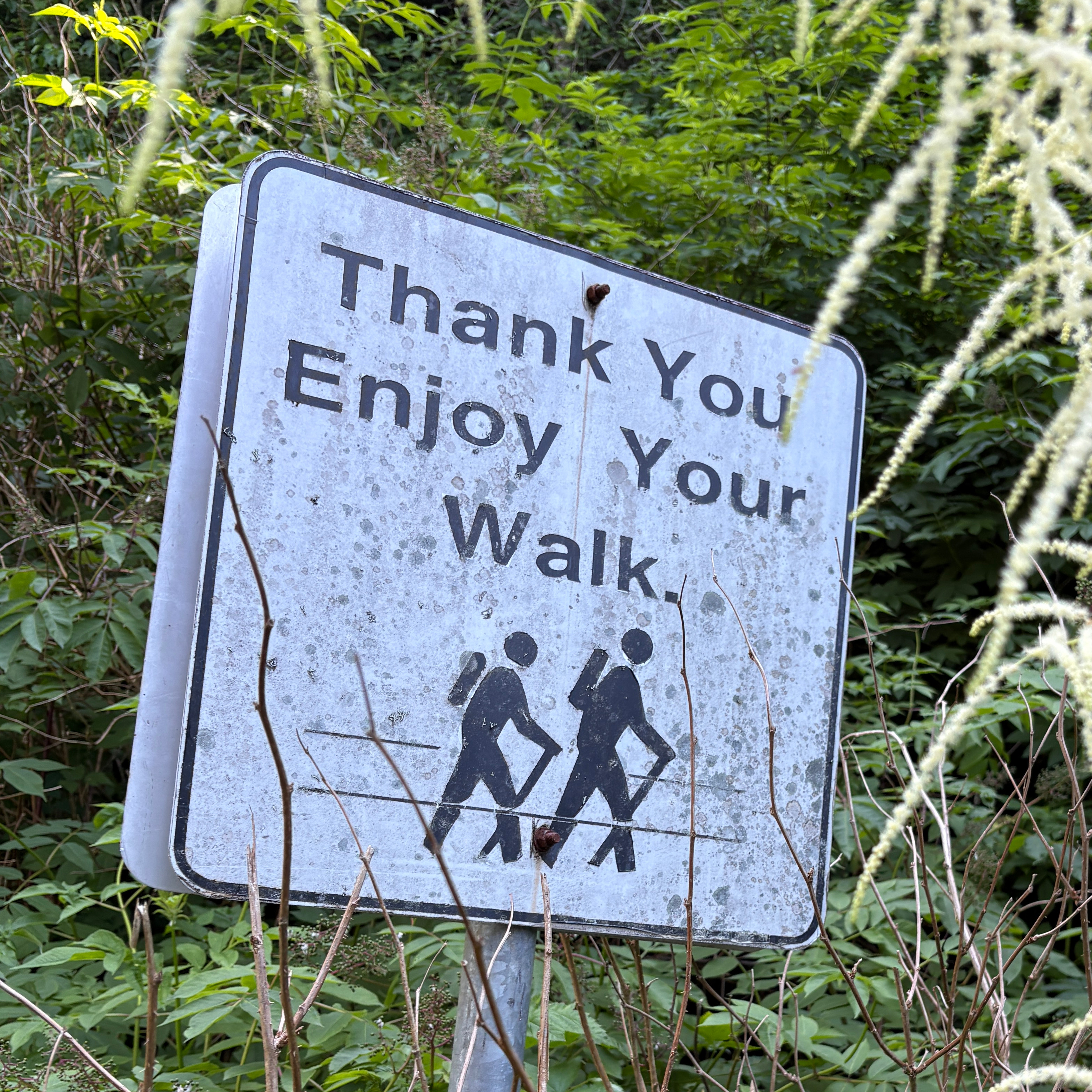
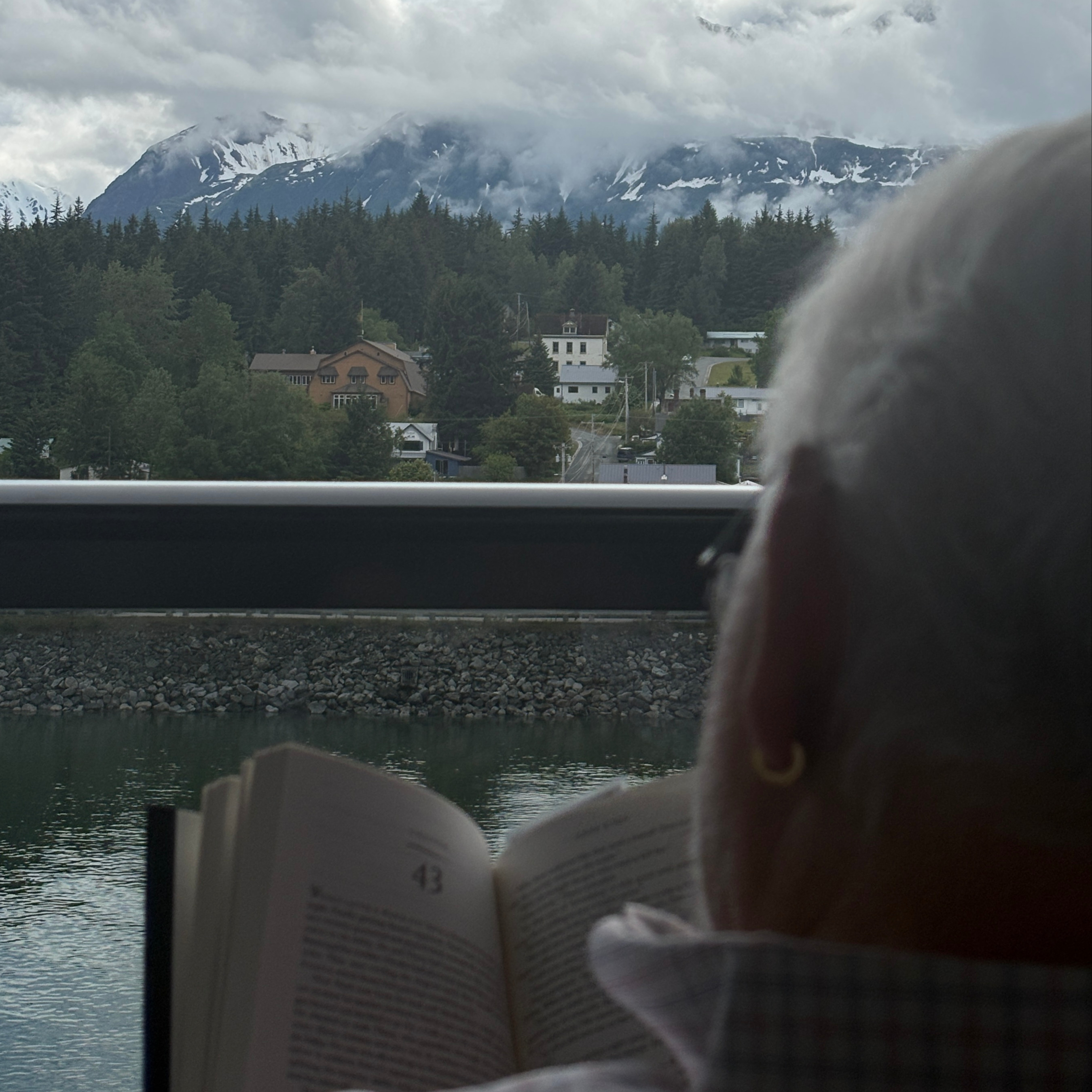
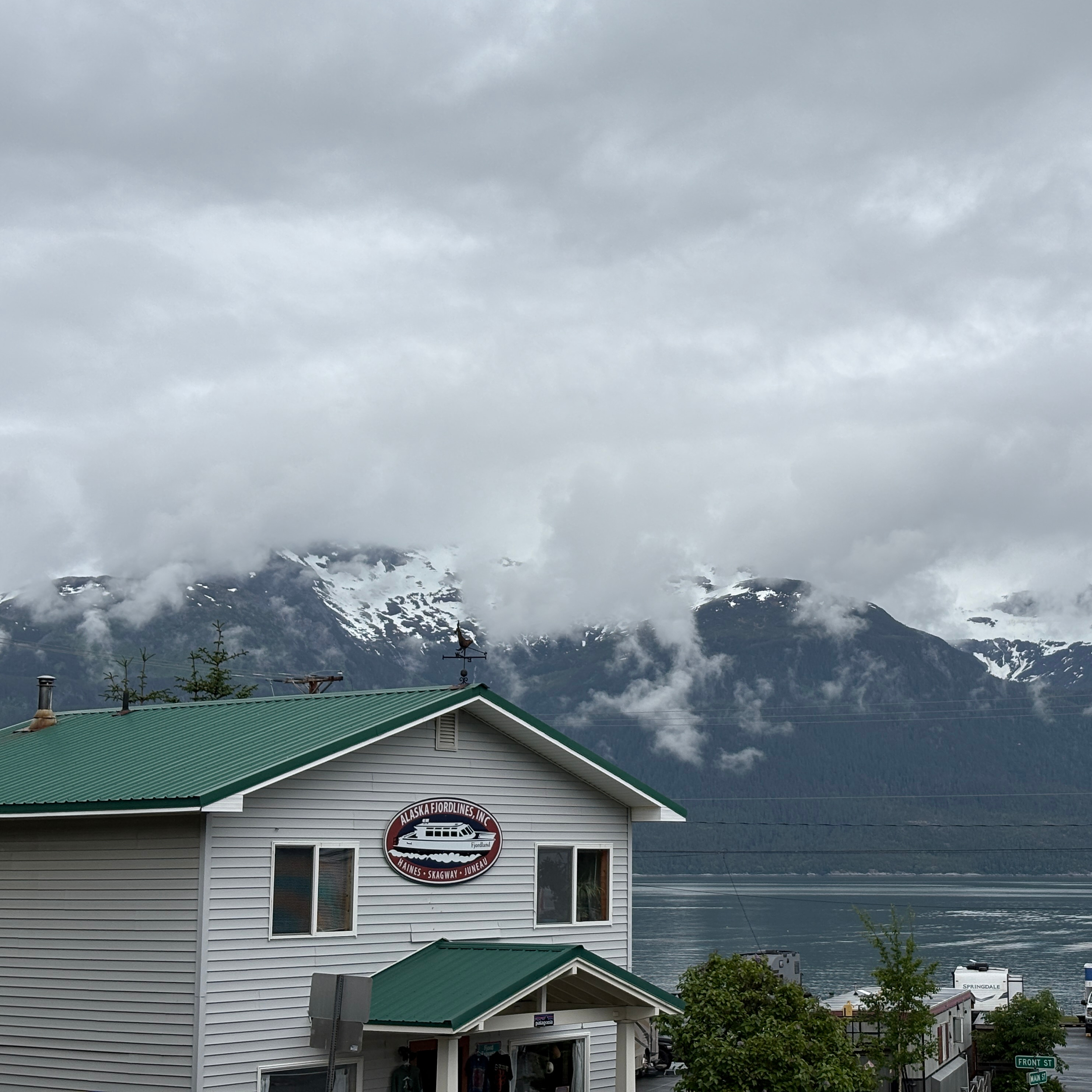
Answer: these are all from a trip I took with my grandfather to Alaska.